R&S
®
ZVA / R&S
®
ZVB / R&S
®
ZVT GUI Reference
Trace Menu
Operating Manual 1145.1084.12 – 30 125
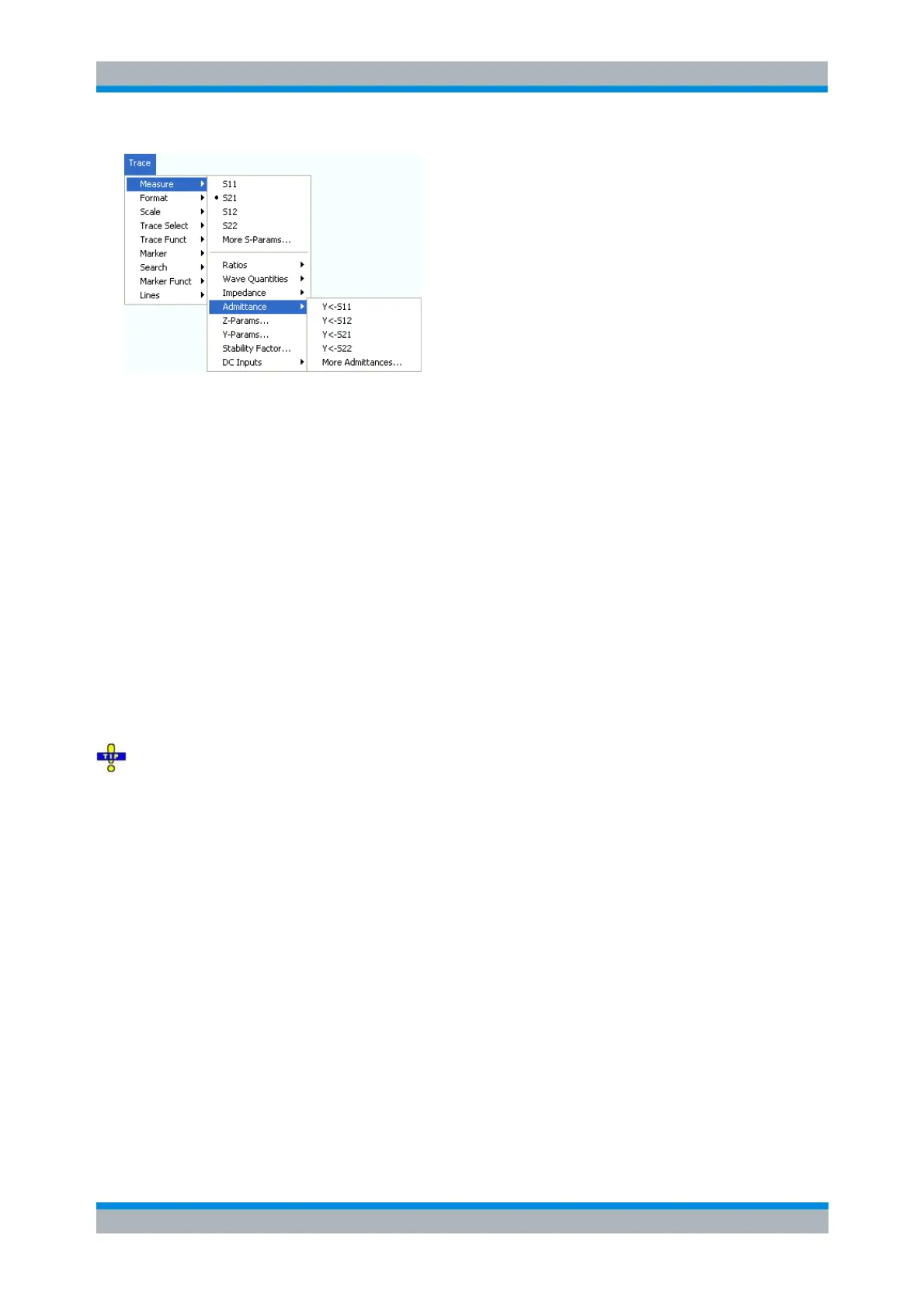
Y <– S11, Y <– S12, Y <– S21, Y <– S22 select the converted admittances of a 2-port DUT.
More Admittances... opens a dialog to select converted admittances for more ports or mixed mode
measurements.
Y <– S11, Y <– S12, Y <– S21, Y <– S22
Select the 2-port converted admittance parameters. The parameters describe the admittances of a 2-port
DUT, obtained in forward and reverse transmission and reflection measurements:
Y
11
is the input admittance at port 1 of a 2-port DUT that is terminated at port 2 with the reference
impedance Z
0
(matched -circuit admittance measured in a forward reflection measurement).
Y
22
is the input admittance at port 2 of a 2-port DUT that is terminated at port 1 with the reference
impedance Z
0
(matched -circuit admittance measured in a reverse reflection measurement).
Y
12
and Y
21
denote the forward and reverse converted transfer admittances, respectively.
The analyzer also provides converted admittances for more drive ports or balanced port configurations;
see More Admittances.
Use the More Y-Parameters dialog to measure Y-parameters including the transfer parameters. Use
the Inverted Smith chart to obtain an alternative, graphical representation of the converted admittances in
a reflection measurement.
CALCulate<Ch>:PARameter:MEASure "<Trace_Name>", "Y-S11" | "Y-S12"
| "Y-S21" | "Y-S22"
[SENSe<Chn>:]FUNCtion[:ON] "...:POWer:Y<11 | 12 | 21 | 22>"
Create new trace and select name and measurement parameter:
CALCulate<Ch>:PARameter:SDEFine "<Trace_Name>", "Y-S11" | "Y-S12"
| "Y-S21" | "Y-S22"
More Admittances
Opens a dialog to select converted admittances for more ports or balanced port measurements.



 To Next Page