R&S
®
ZVA / R&S
®
ZVB / R&S
®
ZVT GUI Reference
Trace Menu
Operating Manual 1145.1084.12 – 30 153
Next Trace has the following meaning:
In a list of traces displayed in a common diagram area, the next trace is the trace below the
current trace (in the figure above, Trc 3 is the active trace and Trc 4 is the next trace).
If the active trace is the last trace in the list, the next trace is the first trace in the trace list of the
next diagram area.
The numeric suffix <Chn> appended to the first-level mnemonic of a command selects
a trace as active trace.
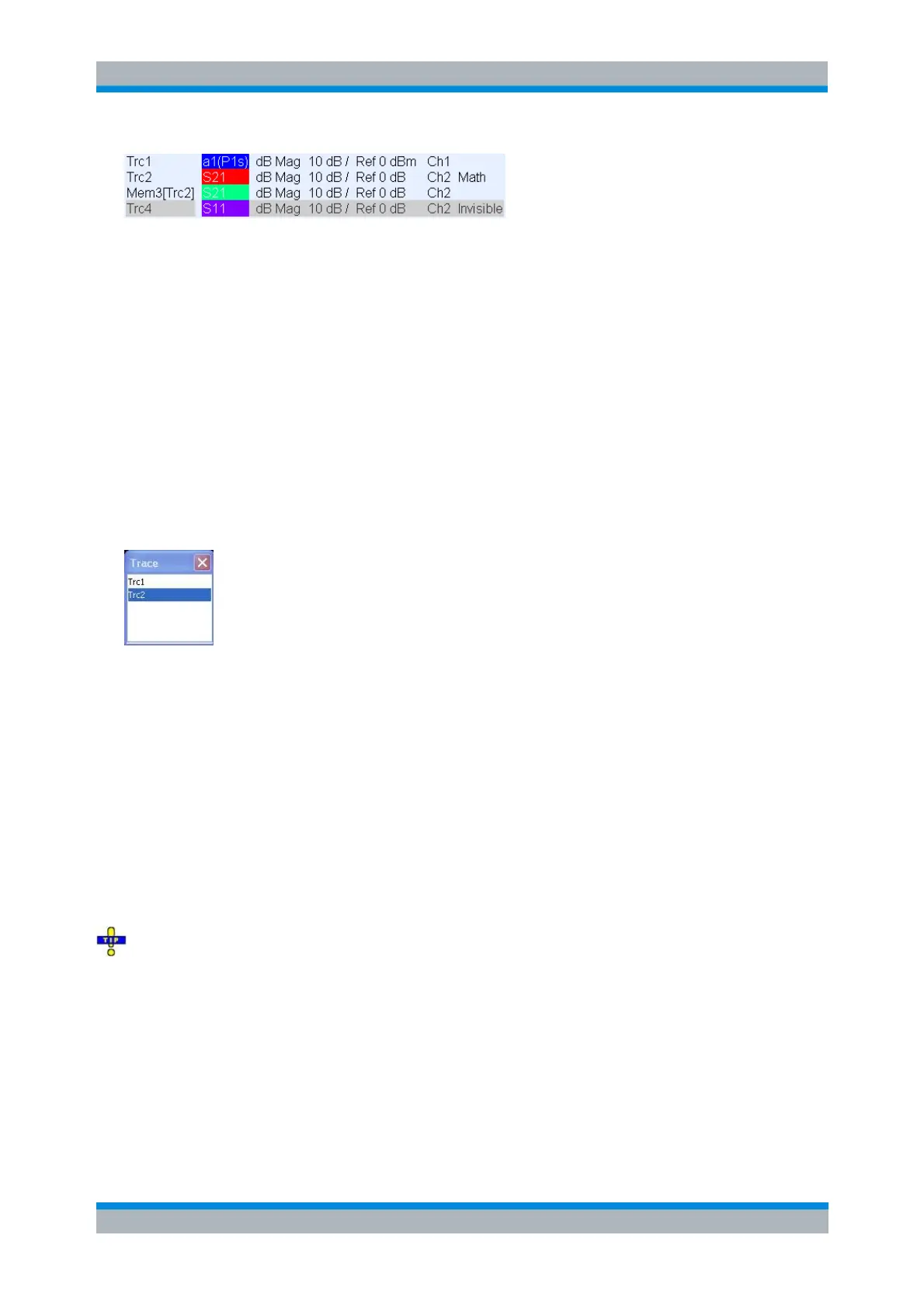
Select Trace
Opens a box to select an arbitrary trace of the active setup as the active trace. This function is disabled if
only one trace is defined.
The numeric suffix <Chn> appended to the first-level mnemonic of a command selects
a trace as active trace.
Add Trace
Creates a new trace in the current diagram area and assigns it to the current channel. The new trace is
created with the trace and channel settings of the former active trace but displayed with another color. The
former and the new active trace are superimposed but can be easily separated, e.g. by changing the
Reference Position.
The new trace is named Trc <n>, where <n> is the largest of all existing trace numbers plus one. The
name can be changed in the Trace Manager.
To create a new trace in a new channel, use Channel – Channel Select – New Channel.
CALCulate<Ch>:PARameter:SDEFine <Trace Name>, <Meas Parameter>
DISPlay:WINDow<Wnd>:TRACe<WndTr>:FEED
Add Trace + Diag. Area
Creates a new trace in a new diagram area and assigns the trace to the current channel. The new trace is
created with the trace and channel settings of the former active trace but displayed with another color.



 To Next Page