R&S
®
ZVA / R&S
®
ZVB / R&S
®
ZVT GUI Reference
Trace Menu
Operating Manual 1145.1084.12 – 30 154
The new trace is named Trc <n>, where <n> is the largest of all existing trace numbers plus one. The
name can be changed in the Trace Manager.
CALCulate<Ch>:PARameter:SDEFine <Trace Name>, < Meas Parameter>
DISPlay:WINDow<Wnd>:STATe ON
DISPlay:WINDow<Wnd>:TRACe<WndTr>:FEED
Delete Trace
Deletes the current trace and removes it from the diagram area. Delete Trace is disabled if the setup
contains only one trace: In manual control, each setup must contain at least one diagram area with one
channel and one trace.
To restore a trace that was unintentionally deleted, use Undo.
CALCulate<Ch>:PARameter:DELete <Trace Name>
CALCulate<Ch>:PARameter:DELete:ALL
CALCulate<Ch>:PARameter:DELete:CALL
Assign Channel
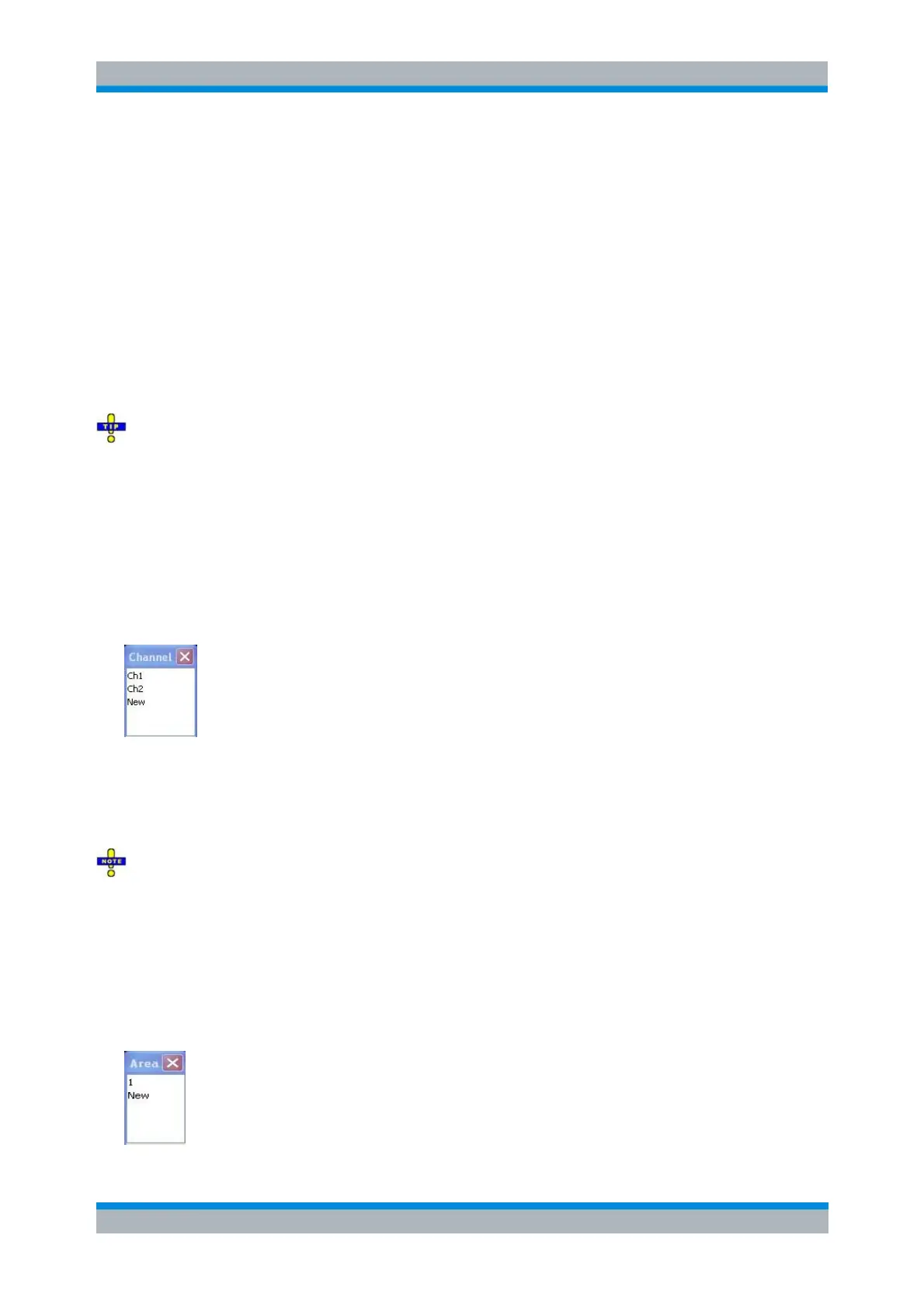
Assigns the active trace to another channel. A popup window offers a list of all channels available:
Selecting one of the existing channel names assigns the current trace to the existing channel.
Selecting New creates a new channel and assigns the current trace to the new channel. The new
channel is named Ch <n>, where <n> is the largest of all existing channel numbers plus one. The
name can be changed in the Channel Manager.
Assign Channel is disabled if the current setup contains only one channel. To create an additional
channel, select Channel – Channel Select – New Channel.
CALCulate<Ch>:PARameter:SDEFine 'Trace_Name', 'Result'
Assign Diag. Area
Assigns the active trace to another diagram area. A popup window offers a list of all areas available:



 To Next Page