R&S
®
ZVA / R&S
®
ZVB / R&S
®
ZVT GUI Reference
Trace Menu
Operating Manual 1145.1084.12 – 30 188
When a *.s1p file is opened the Select Parameter box indicates the 1-port (reflection) parameter S
11
,
irrespective of the actual S-parameter stored in the file.
To import a trace file (*.snp or *.csv) you can also use the Windows Explorer and simply double-
click the file or drag and drop the file into the NWA application. The imported data generates a memory
trace which is coupled to the active data trace.
MMEMory:LOAD:TRACe "<trc_name>","<file_name>"
MMEMory:SETTings:RENorm:MODE
MMEMory:SETTings:RENorm:STATe
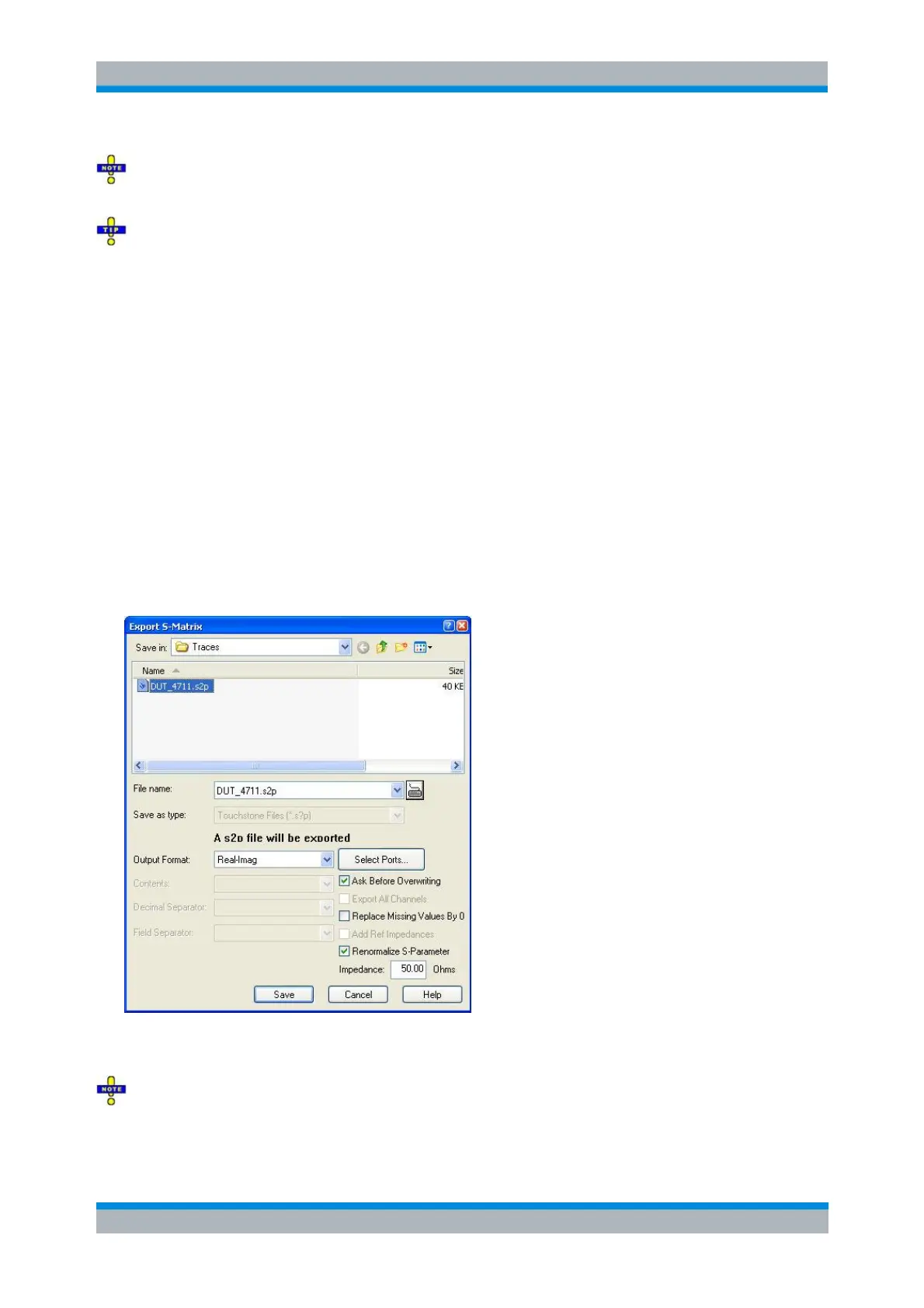
Export S-Matrix...
Calls up a dialog to store a full set of S-parameters to a Touchstone (*.s<n>p) file. The analyzer exports
the complex measurement data after (de-)embedding but before renormalization and mixed-mode
conversion; see Complex vs. Formatted Data.
Data export can serve many purposes, e.g.:
To process and evaluate measurement data in an external application.
To store measurement data and re-import it in a future measurement session.
Export S-Matrix corresponds to a standard Save As... dialog with an additional panel to specify various
export options. The Touchstone file format depends on the number of selected ports (Select Ports button).
Export S-Matrix is only possible if either all related S-parameter traces are measured or a full
(multiport) system error correction is available in the active channel.



 To Next Page