R&S
®
ZVA / R&S
®
ZVB / R&S
®
ZVT GUI Reference
Trace Menu
Operating Manual 1145.1084.12 – 30 187
The loaded trace data is used to generate a memory trace which is coupled to the active data trace.
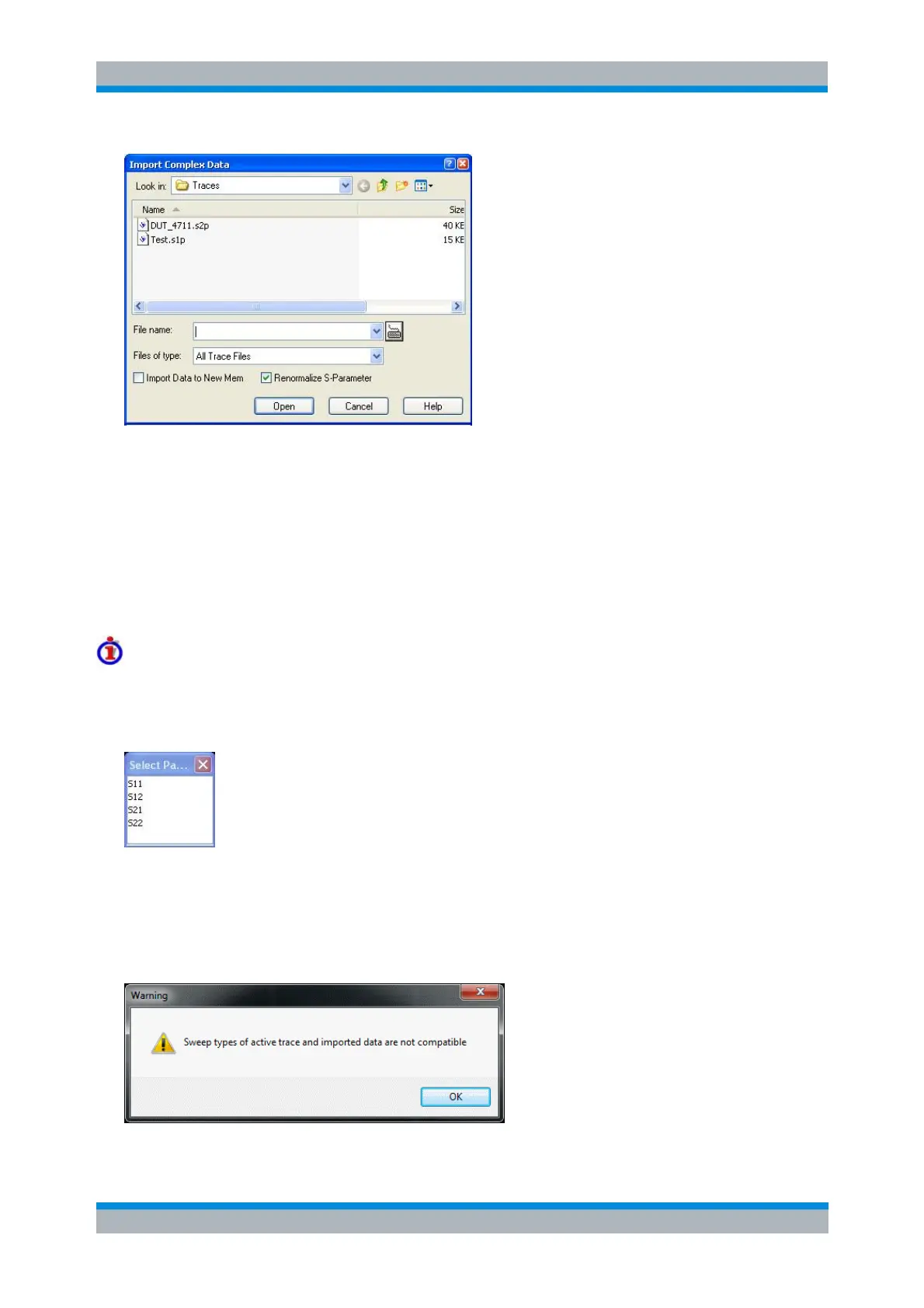
Import Data corresponds to a standard Open File dialog with two additional check boxes:
Import Data to New Mem qualifies whether the loaded data overwrite the active memory trace
(box unchecked, analogous to Data -> Mem) or whether they are used to generate a new memory
trace (box checked, analogous to Data -> New Mem).
Renormalize S-Parameter causes the imported *.s<n>p data to be renormalized to the reference
impedances of the physical ports 1 to n, as defined in the Port Configuration dialog (for
background information about renormalization see Reference Impedances). If Renormalize S-
Parameter is disabled, the analyzer imports the stored data without changes.
Trace file import and import conditions
On loading data from a trace file, the analyzer displays a list box to select one of the traces stored in the
file. The example below shows a Touchstone (*.s2p) file, containing all four 2-port S-parameters; see
Trace File Formats.
Coupling between the imported memory trace and the active data trace implies that the stimulus values of
the imported data and of the active trace must be compatible. Compatibility means that the Sweep Type of
the two traces must match; the position and number of the sweep points do not have to be the same.
The analyzer checks for compatibility before importing data. A warning is displayed if the trace file is
incompatible with the active trace.



 To Next Page