R&S
®
ZVA / R&S
®
ZVB / R&S
®
ZVT GUI Reference
Trace Menu
Operating Manual 1145.1084.12 – 30 203
the same number or reference markers) are positioned to the same stimulus values but keep their
independent format and type settings. When a trace with markers is selected as the active trace and
marker coupling is switched on, the following happens:
The active trace and all associated markers are left unchanged. The active trace markers become
the master markers of the setup.
Markers on the other traces which have no corresponding master marker are removed but
remember their properties and can be re-activated after the coupling is released.
The remaining markers on the other traces become slave markers and are moved to the position
of the corresponding master markers. "Missing" slave markers are created so that each trace has
the same number of markers placed at the same position.
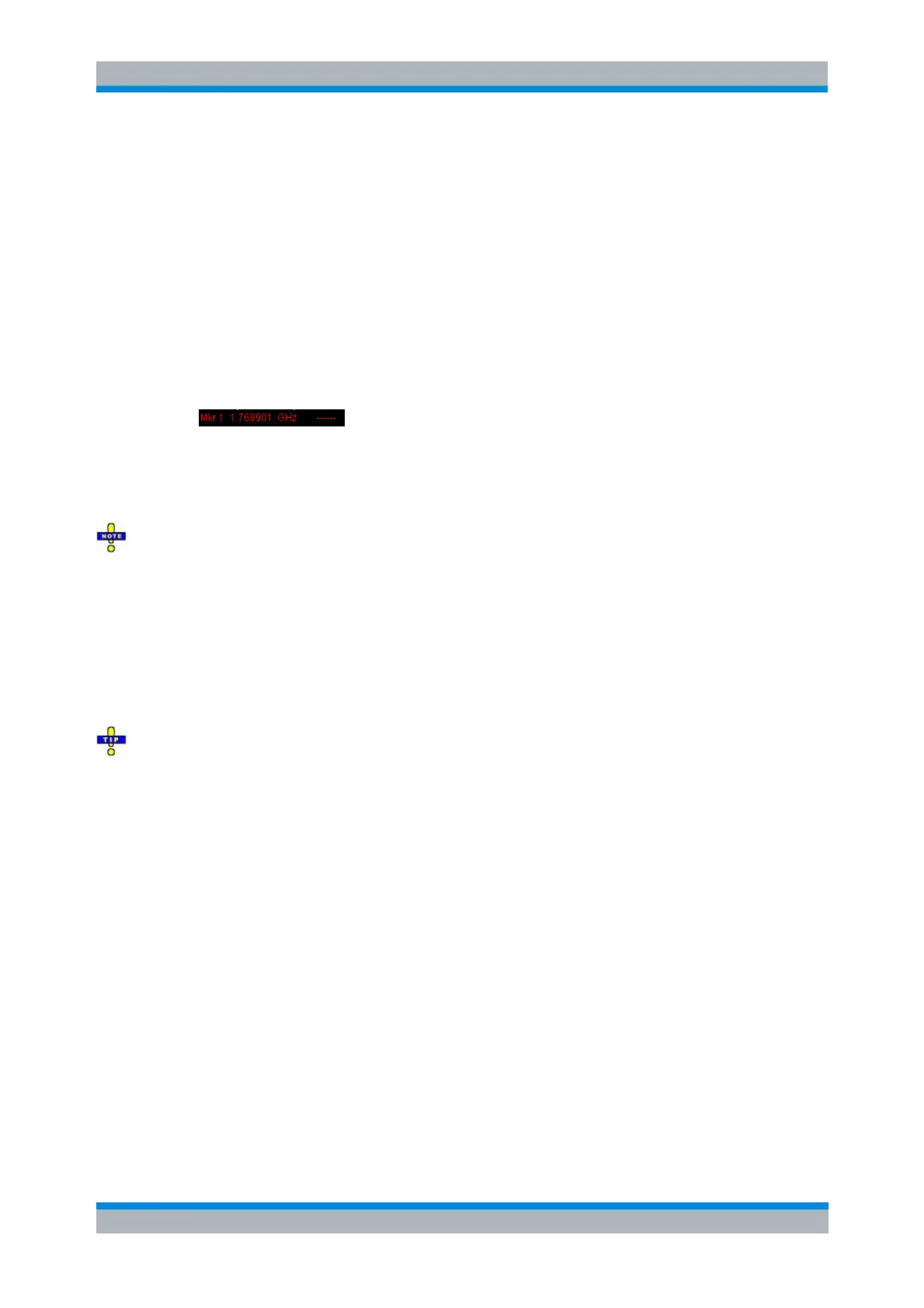
If the position of a master marker is outside the sweep range of the slave trace, the slave marker
is displayed at the edge of the diagram. The marker info field indicates an invalid measurement
result:
While marker coupling is active, it is possible to:
Move a master marker and thus change the position of all corresponding slave markers.
Activate another trace in order to make the associated markers the new master markers.
Marker coupling makes sense only if the master and the slave traces use the same stimulus variable.
Channels with a different stimulus variable (sweep type) are not coupled.
CALCulate<Chn>:MARKer<Mk>:COUPled[:STATe] ON
Discrete Marker
Turns the active marker into a discrete marker and vice versa.
The stimulus value of a discrete marker always coincides with a sweep point. Use discrete markers in
order to avoid that the marker indicates an interpolated measurement value.
CALCulate<Chn>:MARKer<Mk>:MODE
CALCulate<Chn>:MARKer<Mk>:REFerence:MODE
Marker Format
Opens a submenu to select an output format for the (complex) active marker value in the marker info field.
The default marker format is the format of the associated trace. The current format is indicated with a ●.



 To Next Page