R&S
®
ZVA / R&S
®
ZVB / R&S
®
ZVT GUI Reference
Channel Menu
Operating Manual 1145.1084.12 – 30 293
Most of the settings in this section require option ZVA-K4, Arbitrary Generator and Receiver
Frequencies. This option is available for ZVA and ZVT network analyzers only.
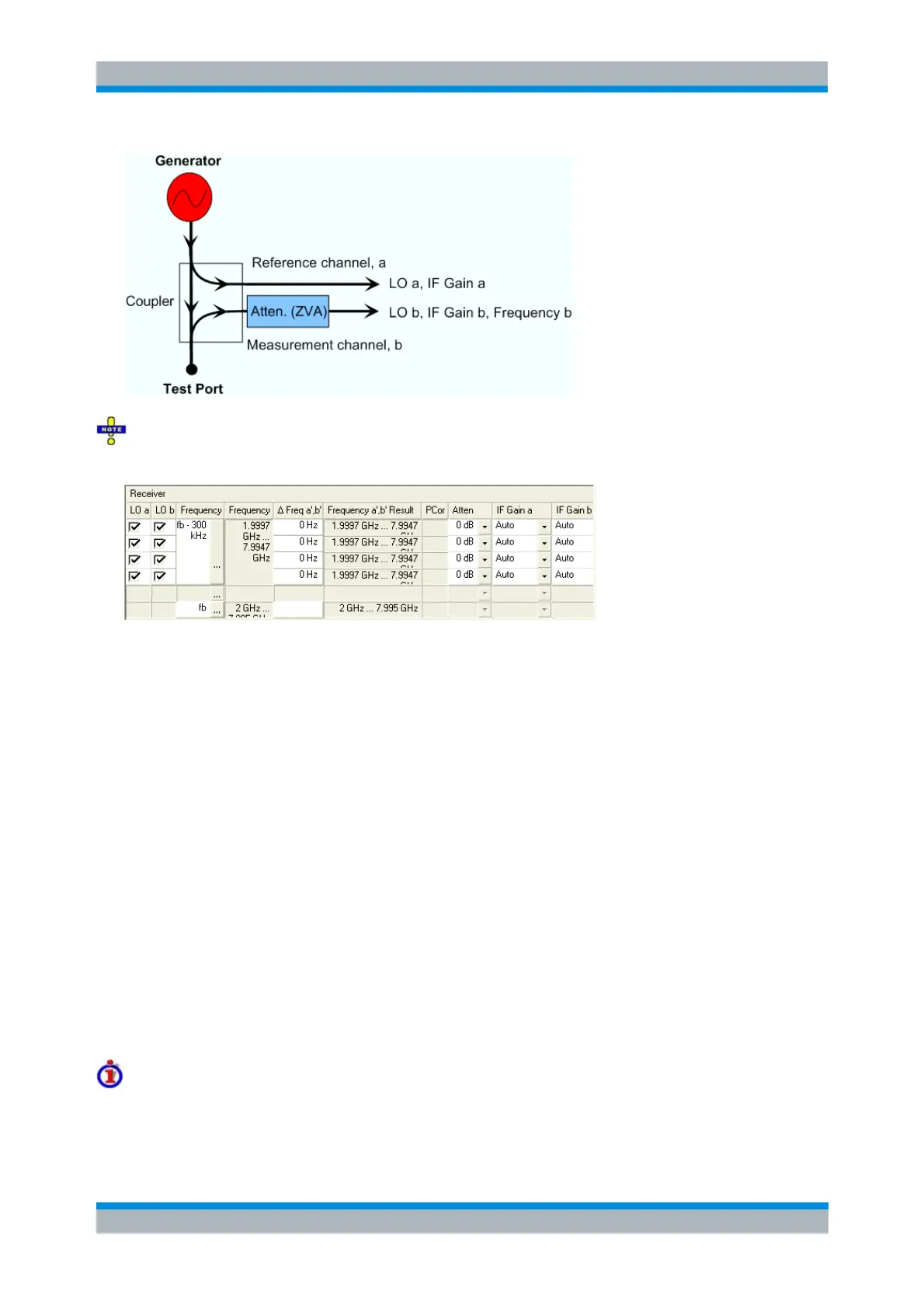
LO a/b switch the two Local Oscillator amplifiers at the port on (box checked) or off.
Both LOs must be switched on to perform a system error correction.
Frequency opens an input box to define a converted receiver frequency range (for frequency
sweeps) or CW frequency (for power, time and CW Mode sweeps). The converted receiver
frequencies are valid for all ports. In the default configuration the stimulus parameters (sweep
range, CW Frequency) are used. The result is indicated in the Frequency Result column.
Frequency Result displays the current frequency range (for frequency sweeps) or CW frequency
(for power, time and CW Mode sweeps); see stimulus parameters.
PCor Off enables or disables a receiver power calibration for an individual port. This function is
available only for ports where a receiver power calibration is available. It is identical with Receiver
Power Correction Off in the Receiver Power Cal menu.
Δ Frequency a', b' defines the port-specific frequency offset of the primed wave quantities relative
to the unprimed quantities; see Measurements at Different Frequencies. The port-specific offset is
added to the common frequency offset (Frequency...). The result is indicated in the Frequency a',
b' Result column.
Atten defines port-specific attenuation factors for the received wave. The settings are analogous
to the global Step Attenuator settings and replace them.
IF Gain a and IF Gain b select the IF gain in the reference receiver and measurement receiver
path, respectively. IF Gain a is not available on R&S ZVT20 analyzers.
Receiver path settings and AGC
The IF Gain settings are valid for all ports:
Auto means that the analyzer adapts the IF gain to the RF input level (Automatic or Adaptive Gain



 To Next Page