Jitter (ms)—Variance (in milliseconds) occurring in the reference
input time (from one poll to the next).
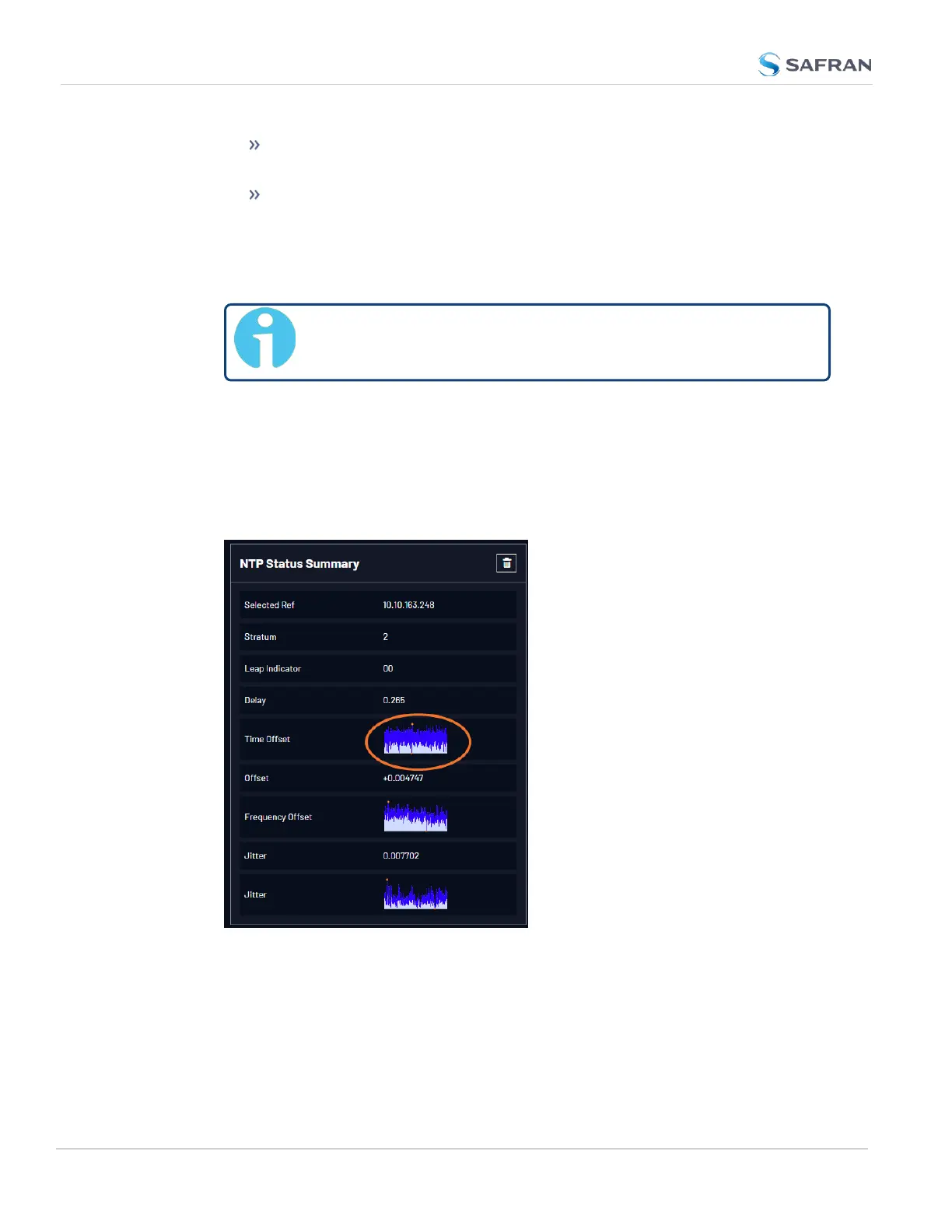
Jitter—This is a graphical representation of the system jitter over
time. Clicking on this graph in the NTP Status Summary panel will
open a window in the main panel containing a larger, more detailed
view of the graph. See "The NTP Jitter Performance Graph" on
page279.
Note: This panel is updated every 30 seconds, or upon clicking
the browser refresh button.
The NTP Time Offset Performance Graph
To view the NTP Time Offset performance graph:
1. Navigate to MANAGEMENT > NETWORK: NTP Setup.
2. In the NTP Status Summary panel locate the Time Offset graph.
276
CHAPTER 4 • VersaSync User Manual Rev. 12
4.6 Quality Management



 To Next Page