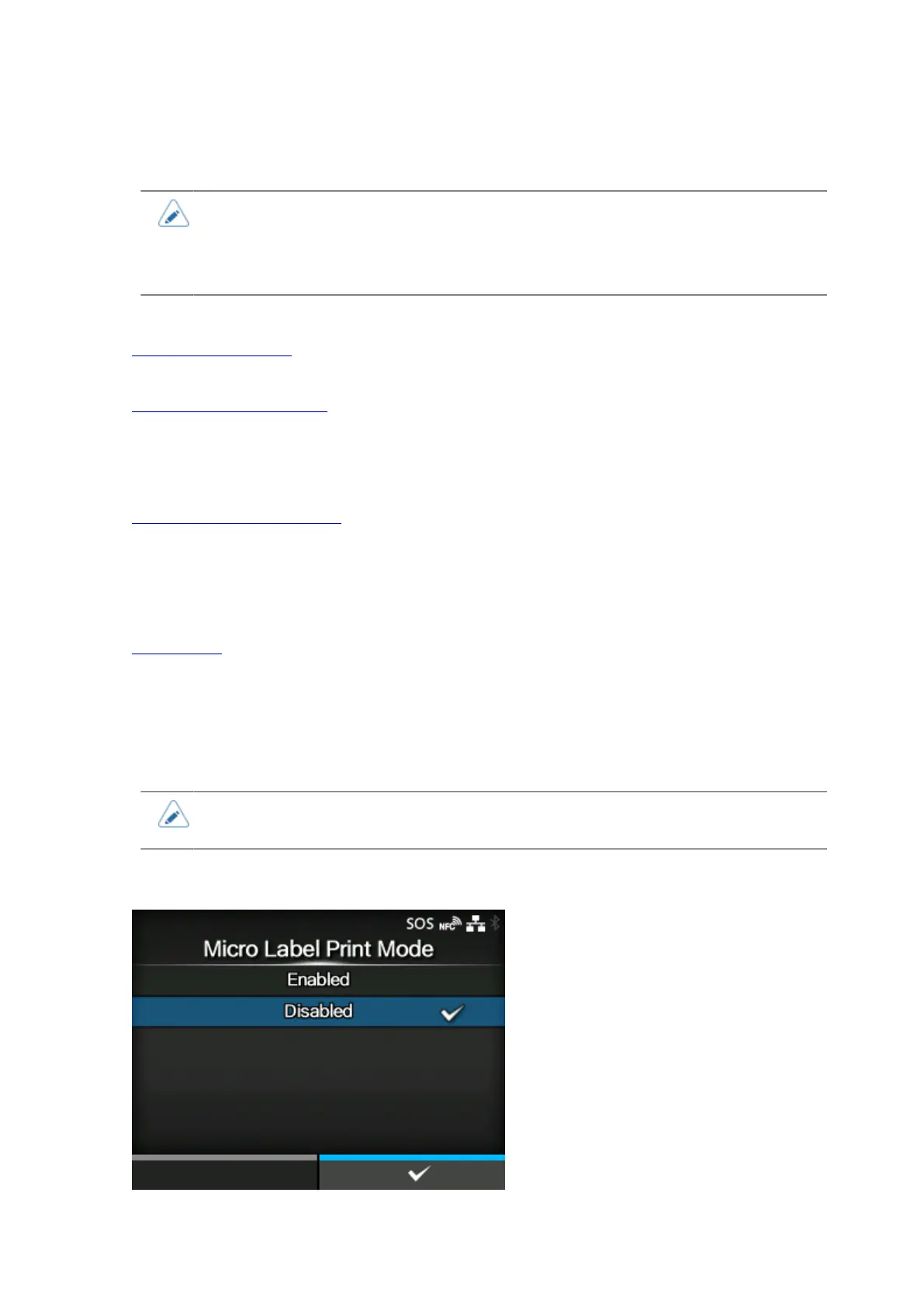
[Micro Label Print Mode]
212
Set the micro label print mode operation.
Micro Label Print Mode is a mode to provide high accuracy printing for small sized labels.
• The improved accuracy provided by micro label print mode is for labels sizes of less
than 53 mm (incl. GAP).
• When the Micro Label Print Mode is enabled when print speed is 7ips or above, the
print speed will be automatically reduced to 6ips.
The setting items are as follows:
Micro Label Print Mode
Enable or disable the micro label print mode.
Auto Label Length Detection
Enable or disable the auto label length detection.
◦ Available if [Micro Label Print Mode] is set to [Enabled].
Label Length Averaging Count
Set the number of labels measured to be used for averaging the automatically set label length.
◦ Available if [Micro Label Print Mode] is set to [Enabled] and [Auto Label Length Detection] is set
to [Enabled].
Label Length
Set the label length manually.
◦ Available if [Micro Label Print Mode] is set to [Enabled] and [Auto Label Length Detection] is set
to [Disabled].
• If the print start position is out of alignment when using [Auto Label Length Detection],
use [Label Length] to set the label length manually.
[Micro Label Print Mode]



 To Next Page