[Network]
324
Disabled
Disables SOS.
On-Demand
Shows the product information with a QR code. Scan the displayed QR code with a tablet or
smartphone and send the information to the SOS cloud. This connection allows you to check the
product's operating information via SOS Web.
NFC connection can be used for Android device to acquire the product's information.
A specialized SOS application is required to scan the QR code or to read NFC.
Real-Time
Sends the product information to the SOS cloud in real-time using a LAN/wireless LAN
connection. This connection allows you to check the product's operating information and to check
or modify the product's settings via SOS Web.
A confirmation screen appears if you select [Real-Time]. To agree with the Terms of Use and
enable the Real-Time mode, press the button.
Light
Sends the product information to the SOS cloud in real-time using the LAN/wireless LAN
connection. This connection allows you to check the product's operating information via SOS
Web.
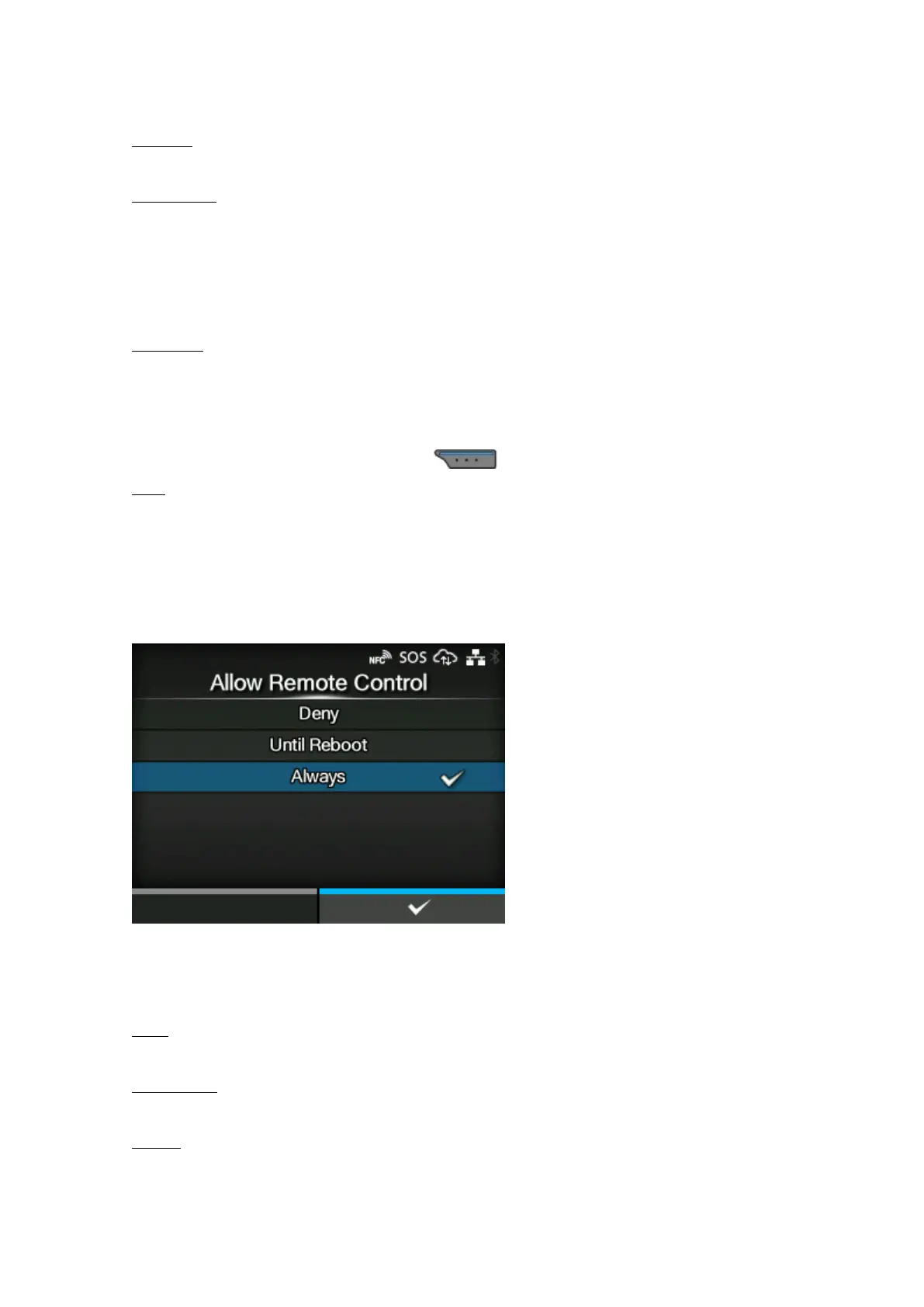
[Allow Remote Control] (SOS users only)
Set whether to allow setting the product (remote control) from SOS (SATO Online Services).
Appears only if you have selected [Real-Time] in the [SOS Mode] menu.
The options are as follows:
Deny
Does not allow remote control from SOS.
Until Reboot
Allows remote control from SOS until the product reboots.
Always
Always allows remote control from SOS.



 To Next Page