323
Periodic Notification
Sets the functions for periodic SOS notifications.
A specialized application is required to scan the QR code displayed on the screen of this function.
◦ Appears only if you have selected [On-Demand] in the [SOS Mode] menu.
Update Screen
Sets whether or not to print the QR code displayed with the regular notification or with SOS
update.
A specialized application is required to scan the QR code.
◦ Appears only if you have selected [On-Demand] in the [SOS Mode] menu.
QR code offset
Adjusts the print position for printing a QR code displayed on the notification screen for SOS
(SATO Online Services).
◦ Appears only if you have selected [On-Demand] in the [SOS Mode] menu.
Daily Checkup
Shows the current product information with a QR code. Scan the QR code with a tablet or
smartphone, and send it to the SOS cloud.
NFC connection can be used for Android device to acquire the product's information.
A specialized application is required to scan the QR code or acquire the product's information with
NFC connection.
◦ Appears only if you have selected [On-Demand] in the [SOS Mode] menu.
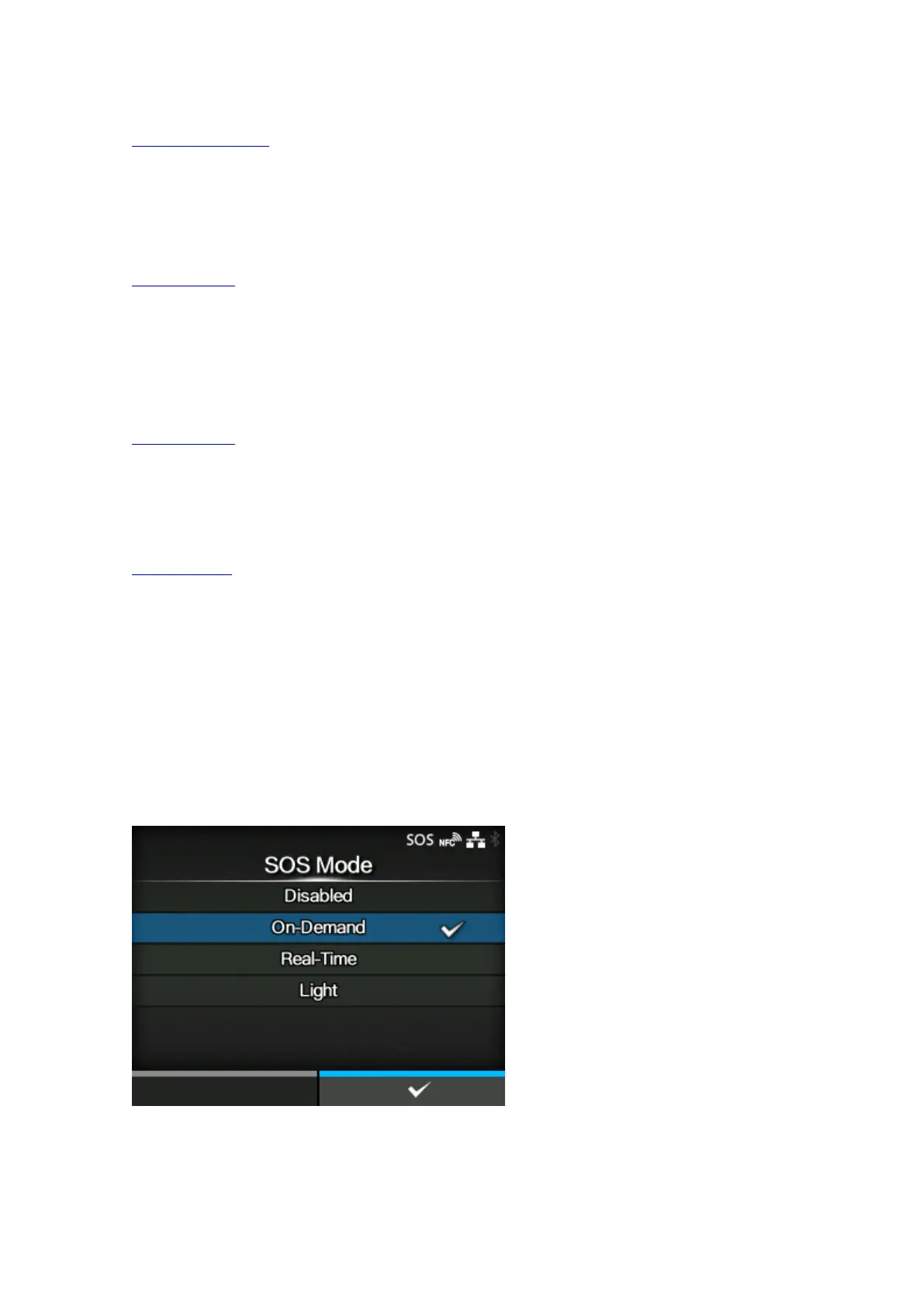
[SOS Mode] (SOS users only)
Select or disable the SOS (SATO Online Services) mode.
The options are as follows:



 To Next Page