327
Sets the SOS (SATO Online Services) contact information that is displayed at the time of the error
outbreak.
Appears if you have selected other than [Disabled] in the [SOS Mode] menu.
The setting items are as follows:
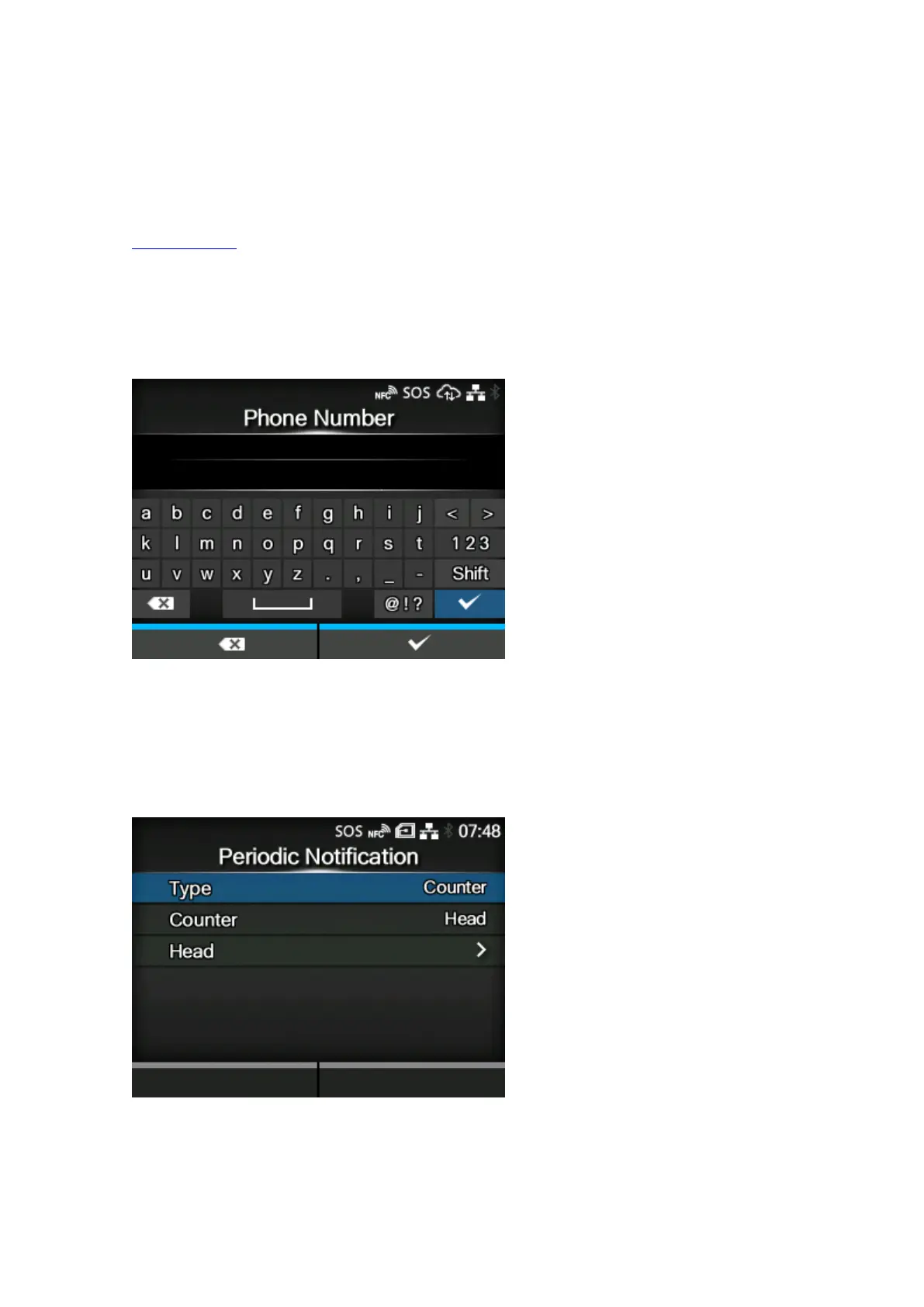
Phone Number
Sets the phone number that is displayed on the SOS error screen when you select the SOS icon
on an error message screen.
[Phone Number] (SOS users only)
Sets the phone number that is displayed on the SOS error screen when you select the SOS (SATO
Online Services) icon on an error message screen.
Up to 20 characters can be set.
[Periodic Notification] (SOS users only)
When [Counter] is set with [Head] in the [Type] menu
Sets the function for periodic SOS (SATO Online Services) notifications.
Appears only if you have selected [On-Demand] in the [SOS Mode] menu.
In this function, the product information is shown periodically with a QR code. Scan the displayed QR
code with a tablet or smartphone, and send the information to the SOS cloud.



 To Next Page