[Network]
326
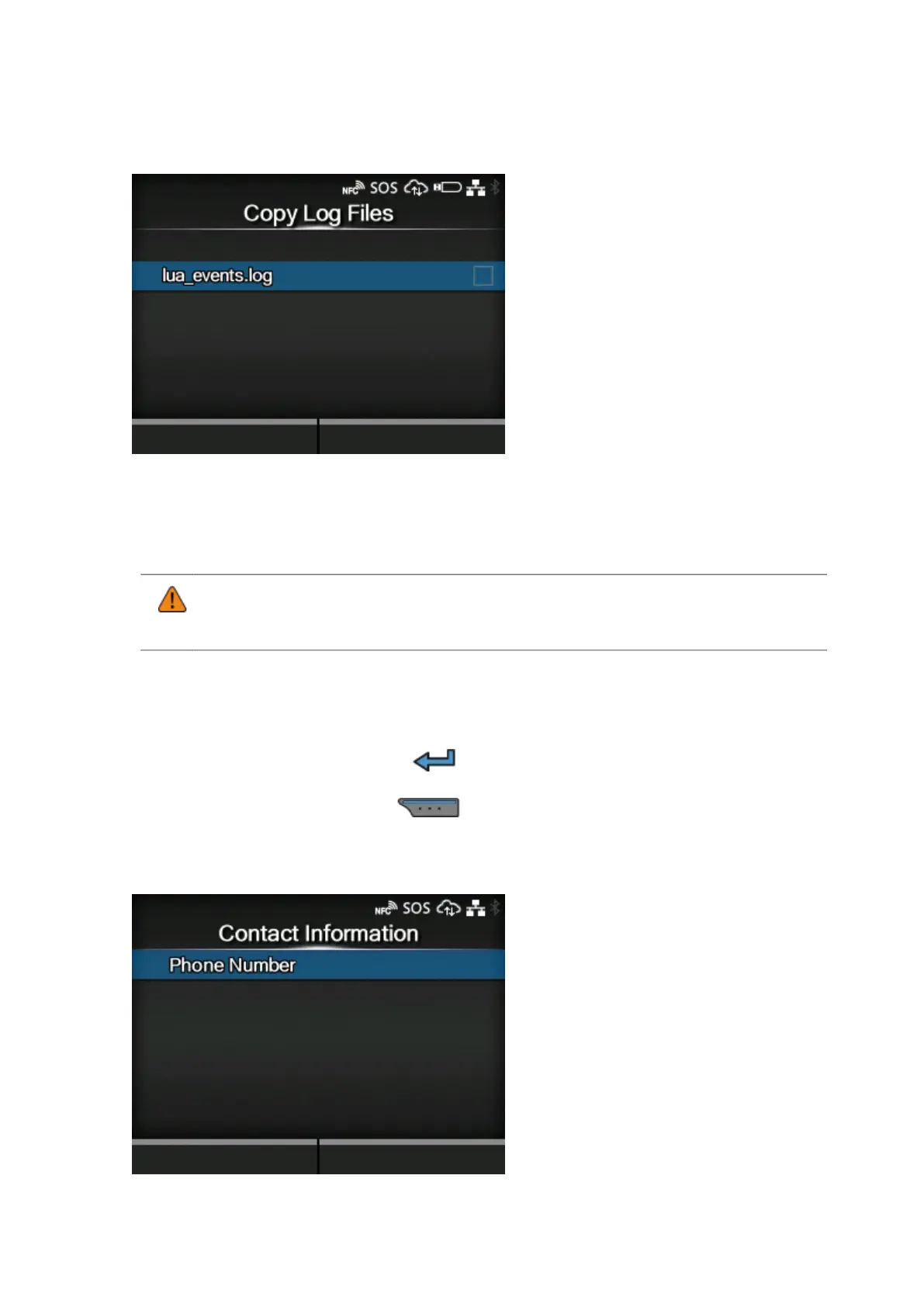
[Copy Log Files] (SOS users only)
Copies SOS (SATO Online Services) log files to USB memory.
Appears if you have selected other than [Disabled] in the [SOS Mode] menu.
It is available only when the log data is in the product and the USB memory is inserted into the
product.
• Be sure to perform a virus check on the USB memory before connecting it to the
product. SATO Corporation cannot be held responsible for any product malfunctions
caused by a virus spread via USB memory.
The procedure to copy the log file is as follows:
1.
Select the file to copy and press the button. A check mark is shown on the right side of the
file name.
2.
After you select the file, press the button to copy the selected file to the USB memory.
[Contact Information] (SOS users only)



 To Next Page