417
The options are as follows:
Enabled
Accepts graphic data created by a unique compression method.
Disabled
Does not accept graphic data created by a unique compression method.
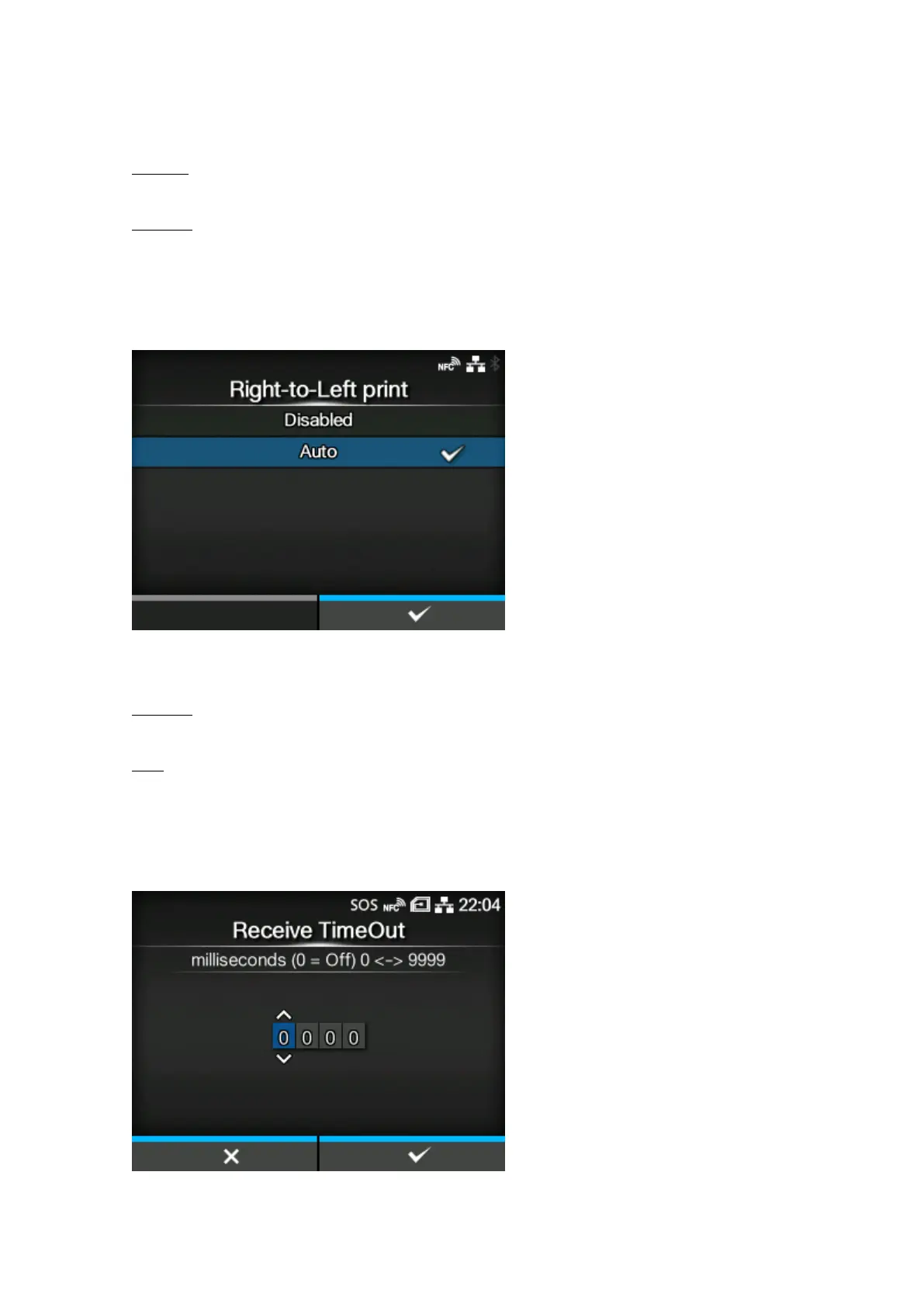
[Right-to-Left print]
Set the Right-to-Left printing function.
The options are as follows:
Disabled
All texts are printed from left to right.
Auto
When an Arabic font is detected, the Arabic text is printed from right to left.
[Receive TimeOut]
Set a period of time the product stays in binary data receiving mode.



 To Next Page