[Barcode Checker]
492
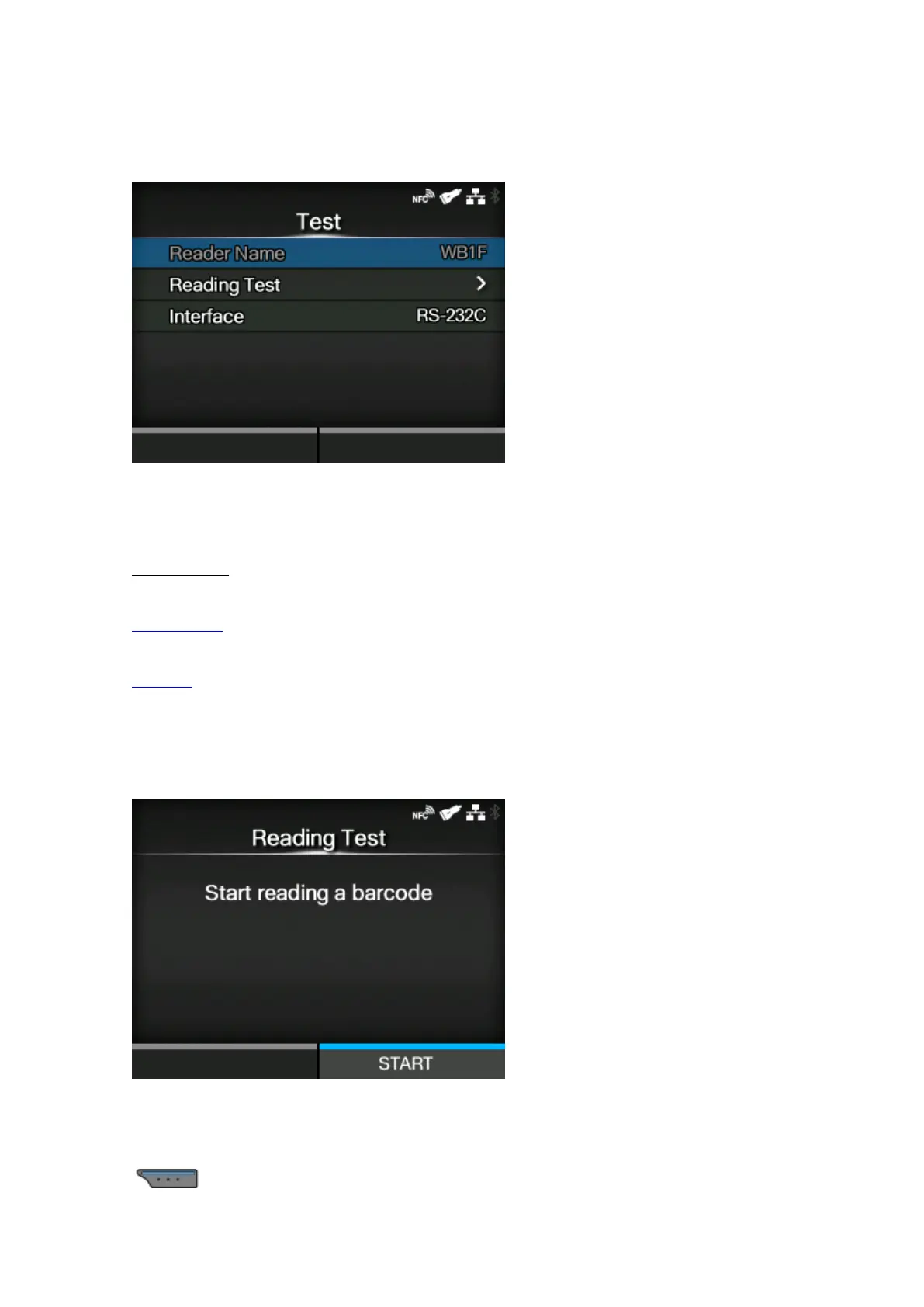
[Test]
Set up the barcode checker.
Available only if you have connected the barcode checker.
The setting items are as follows:
Reader Name
Shows the barcode checker connected to the product.
Reading Test
Perform a test read with the connected barcode checker.
Interface
Set the RS-232C interface usage.
[Reading Test]
Perform a test read with the connected barcode checker.
Available only if you have connected the barcode checker.
Set a label with barcodes within the scanning range of the barcode checker, and then press the
button to start reading.



 To Next Page