711
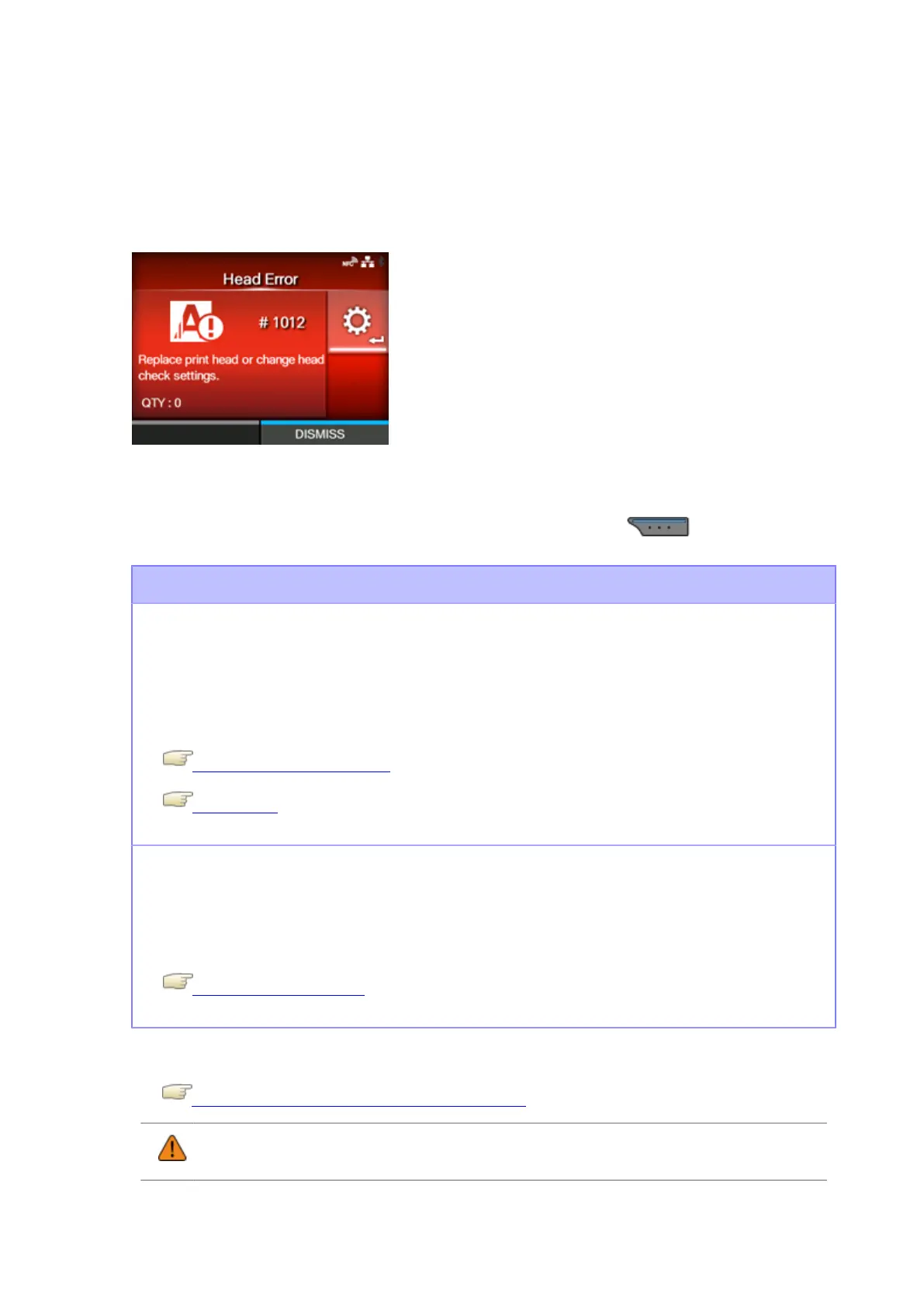
Error Message 1012 (Head Error)
When there is an error with the product, the error message appears on the screen.
Check the cause and countermeasure, and then take appropriate action.
To clear the error:
Power off the product, or change print head check conditions.
To forcibly clear the head error and resume printing, press and hold the button (DISMISS)
until the progress bar on the blue line of the button reaches to the right end.
Cause and Countermeasure
Cause (1)
The print elements are worn out.
Countermeasure (1)
Power off the product, or change the print head check conditions to only check for missing
elements in barcodes and try to adjust missing elements to white bars.
Powering On/Off the Product
Head Check
Cause (2)
The print head is defective.
Countermeasure (2)
Replace the print head.
Replacing the Print Head
Contact your SATO technical support center if the error cannot be resolved.
Contact Information for When You Are in Trouble
• Regarding labels output after a head error, use your own barcode scanner to read and
check the printed barcodes.



 To Next Page