8.6
SEL-751A Relay Instruction Manual Date Code 20100129
Front-Panel Operations
Human-Machine Interface
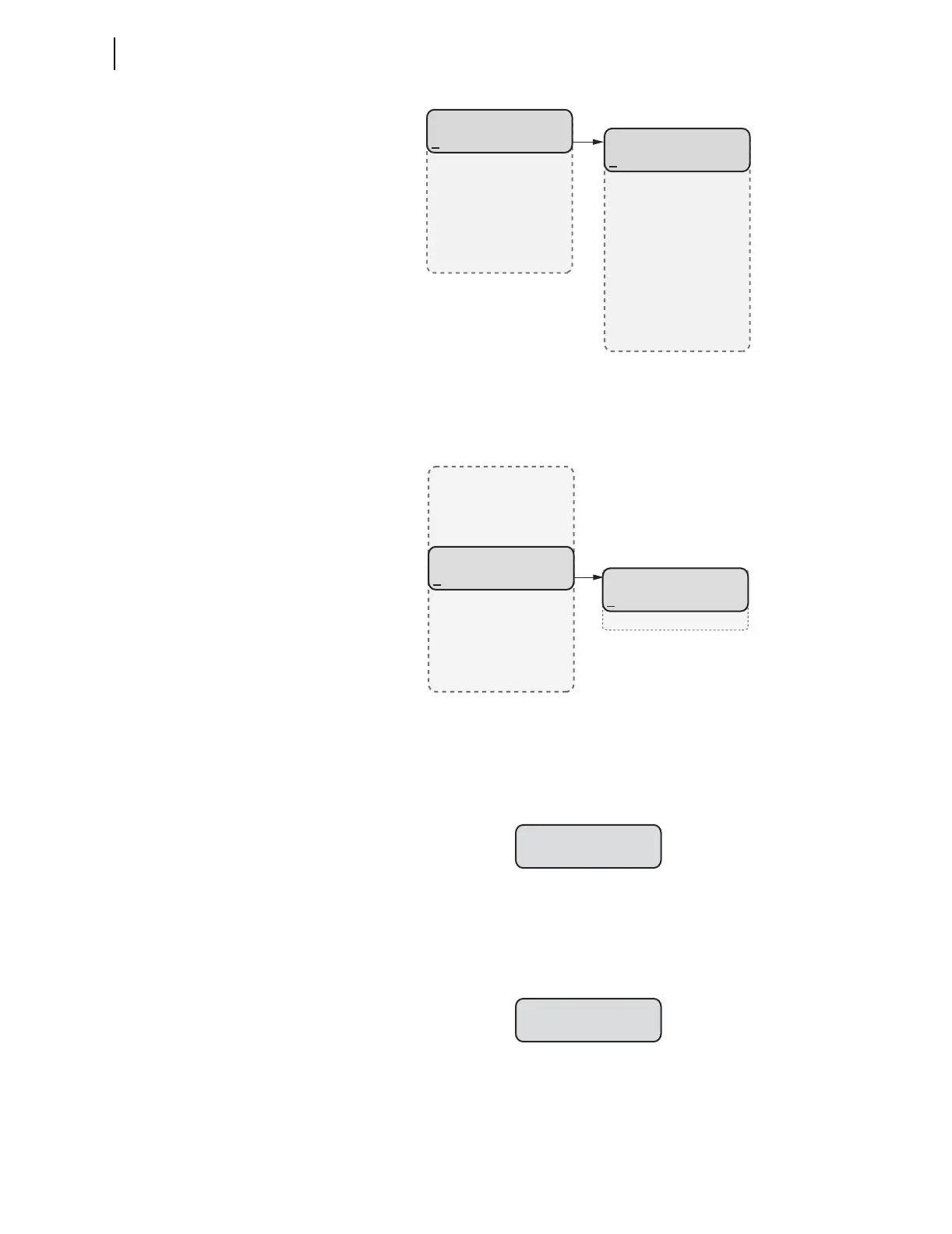
Figure 8.6 MAIN Menu and METER Submenu
For viewing Energy (or Max/Min) metering data, select the Energy (or Max/
Min
) menu item from the METER menu and select the Display menu item as
shown in Figure 8.7.
Figure 8.7 METER Menu and ENERGY Submenu
Energy (or Max/Min, Demand, Peak Demand) metering data can be reset
from the front-panel HMI by selecting the
Reset menu item in the Energy (or
Max/Min, Demand, Peak Demand) menu. After selecting Reset and confirming
the reset, the relay displays as shown in Figure 8.8.
Figure 8.8 Relay Response When Energy (or Max/Min, Demand, Peak
Demand) Metering Is Reset
Assume the relay configuration contains no analog input cards. In response to
a request for analog data (selecting
Analog Inputs), the device displays the
message as shown in Figure 8.9.
Figure 8.9 Relay Response When No Analog Cards Are Installed
Assume the math variables are not enabled. In response to a request for math
variable data (selecting
Math Variables), the device displays the message as
shown in Figure 8.10.
MAIN
Meter
Events
Targets
Control
Set/Show
Status
Breaker
METER
Fundamental
Thermal
Demand
Peak Demand
Energy
Max/Min
RMS
Analog Inputs
Math Variables
Light Intensity
(Meter Selected)
ENERGY
Display
Reset
(Energy Selected)
METER
Fundamental
Thermal
Demand
Peak Demand
Energy
Max/Min
RMS
Analog Inputs
Math Variables
Light Intensity
Reset Complete
No Analog Input
Cards Present



 To Next Page