3.12
SEL-751A Relay Instruction Manual Date Code 20100129
PC Software
Meter and Control
View Event History
You can retrieve event files stored in the relay and transfer these files to a
computer. For information on the types of event files and data capture, see
Section 9: Analyzing Events. To download event files from the device, click
Tools > Events > Get Event Files. The Event History dialog box appears, as
shown in Figure 3.10.
Get Event
Highlight the event you want to view (e.g., Event 3 in Figure 3.10), select the
event type with the Options Event type function (4 samples or 16 samples),
and click the Get Selected Event button. When downloading is complete,
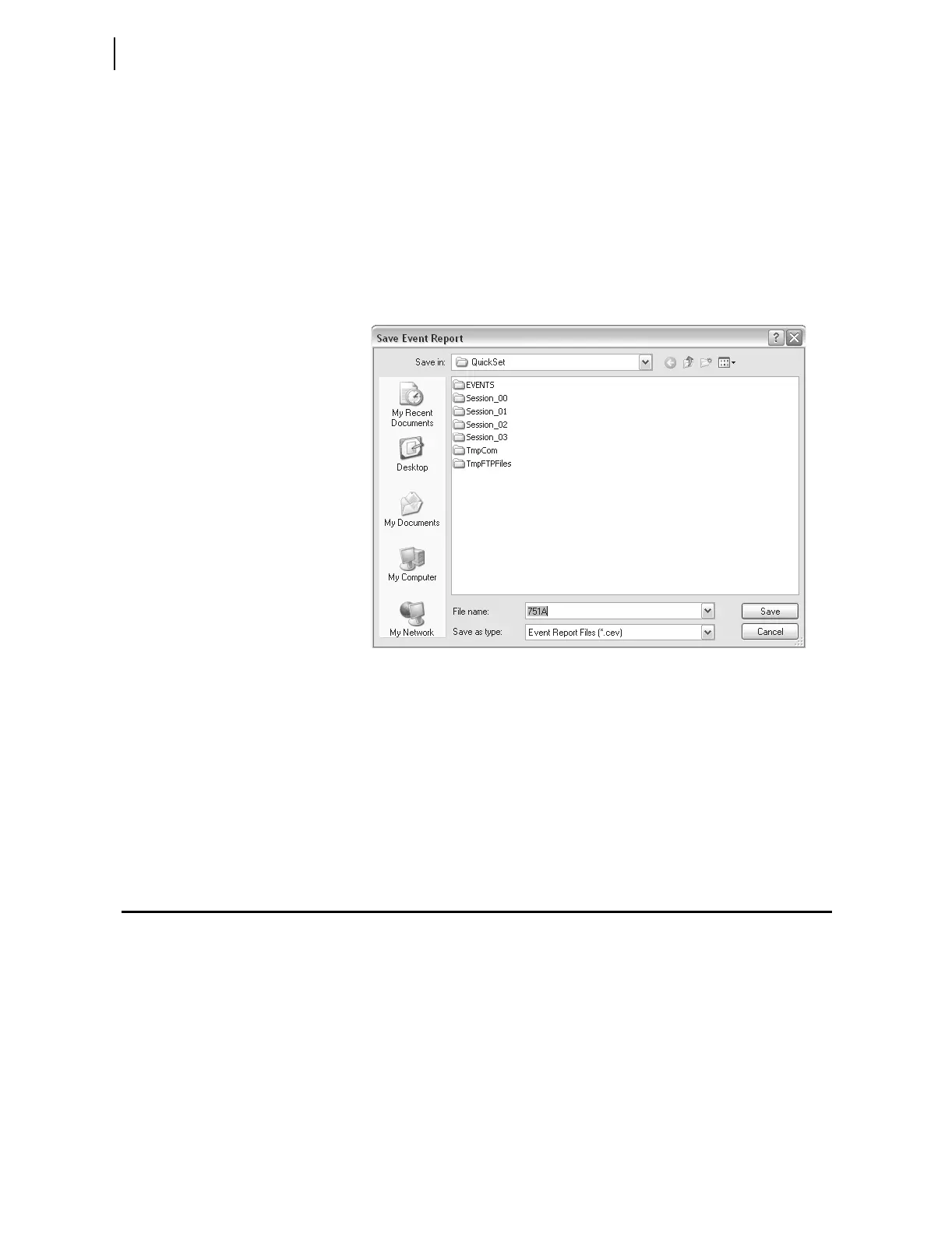
ACSELERATOR QuickSet queries whether to save the file on your computer, as
shown in Figure 3.11.
Figure 3.11 Saving the Retrieved Event
Enter a suitable name in the File name text box, and select the appropriate
location where
ACSELERATOR QuickSet should save the event record.
View Event Files
To view the saved events, you need the SEL-5601 software package. Use the
View Event Files function from the Tools > Events menu to select the event
you want to view (
ACSELERATOR QuickSet remembers the location where
you stored the previous event record). Use View Combined Event Files to
simultaneously view as many as three separate events.
Meter and Control
Click on Tools > HMI > HMI to bring up the screen shown in Figure 3.12.
The HMI tree view shows all the functions available from the HMI function.
Unlike the self-configuration of the device, the HMI tree remains the same
regardless of the type of cards installed. For example, if no Analog Input card
is installed, the Analog Input function is still available, but the device
responds as follows:
No Analog Input Card Present.



 To Next Page