8.14
SEL-751A Relay Instruction Manual Date Code 20100129
Front-Panel Operations
Operation and Target LEDs
Other Target Reset Options
Use the ASCII command TAR R to reset the target LEDs; see Table 7.11 for
more information. Programming specific conditions in the SEL
OGIC control
equation RSTTRGT is another method for resetting target LEDs. Access
RSTTRGT in Global Settings (SET G Command), Data Reset on page 4.107
for further information.
Front-Panel Operator
Control Pushbuttons
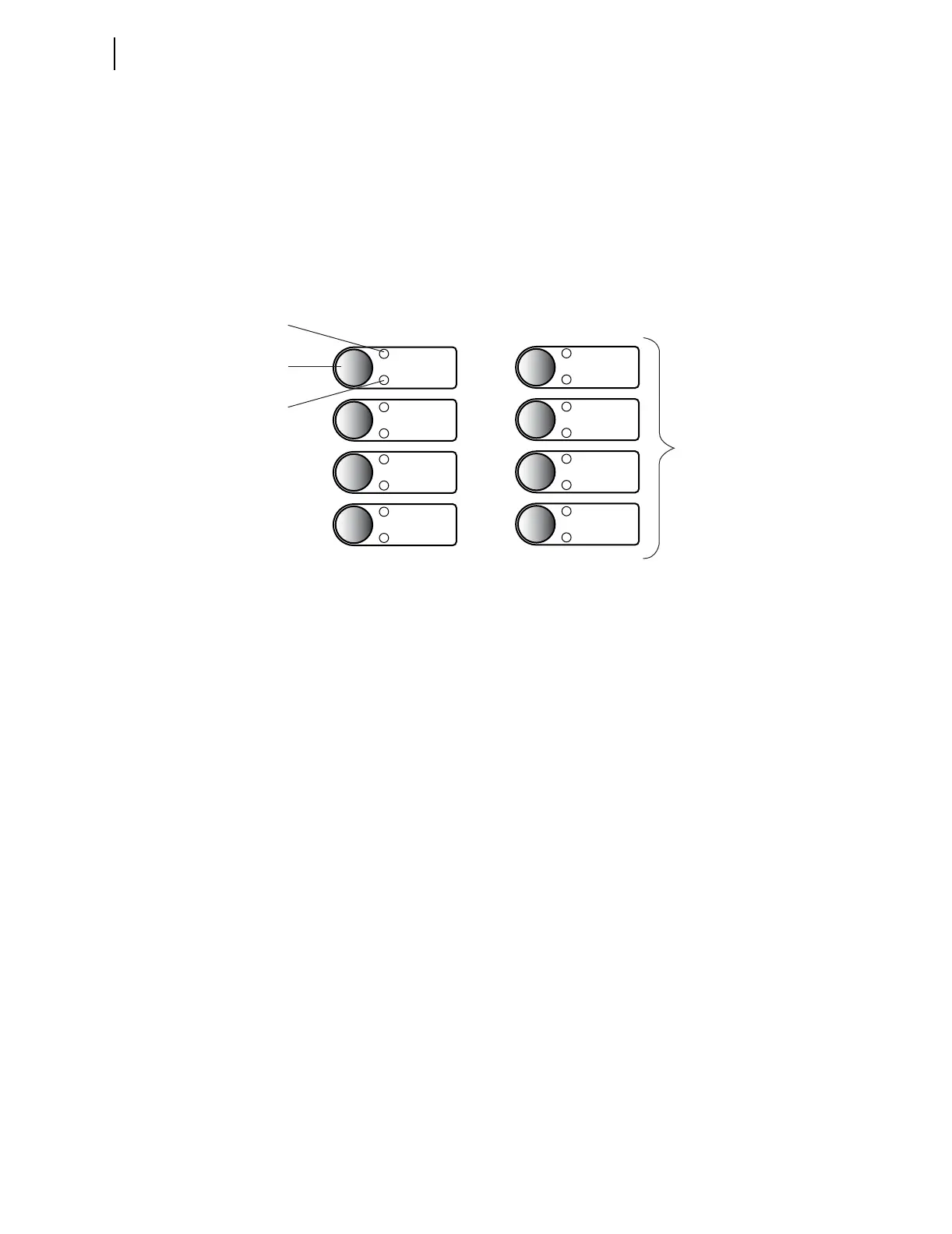
The SEL-751A features four operator-controlled pushbuttons, each with two
programmable pushbutton LEDs, for local control as shown in Figure 8.26.
Figure 8.26 Operator Control Pushbuttons and LEDs
Pressing any one of these four pushbuttons asserts the corresponding PBn
(n = 01 through 04) Relay Word bit, and the corresponding PBn_PUL Relay
Word bit. The PBn Relay Word bit remains asserted as long as the pushbutton
is pressed, but the PBn_PUL Relay Word bit asserts only for the initial
processing interval, even if the button is still being pressed. Releasing the
pushbutton, and then pressing the pushbutton again asserts the corresponding
PBn_PUL Relay Word bit for another processing interval. The pushbutton
LEDs are independent of the pushbutton.
Pushbutton LEDs are programmable using front-panel settings PBnm_LED
(where n = 1 through 4 and m = A or B). PBnm _LED settings are SEL
OGIC
control equations that, when asserted, illuminate the corresponding LED for
as long as the input is asserted. When the input deasserts, the LED also
deasserts without latching.
Using SEL
OGIC control equations, you can readily change the default LED
and pushbutton functions. Use the optional slide-in label to mark the
pushbuttons and pushbutton LEDs with custom names to reflect any
programming changes that you make. Included on the SEL-751A Product
Literature CD are word processor templates for printing slide-in labels. See
the instructions included in the Configurable Label kit for more information
on changing the slide-in labels.
Table 8.4 describes front-panel operator controls based on the factory default
settings and operator control labels.
TRIP
BREAKER OPEN
CLOSE
BREAKER CLOSED
BLOCK CLOSE
LOCK
DISABLED
ENABLED
RECL RESET
RECL LOCKOUT
ENABLED
DISABLED
BLOCK CLOSE
BREAKER
CLOSED
BREAKER OPEN
LOCK
CLOSE
TRIP
Standard Reclosing Option
Factory Default
Slide-In Label
Pushbutton LED
(PB1A_LED)
Operator Control
Pushbutton
Pushbutton LED
(PB1B_LED)
AUX1



 To Next Page