3.13
Date Code 20100129 Instruction Manual SEL-751A Relay
PC Software
Meter and Control
Device Overview
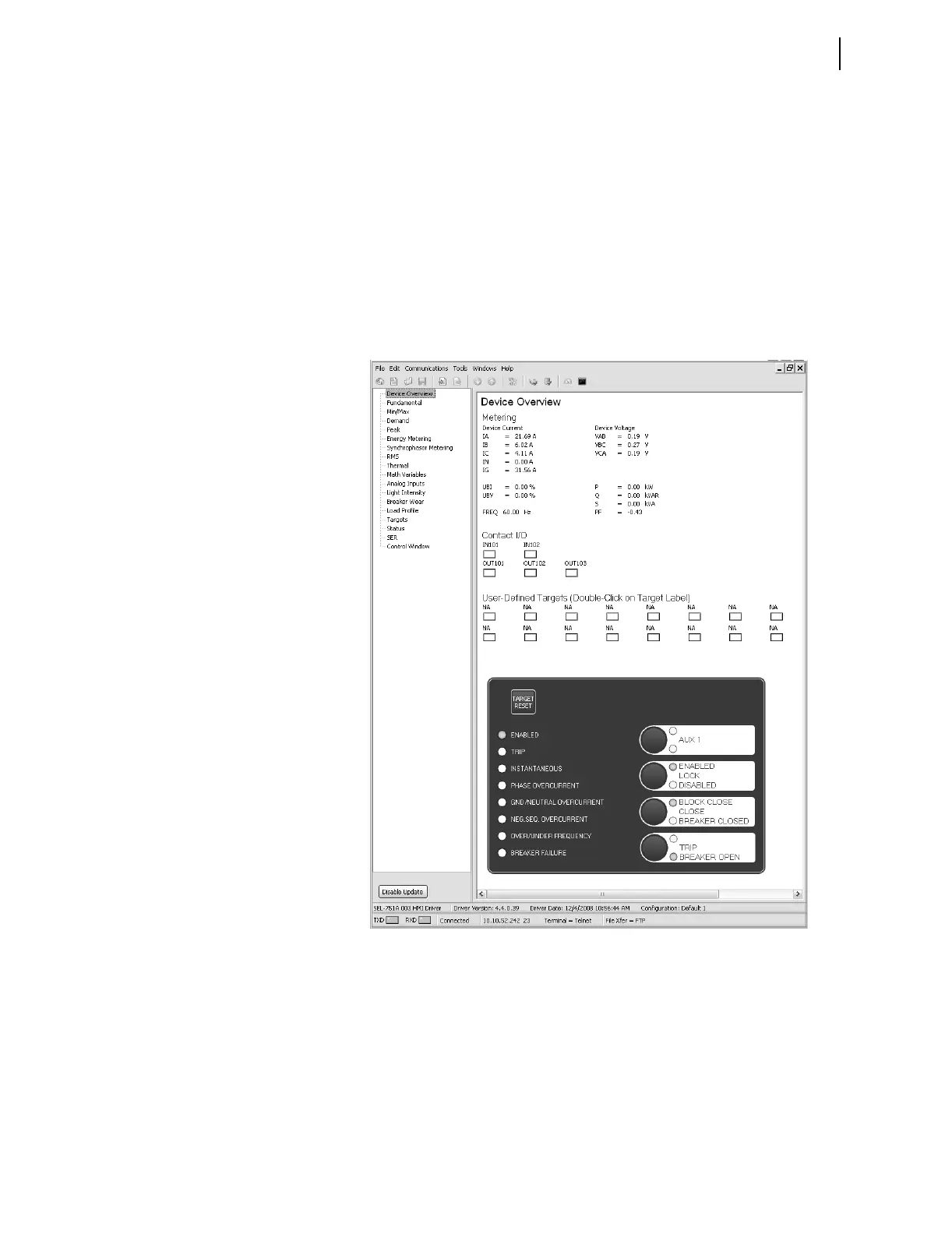
The device overview screen provides an overview of the device. The Contact
I/O portion of the window displays the status of the two inputs and three
outputs of the main board. You cannot change these assignments.
You can assign any Relay Word bit to the 16 user-defined target LEDs. To
change the present assignment, double-click on the text above the square you
want to change. After double-clicking on the text, a box with available Relay
Word bits appears in the lower left corner of the screen. Select the appropriate
Relay Word bit, and click the Update button to assign the Relay Word bit to
the LED. To change the color of the LED, click in the square and make your
selection from the color palette.
The front-panel LEDs display the status of the 16 front-panel LEDs. Use the
front-panel settings to change the front-panel LED assignment.
Figure 3.12 Device Overview Screen
The Fundamental, Min/Max, Energy, etc., screens display the
corresponding values.



 To Next Page