3.2
SEL-751A Relay Instruction Manual Date Code 20100129
PC Software
Setup
Setup
Follow the steps outlined in Section 2: Installation to prepare the SEL-751A
for use. Perform the following steps to initiate communications:
Step 1. Connect the appropriate communications cable between the
SEL-751A and the PC.
Step 2. Apply power to the SEL-751A.
Step 3. Start
ACSELERATOR QuickSet.
Communications
ACSELERATOR QuickSet uses relay communications Port 1 through Port 4, or
Port F (front panel) to communicate with the SEL-751A. Perform the
following steps to configure
ACSELERATOR QuickSet to communicate
effectively with the
relay.
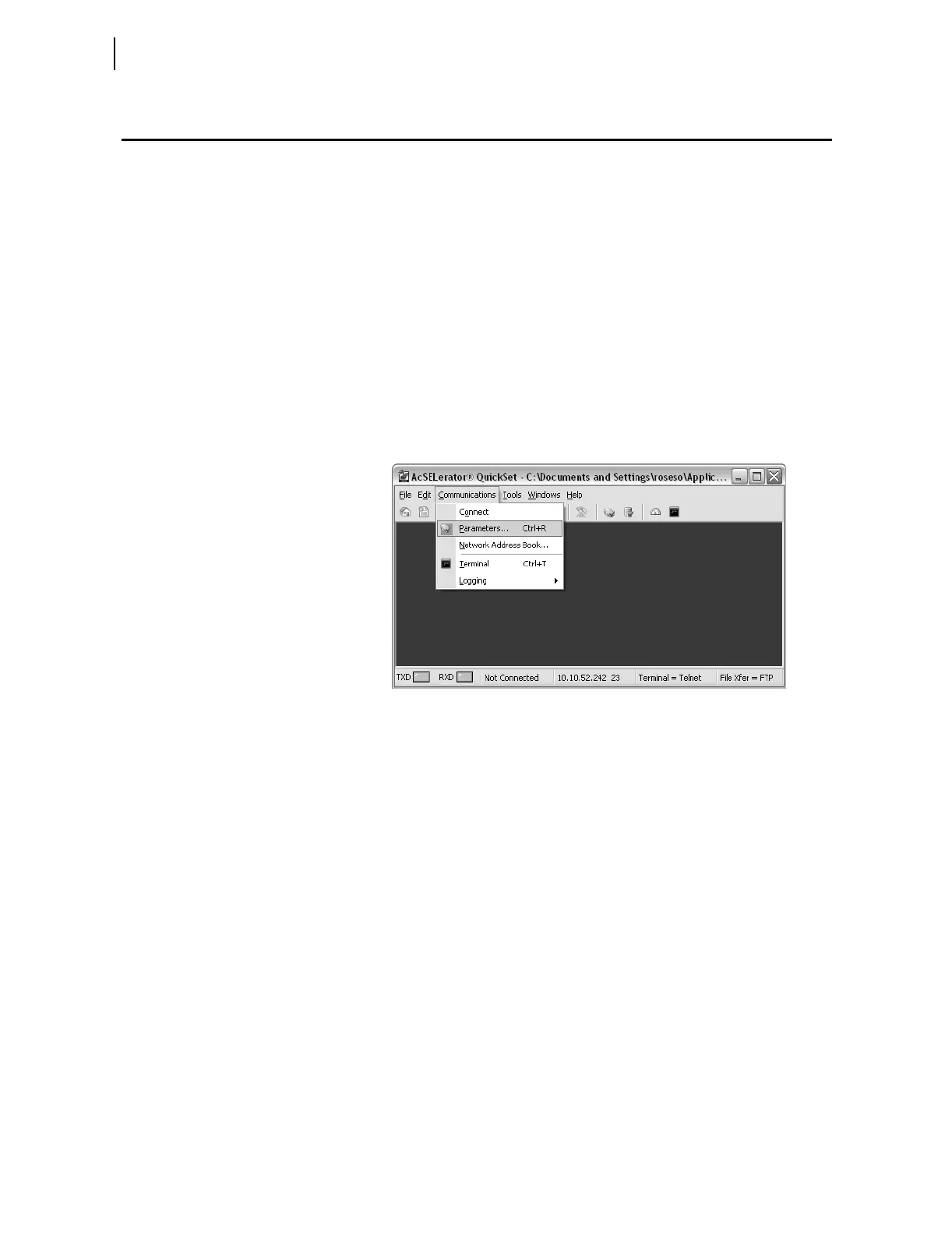
Step 1. Select Communications from the
ACSELERATOR QuickSet
main menu bar, as shown in Figure 3.1.
Figure 3.1 Serial Port Communication Dialog Box
Step 2. Select the Parameters submenu to display the screen shown in
Figure 3.2.
Step 3. Configure the PC port to match the
relay communications
settings.
Step 4. Configure
ACSELERATOR QuickSet to match the SEL-751A
default settings by entering Access Level 1 and Access Level 2
passwords in the respective text boxes.
Step 5. For network communications, select Network from the Active
Connection Type drop-down menu and enter the network
parameters as shown in Figure 3.3.
For the SEL-751A, always select FTP as the File Transfer
Option.
Step 6. Exit the menus by clicking OK when finished.



 To Next Page