1005Serial Port Settings (Serial Port Assign Menu)
Chapter 22 DCU Setup (DCU)
To return the device name for the selected ID to the default name
In the <Name> group, press [Clear].
7
Using any of the following methods, specify the command to which the
response speed setting applies.
• Press directly on the delay list in the status area.
• Press the arrow keys to scroll the reverse video cursor.
• Turn the knob.
8
Turn the knob to set the response speed (in field units) of the device.
9
Press [Delay Set].
This confirms the setting.
10
Repeat steps 4 to 9 as required to make the settings for other commands.
Making detailed settings for a VTR
1
In the <DCU Select> group of the DCU >Serial Port Assign menu, select
the target for the setting (DCU1 or DCU2).
2
Using any of the following methods, select the serial port connected to the
VTR for which you want to make the settings.
• Press directly on the list in the status area.
• Press the arrow keys to scroll the reverse video cursor.
• Turn the knob.
a) The range of setting values depends on the DCU port setting. (When the MKS-2700 is
connected, select 2 for the slot and a value in the range 1 to 6 for the port.)
3
Press [Port Setting].
The DCU >Serial Port Assign >VTR Setting menu appears.
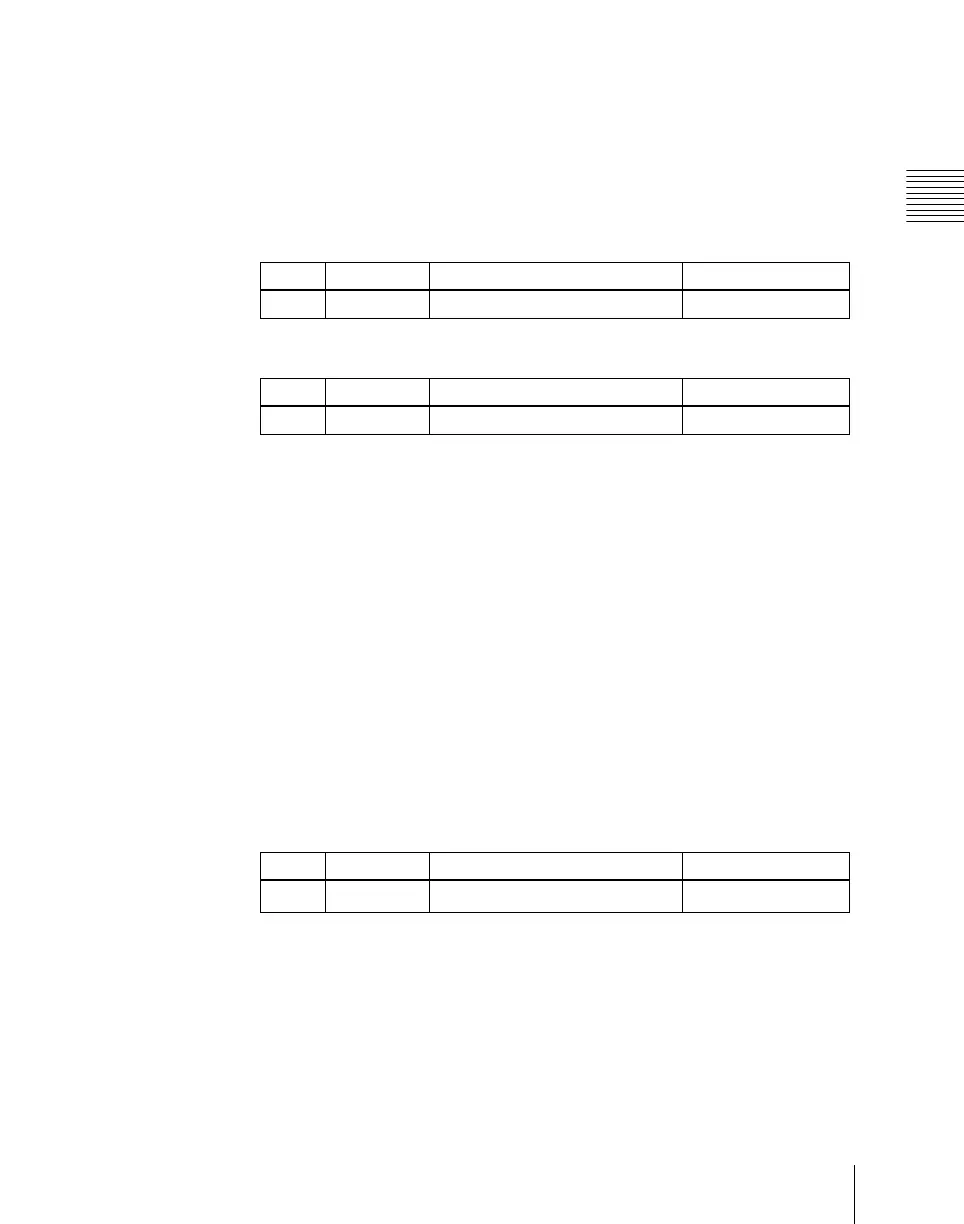
Knob Parameter Adjustment Setting values
2 No Command number selection 1 to 18
Knob Parameter Adjustment Setting values
3 Delay Response speed setting 0 to 60
Knob Parameter Adjustment Setting values
1 Port No Serial port
1 and upwards
a)


 To Next Page
 Loading...








