839Setting the Signal Format (Format Menu)
Chapter 18 System Setup (System)
Setting the Signal Format (Format Menu)
To set the format, that is, the frame frequency and number of scan lines handled
by each device, use the System >Format menu.
To display the Format menu
In the Engineering Setup menu, select VF1 ‘System’ and HF3 ‘Format.’
Note
After changing any of the following settings, be sure to press [Execute] to save
the new values. If you want to cancel the settings and return to the original
state, press [Clear] without pressing [Execute].
Setting the Signal Format
Specify the signal format to be handled by the devices.
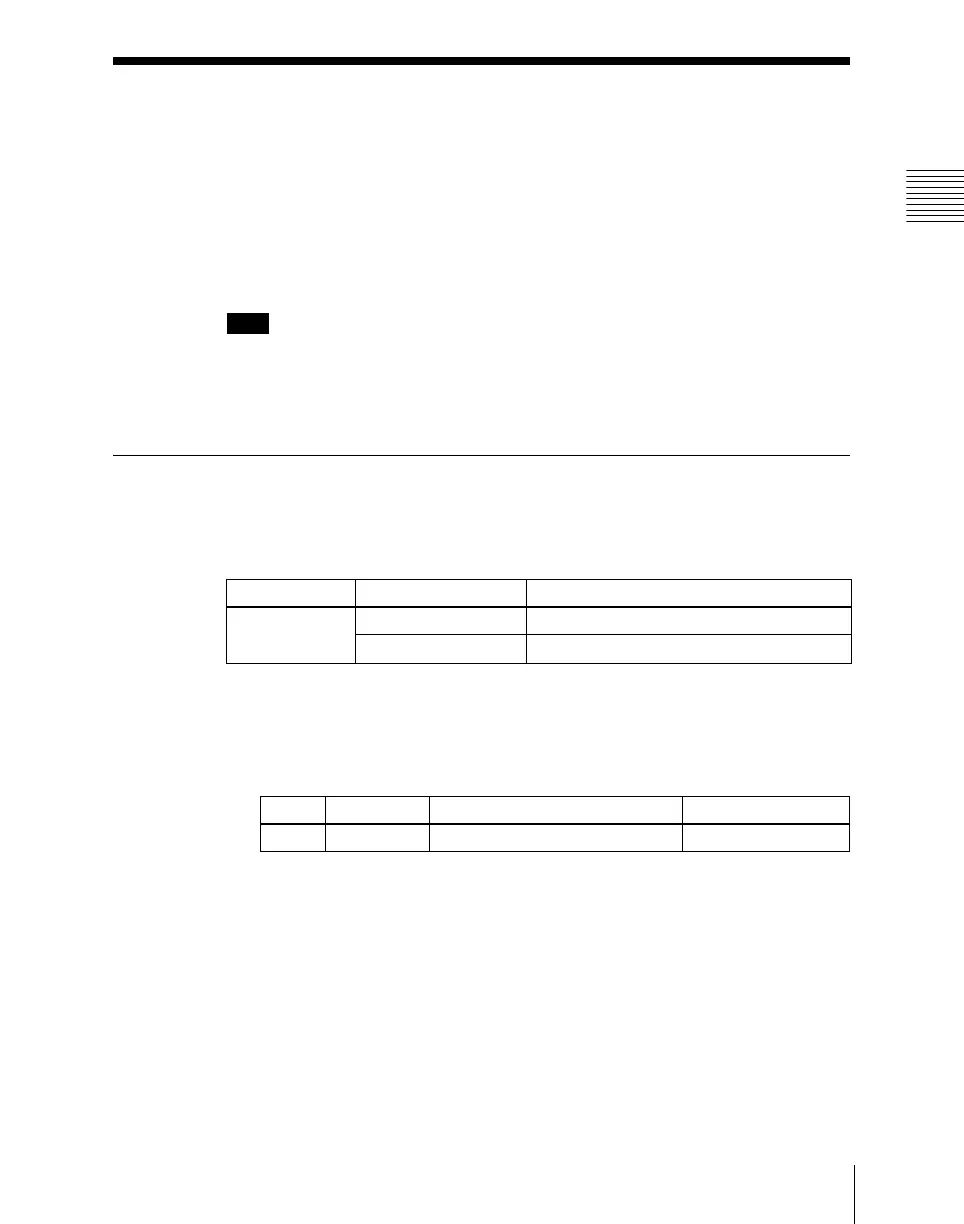
The combinations of signal formats that can be selected are as follows.
1
In the System >Format menu, select the device for operations.
• Press directly on the list in the status area.
• Press the arrow keys to scroll the reverse video cursor.
• Turn the knob.
2
Press [Signal Format].
A pop-up window appears.
System Field frequency Effective number of scan lines
SD system 59.94 480i
50 576i
Knob Parameter Adjustment Setting values
1 Device Selection of device for operations 1 and upwards













 To Next Page