1053Error Messages
Appendix (Volume 3)
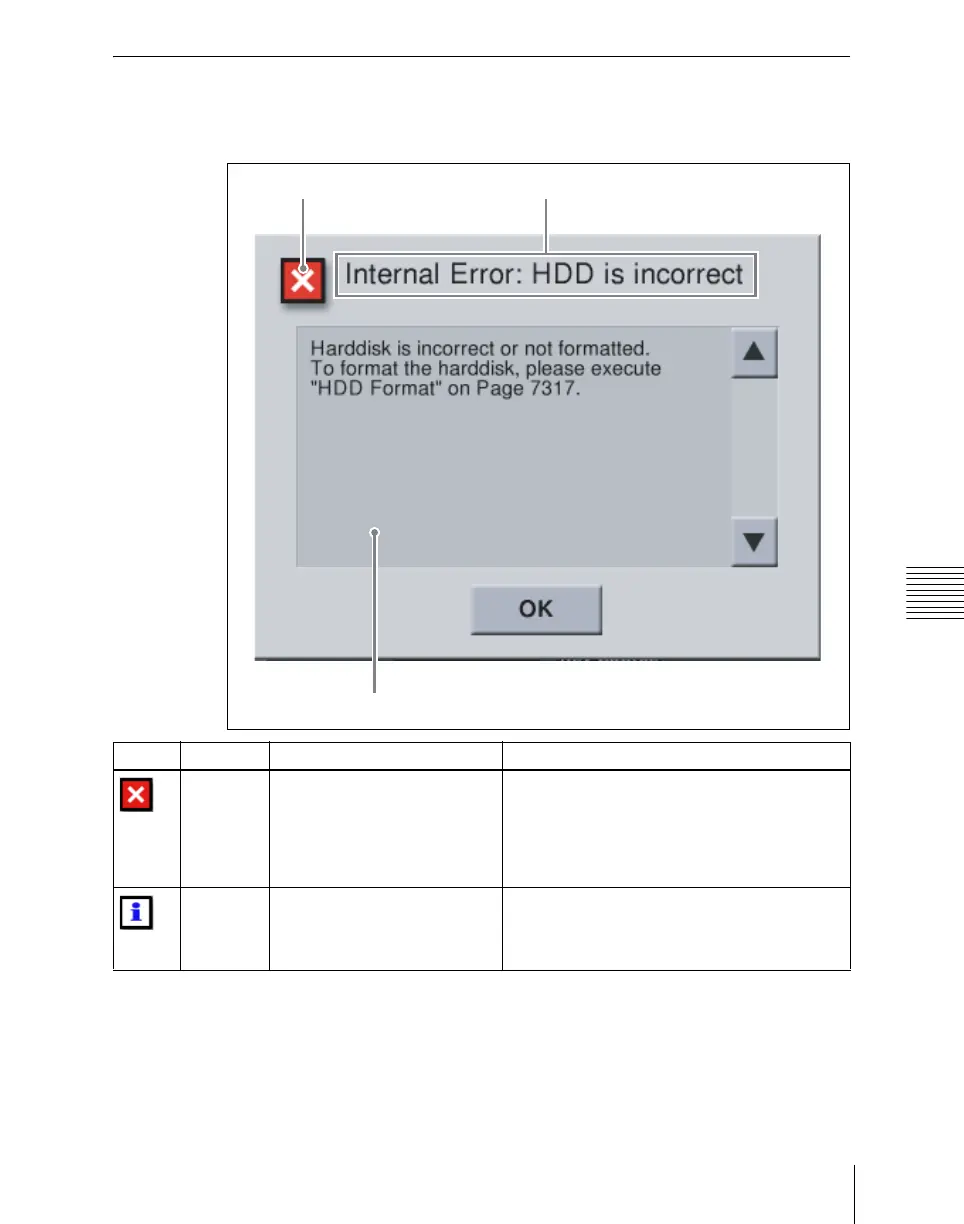
Error Messages Appearing in a Message Box
Corresponding to the content of the message, an icon appears.
Icon Title
Message
Icon Title Message Description
Activate
License
The license key you entered is
invalid.
Please check and enter again.
7316.7: Engineering Setup >System >Install/
Unit Config >License >License Management
In the above menu, since the entered
information was incorrect, the Activate License
procedure failed. Check the license key, and
enter again.
Activate
License
License key was successfully
entered.
The license will be activated
after rebooting your system.
7316.7: Engineering Setup >System >Install/
Unit Config >License >License Management
In the above menu, the Activate License
procedure completed successfully.





 To Next Page