485DME Special Effect Operations
Chapter 11 DME Operations
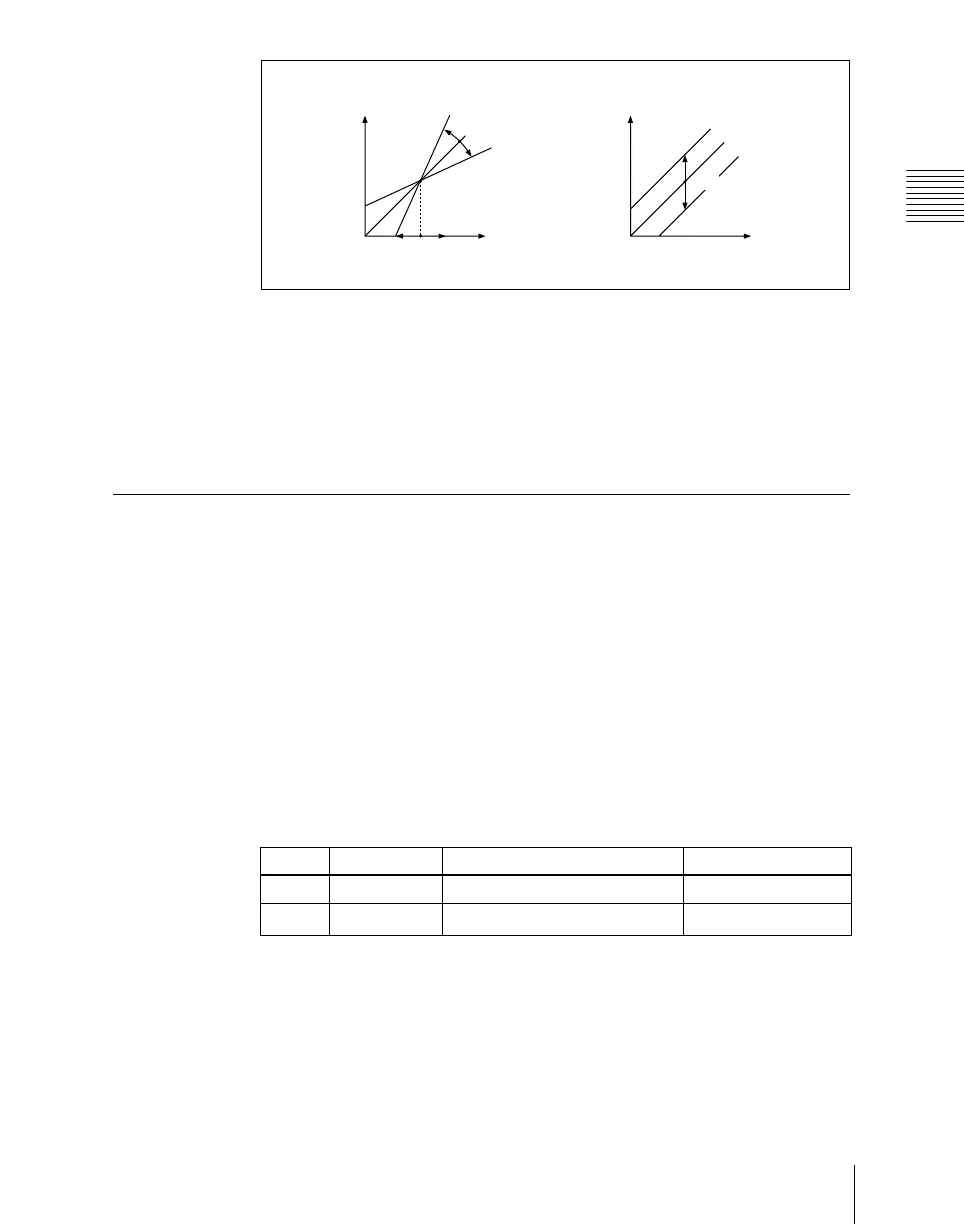
Clip, Gain, Offset
Masking the Contrast effect with a selected pattern
Press [Mask] to display the Mask menu, and set the pattern type and modifiers.
For details, see “Mask Settings” (page 491).
Mosaic Settings
Applying the Mosaic effect
1
In the DME menu, select VF2 ‘Video Modify’ and HF4 ‘Mosaic.’
The Mosaic menu appears.
2
Press [Mosaic], turning it on.
The Mosaic effect is enabled. You can adjust the size and aspect ratio of
the mosaic tiles with the knobs.
3
Set the following parameters.
a) Specify minus values to stretch the tiles in the vertical direction, and plus values to stretch
the tiles in the horizontal direction.
Masking the Mosaic effect with a selected pattern
Press [Mask] to display the Mask menu, and set the pattern type and modifiers.
For details, see “Mask Settings” (page 491).
Clip
Gain
Offset
Video output level
Video input
level
Video output level
Video input
level
Knob Parameter Adjustment Setting values
1 Size Size of tiles 0.00 to 100.00
2 Aspect Aspect ratio of tiles
–100.00 to +100.00
a)













 To Next Page