Chapter 20 Switcher Setup (Switcher)
948
Signal Input Settings (Input Menu)
Making Video Process Settings
1
In the Switcher >Input menu, press [Video Process].
The Video Process menu appears.
The status area shows the source number, source name, and video process
adjustment settings.
2
Using any of the following methods, select the input signal to which the
settings apply.
• Press directly on the list in the status area.
• Press the arrow keys to scroll the reverse video cursor.
• Turn the knob.
3
Press [Video Process], turning it on.
4
Adjust the following parameters.
To set the parameter settings to their defaults, press [Unity].
Enabling the Illegal Color Limiter
To enable the illegal color limiter for the signals generated by the switcher
internal matte generator, press [Matte Illeg Col Limit] in the Switcher >Input
menu, turning it on.
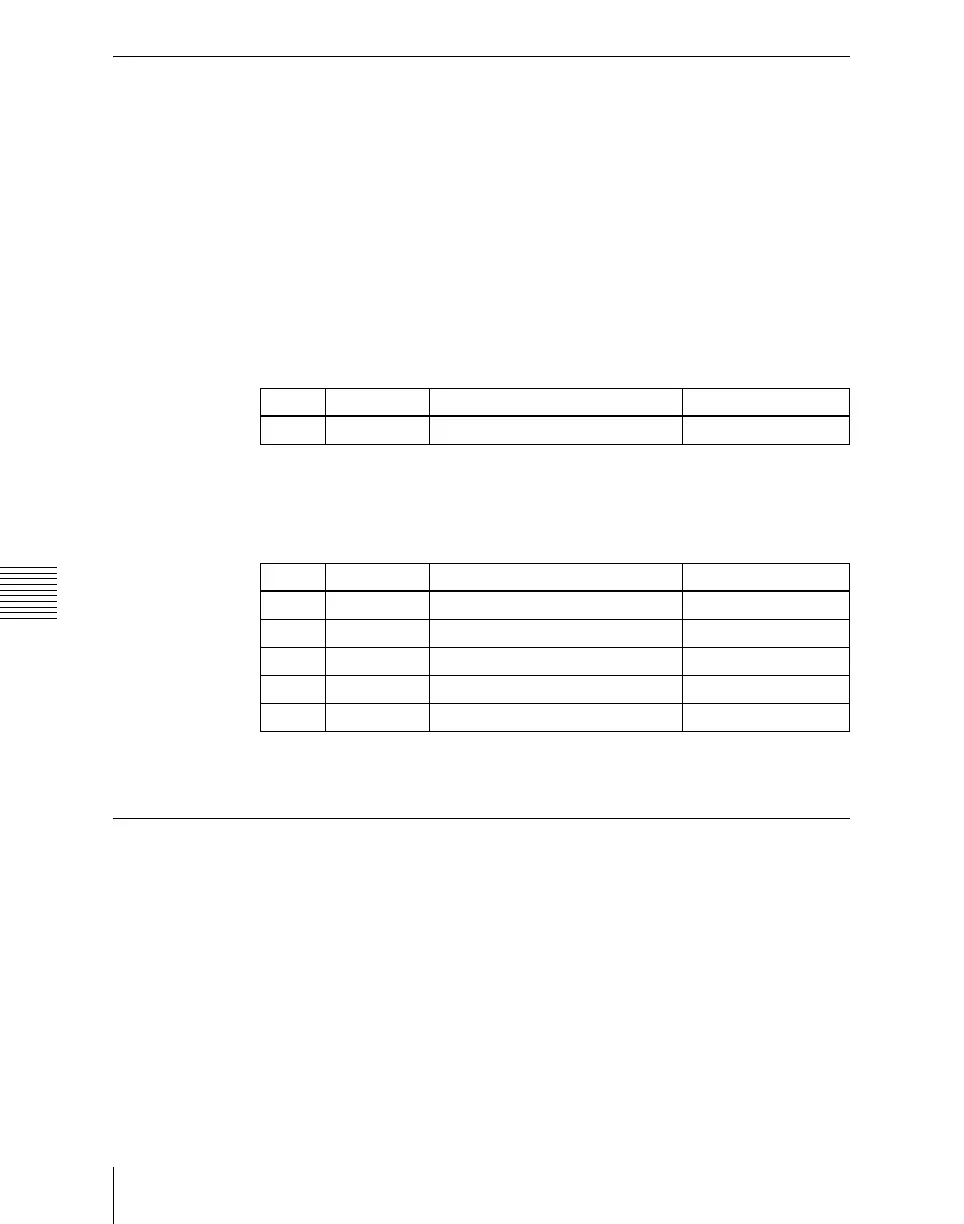
Knob Parameter Adjustment Setting values
1 Src No Input signal selection 1 to 80
Knob Parameter Adjustment Setting values
1 Video Gain Video signal gain –200.00 to +200.00
2 Y Gain Y signal gain –200.00 to +200.00
3 C Gain Chrominance signal gain –200.00 to +200.00
4 Hue Delay Hue delay –180.00 to +180.00
5 Black Level Black level –7.31 to +109.59













 To Next Page