Chapter 19 Control Panel Setup (Panel)
936
Screen Saver and Other Settings (Maintenance Menu)
Screen Saver and Other Settings
(Maintenance Menu)
To make settings relating to the screen saver, etc., use the Panel >Maintenance
menu.
• Screen Saver: Make the menu screen saver settings.
• LCD Brightness: Adjust the LCD brightness.
• LED Brightness: Adjust the LED brightness.
• Switch Brightness: Adjust the switch brightness.
• Touch Beep: Select whether or not to sound a beep when a menu operation
is carried out.
• Touch Panel Calibration: Calibrate the touch panel.
• Initial Menu Set: Specify the menu to be displayed at menu startup.
• Mouse Slider Control: Select the mouse button used for adjusting the bar
positions of the knob parameters.
To display the Maintenance menu
In the Engineering Setup menu, select VF2 ‘Panel’ and HF7 ‘Maintenance.’
The status area shows a list of the items with their settings.
Screen Saver Settings
To enable the menu screen saver, use the following procedure.
1
In the Panel >Maintenance menu, press [Screen Saver], turning it on.
2
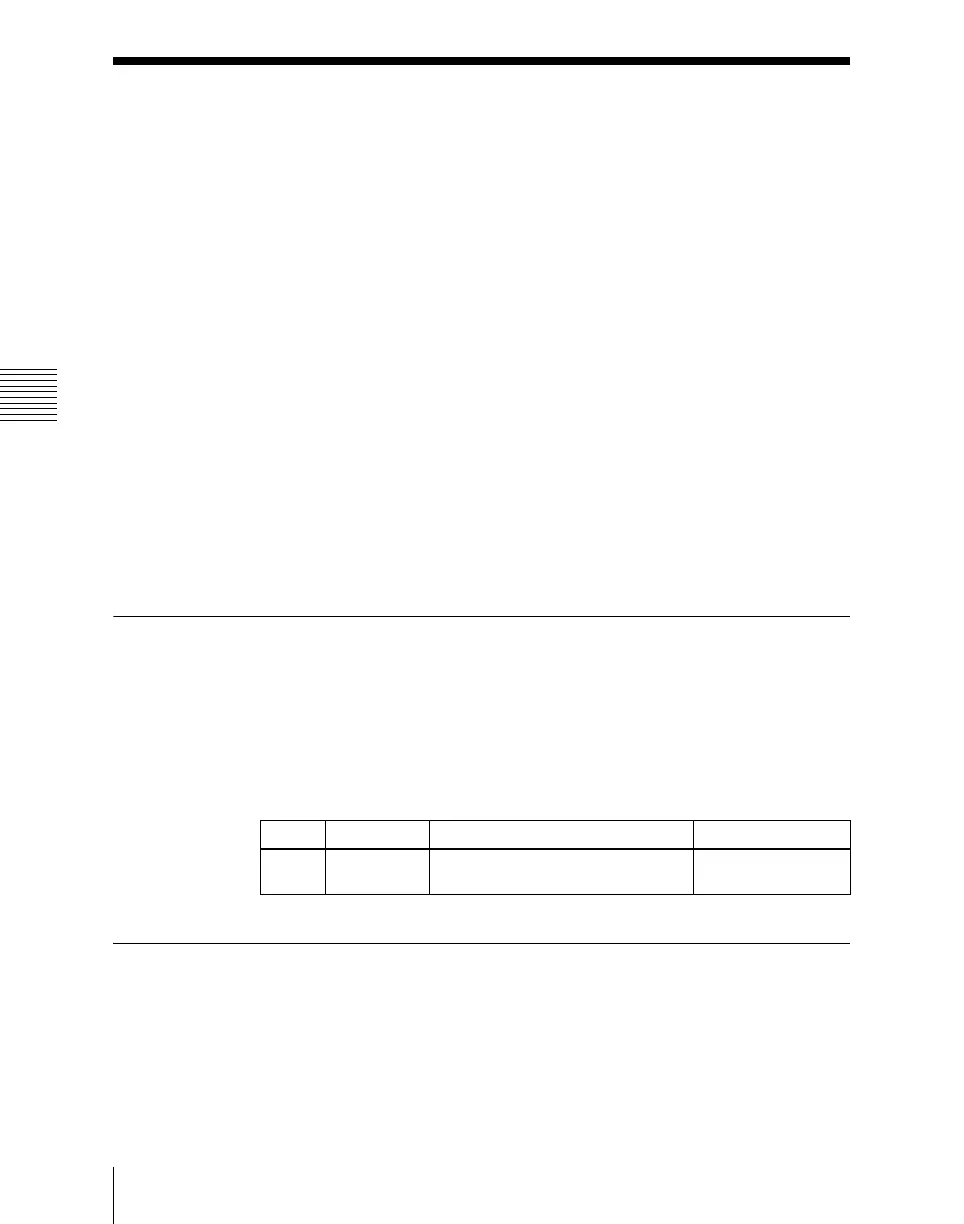
Adjust the following parameter.
Adjusting the Brightness
You can adjust each of the following brightnesses independently.
LCD: Adjust the brightness of the source name displays and the LCD buttons
in the Flexi Pad control block.
Knob Parameter Adjustment Setting values
1 Sleep Time Time until screen saver starts
operation
1 to 300 (minutes)













 To Next Page