651Creating and Editing Keyframes
Chapter 13 Keyframe Effects
Deletion
Deleting keyframes
1
Press the [EDIT ENBL] button, turning it on.
2
Stop the effect at the desired edit point.
When the edit point is on a keyframe, this is what you delete. If the edit
point is between two keyframes, the previous keyframe is what you delete.
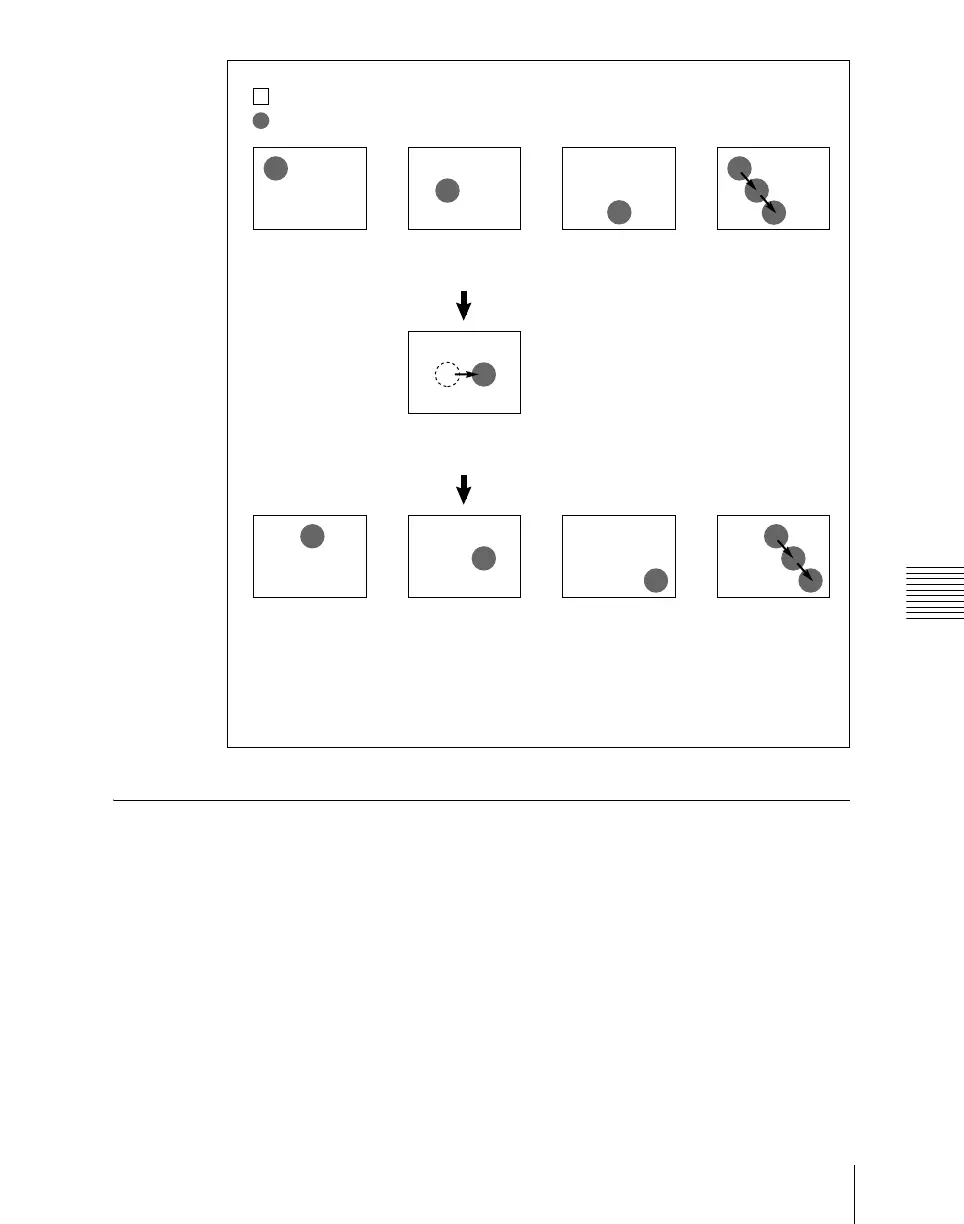
: Background A
: Background B
Modify keyframe 2.
(Changing the position of background B in
the horizontal direction)
Select keyframes 1 to 3 and modify
simultaneously.
Result:
Background B of keyframes 1 and 3 is moved in the horizontal direction by the same
amount as in keyframe 2.
Keyframe 1 Keyframe 2 Keyframe 3 Effect execution
Keyframe 1 Keyframe 2 Keyframe 3 Effect execution













 To Next Page