431Three-Dimensional Transformation Operations
Chapter 11 DME Operations
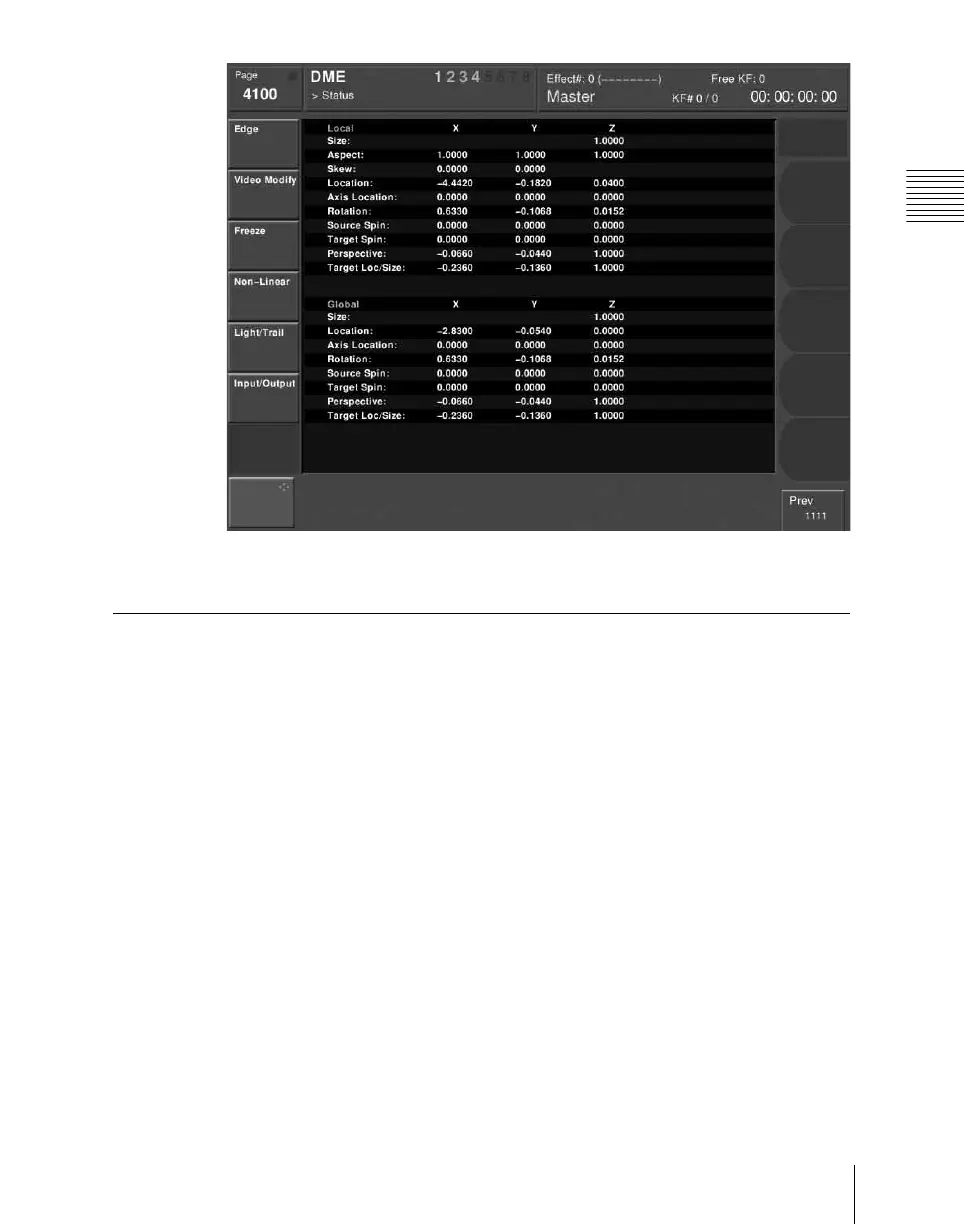
Example three-dimensional parameter details
Entering Three-Dimensional Parameter Values
In addition to setting three-dimensional parameter values with the trackball and
Z-ring, you can enter them directly from the numeric keypad control block.
Entering three-dimensional parameter values
1
In the device control block, press the [X], [Y], or [Z] button, turning it on.
The numeric keypad control block enters a mode in which you can enter
parameters for the selected axis.
2
Enter a parameter value with the numeric keypad.
The number of significant digits after a decimal point is 4.
3
Press the [ENTER] button.
The parameter value is changed, and the image changes.





 To Next Page