533DME Special Effect Operations
Chapter 11 DME Operations
Keyframe Strobe Settings
Note
When you turn on keyframe strobe, if the Trail, Motion Decay or Wind effect
is on, it automatically goes off. (See “Note” in the section “Trail.”)
Leaving a trail of afterimages of the image
1
In the DME menu, select VF5 ‘Light/Trail’ and HF4 ‘KF Strobe.’
The KF Strobe menu appears.
2
Press [KF Strobe], turning it on.
This enables the Keyframe Strobe effect, and you can now use the knobs
to adjust the parameters.
3
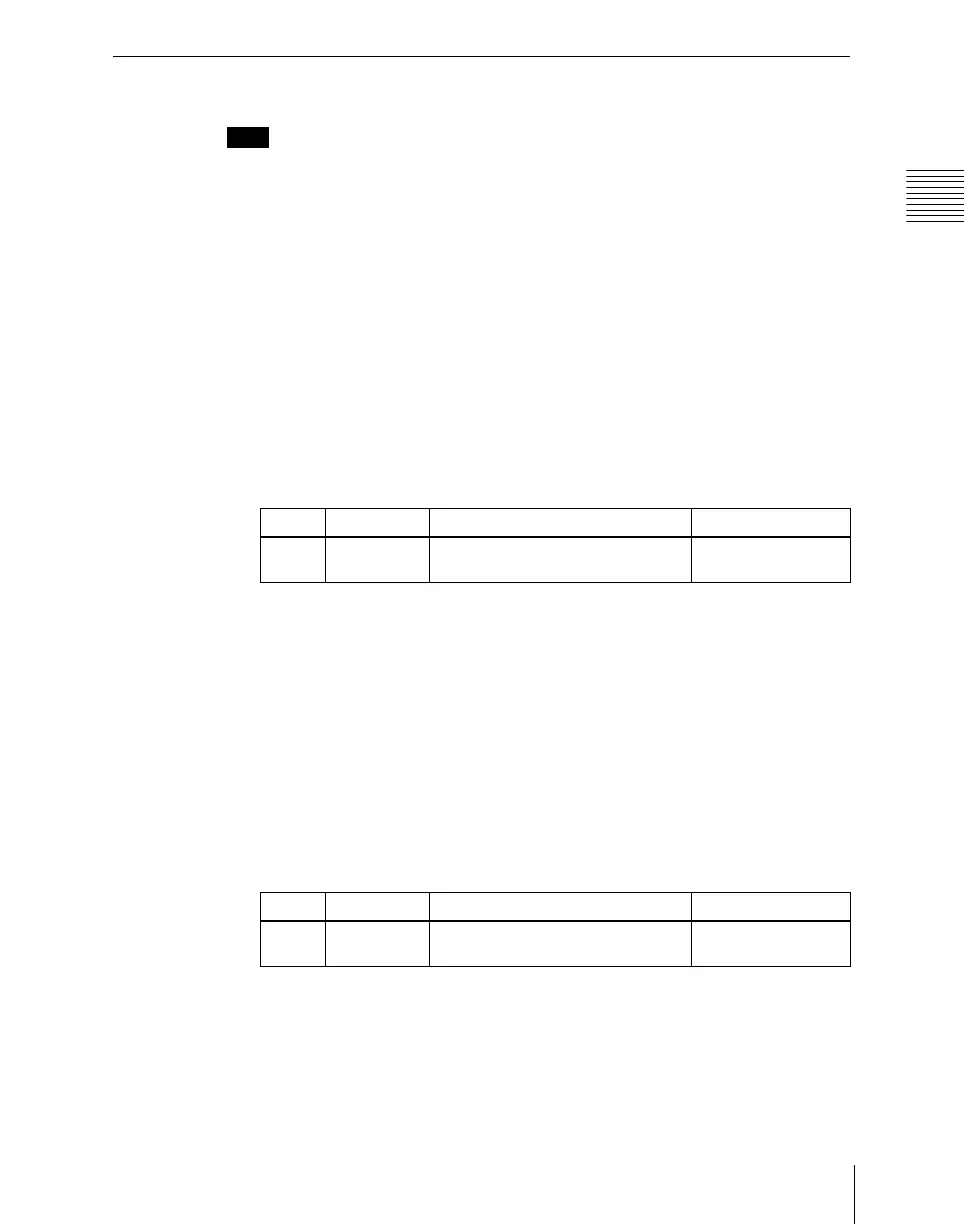
Set the following parameter.
a) At the setting 0.00, there is no afterimage. At a setting of 100.00, the afterimage does not
decay.
4
To erase the afterimage, press [KF Strobe Eraser], turning it on.
Selecting the overlay priority for movie and still images (video
freeze image)
In the <Priority> group, select the way in which the images are overlaid.
Over: the movie is on top, and the still image is underneath.
Under: the movie is underneath, and the still image is on top.
Mix: the movie and still images are mixed; adjust the following parameter with
the knob.
a) The 0.00 setting is the same as Over, and the 100.00 is the same as Under.
Selecting the freeze timing
In the <KF Freeze Timing> group, select the timing for freezing the keyframe
strobe.
Knob Parameter Adjustment Setting values
1 Decay Degree of blurring of the video
signal
0.00 to 100.00
a)
Knob Parameter Adjustment Setting values
1 Mix Mix amount of the still image with
respect to the movie
0.00 to 100.00
a)













 To Next Page