657Creating and Editing Keyframes
Chapter 13 Keyframe Effects
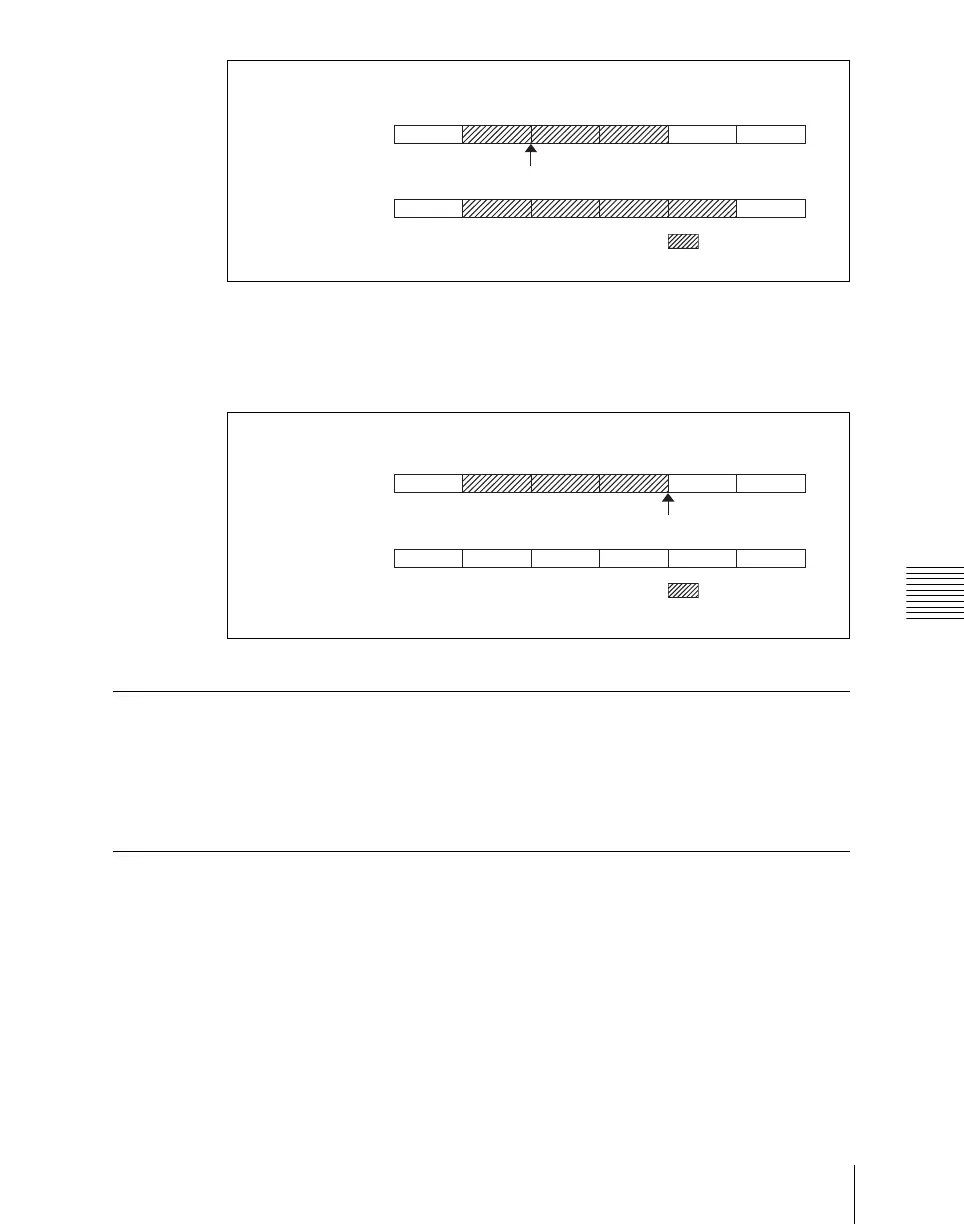
Example 3: If the keyframe at the end of the loop range (the end point) is
deleted, the keyframe loop settings are all cleared, as follows, and the [KF
LOOP] button goes off. The same occurs if the first keyframe in the loop
range (the start point) is deleted.
Undoing an Edit Operation
To undo a keyframe insert, modify, delete, or paste operation immediately after
execution, press the [UNDO] button.
Duration Mode Setting
There are two keyframe duration modes: variable duration mode, and constant
duration mode in which the effect duration is fixed (see page 623).
• To select variable duration mode, turn the [CONST DUR] button off.
• To select constant duration mode, press the [CONST DUR] button, turning
it on.
1234567
1234567
Before addition
After addition
Addition
: Loop range
1234567
1234567
Before deletion
After deletion
Deletion
: Loop range













 To Next Page