Chapter 11 DME Operations
456
DME Special Effect Operations
Note
The key border function and Glow function (see page 490) cannot be
turned on at the same time. Only the one most recently turned on is
effective.
3
Set the following parameters.
4
To set the key border color, press [Flat Color] and adjust the following
parameters.
To select an outline only key
Press [Outline], turning it on.
The outline only effect is enabled.
Art Edge Settings
Note
The Art Edge function is not supported on the MVE-8000A.
Applying art edges
1
In the DME menu, select VF1 ‘Edge’ and HF4 ‘Art Edge.’
The Art Edge menu appears.
2
Press [Art Edge], turning it on.
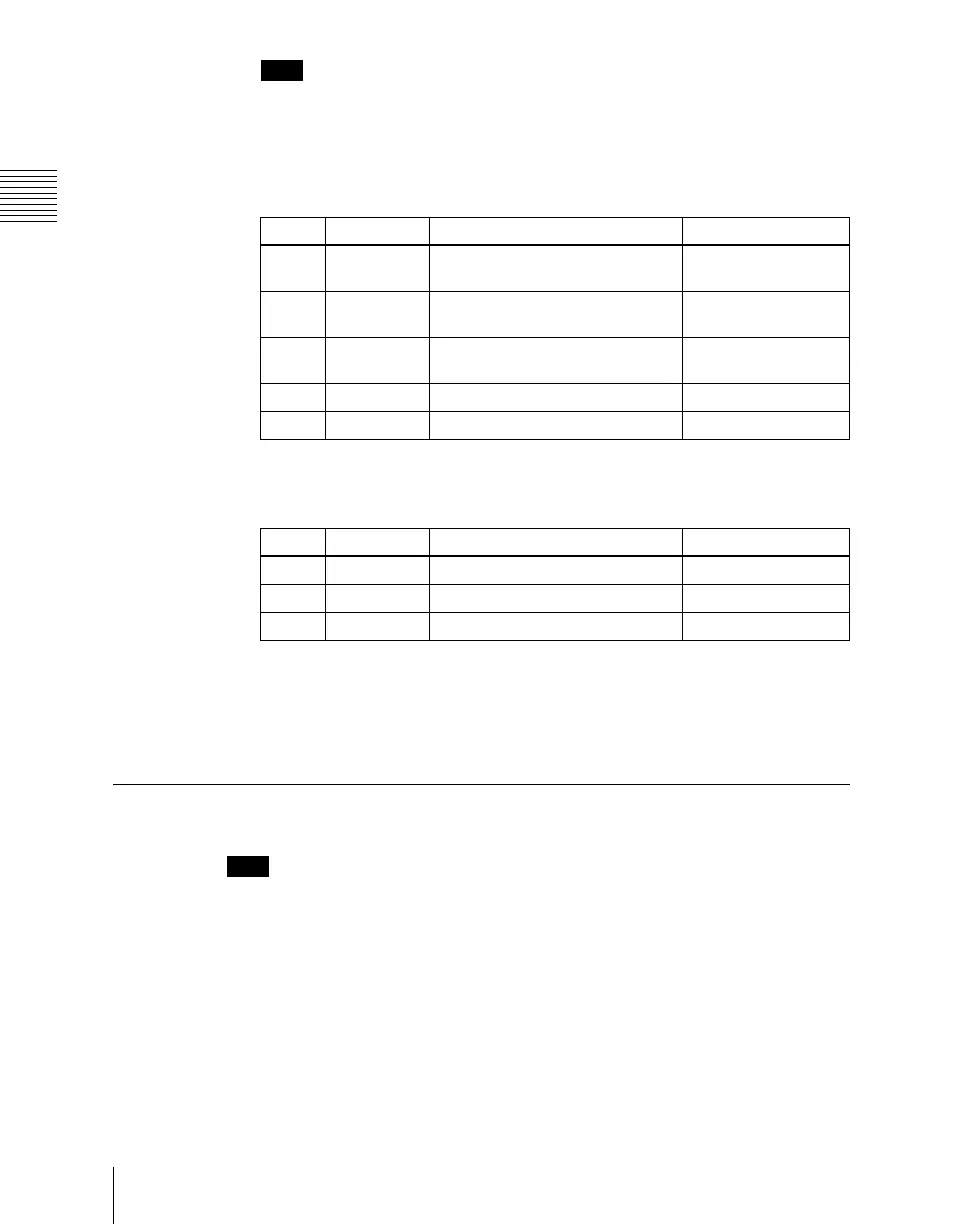
Knob Parameter Adjustment Setting values
1 H Simultaneously adjust width of left
and right key borders
0.00 to 100.00
2 V Simultaneously adjust width of top
and bottom key borders
0.00 to 100.00
3 All Simultaneously adjust width of all
four key borders
Value of H shown
4 Soft Softness of the key borders 0.00 to 100.00
5 Density Density of the key borders 0.00 to 100.00
Knob Parameter Adjustment Setting values
1 Luminance Luminance 0.00 to 100.00
2 Saturation Saturation 0.00 to 100.00
3 Hue Hue 359.99 to 0.00













 To Next Page