582
Control of P-Bus Devices
Chapter 12 External Devices
1
Using any of the following methods, select the device.
• Press directly on the list on the left of the status area.
• Press the arrow keys to scroll the reverse video cursor.
• Turn the knob.
2
In the Device >P-Bus Timeline menu, press [Direct Store].
The numeric keypad window appears.
3
Enter the register number for which you want to carry out the Learn.
The setting range is from 1 to 99.
4
Press [Enter].
This carries out a Learn with the specified register number.
P-Bus Trigger
“P-Bus trigger” is a function whereby a button operation in the numeric keypad
control block or keyframe control block outputs an action command to a P-Bus
device.
Note
To use the P-Bus trigger function, the P-Bus control mode must be set to
[Trigger]. Make this setting in the Engineering Setup >Panel >Device Interface
menu. (For details, see “Setting the Control Mode for P-Bus Devices” in
Chapter 19 (Volume 3).)
The relation between the operation in each of the control blocks and the action
command output is as follows.
Action command for an operation in the numeric keypad control
block
• RECALL: Recall
•STORE: Store
This recalls the register specified in the numeric keypad control block, and a
Recall or Store is carried out, according to the setting.
Action command for an operation in the keyframe control block
• RUN: Trigger 1
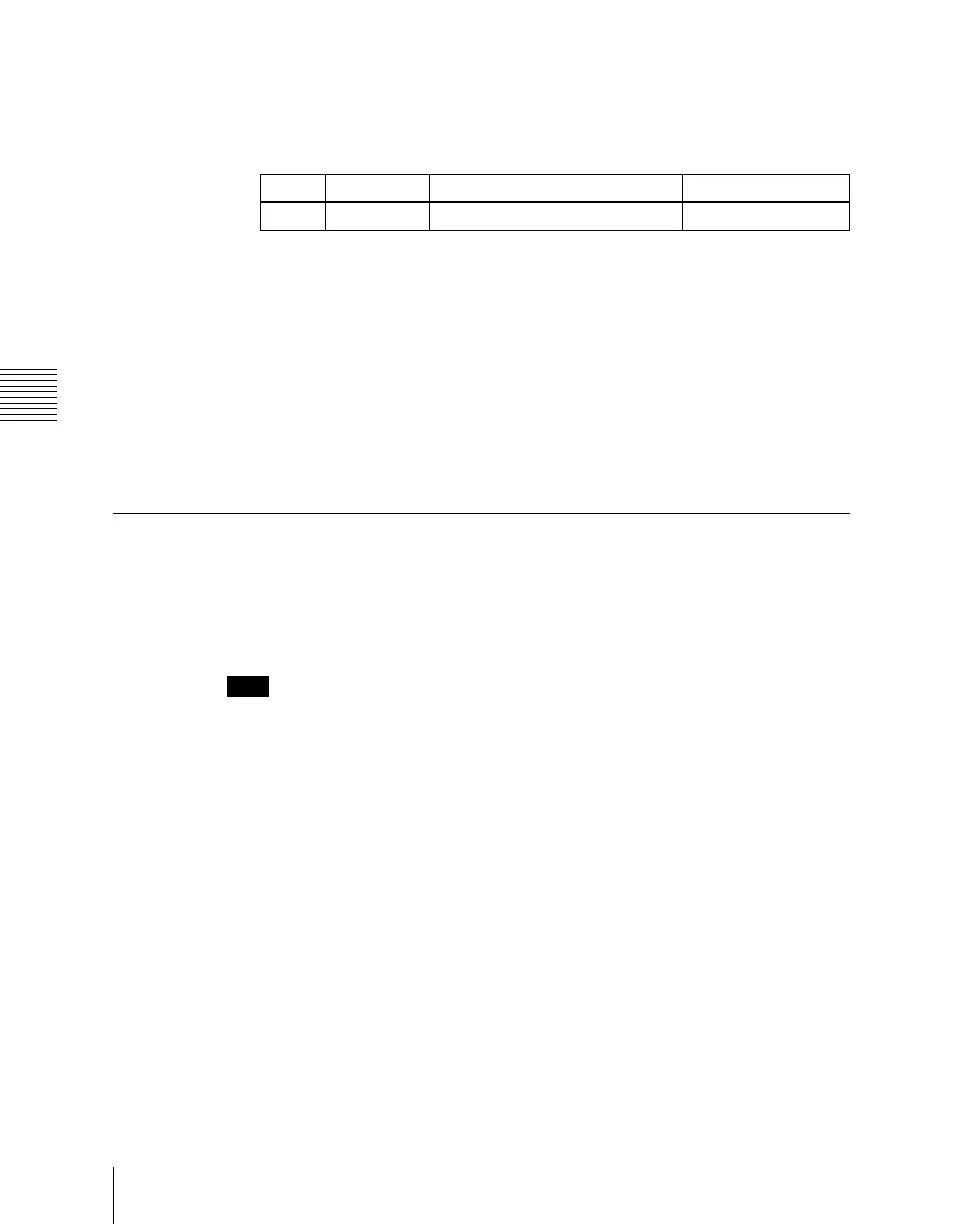
Knob Parameter Setting Setting values
1 ID Device ID 0 to 23





 To Next Page