189Key Setting Operations With the Key Control Block
Chapter 4 Keys
Key Edge Modifications
To apply a modification to the key edge, press one of the edge type selection
buttons in the key control block.
[BDR] button: border
[DROP BDR] button: drop border
[SHDW] button: shadow
[OUTLINE] button: outline
[EMBOS] button: emboss
For an overview of the edge modifications, see “Edge modifiers” (page 150).
The pressed button lights green, and you can now adjust the parameters with
the knobs. The display beside each knob shows the first letter of the parameter
name and the three-digit setting value.
Setting the border parameters
When the [BDR] button is lit green, the parameter settings depend on the key
type and whether the separate edge function is active. To activate the separate
edge function, press [Separate Edge], setting it on, in the Edge menu for the
key.
• Separate edge off
a) In the “4H mode” and when [Fine Key] (page 171) is on, the setting value range is 0 to 4.
b) When a wipe pattern key or key wipe pattern key is selected as the key type
• Separate edge on
The border width settings can be made independently for left, right, top, and
bottom sides. The separate edge function is only available when luminance
key, linear key, or chroma key is selected as the key type.
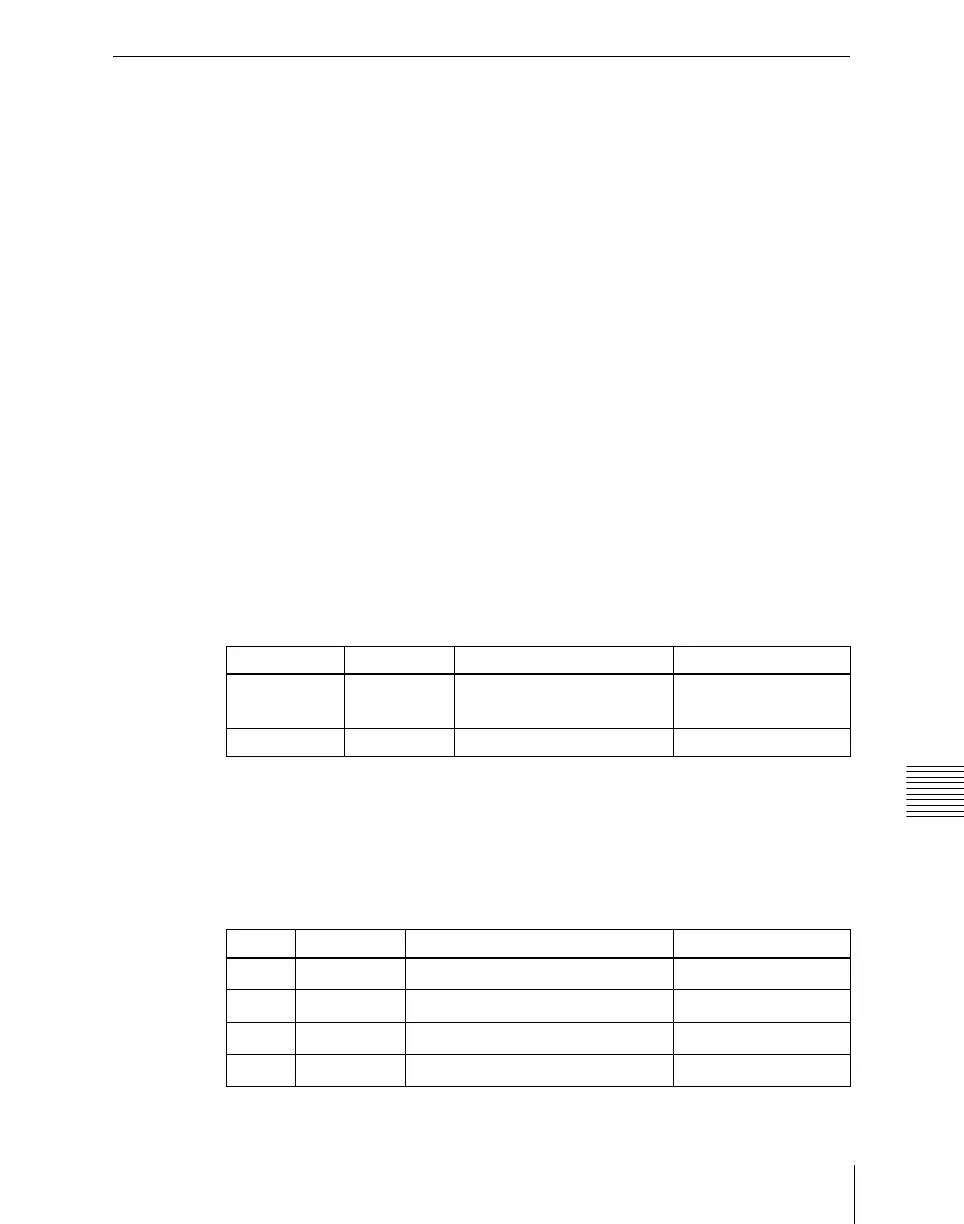
Knob Parameter Adjustment Setting values
1 Width Border width
0 to 8
a)
(0 to 100)
b)
4 Density Border density 0 to 100
Knob Parameter Adjustment Setting values
1 Top Top edge width
0 to 8
a)
2 Left Left edge width
0 to 8
a)
3 Right Right edge width
0 to 8
a)
4 Bottom Bottom edge width
0 to 8
a)













 To Next Page