334
Video Process
Chapter 8 Color Backgrounds, Copy and Swap, and Other Settings
Making the adjustments
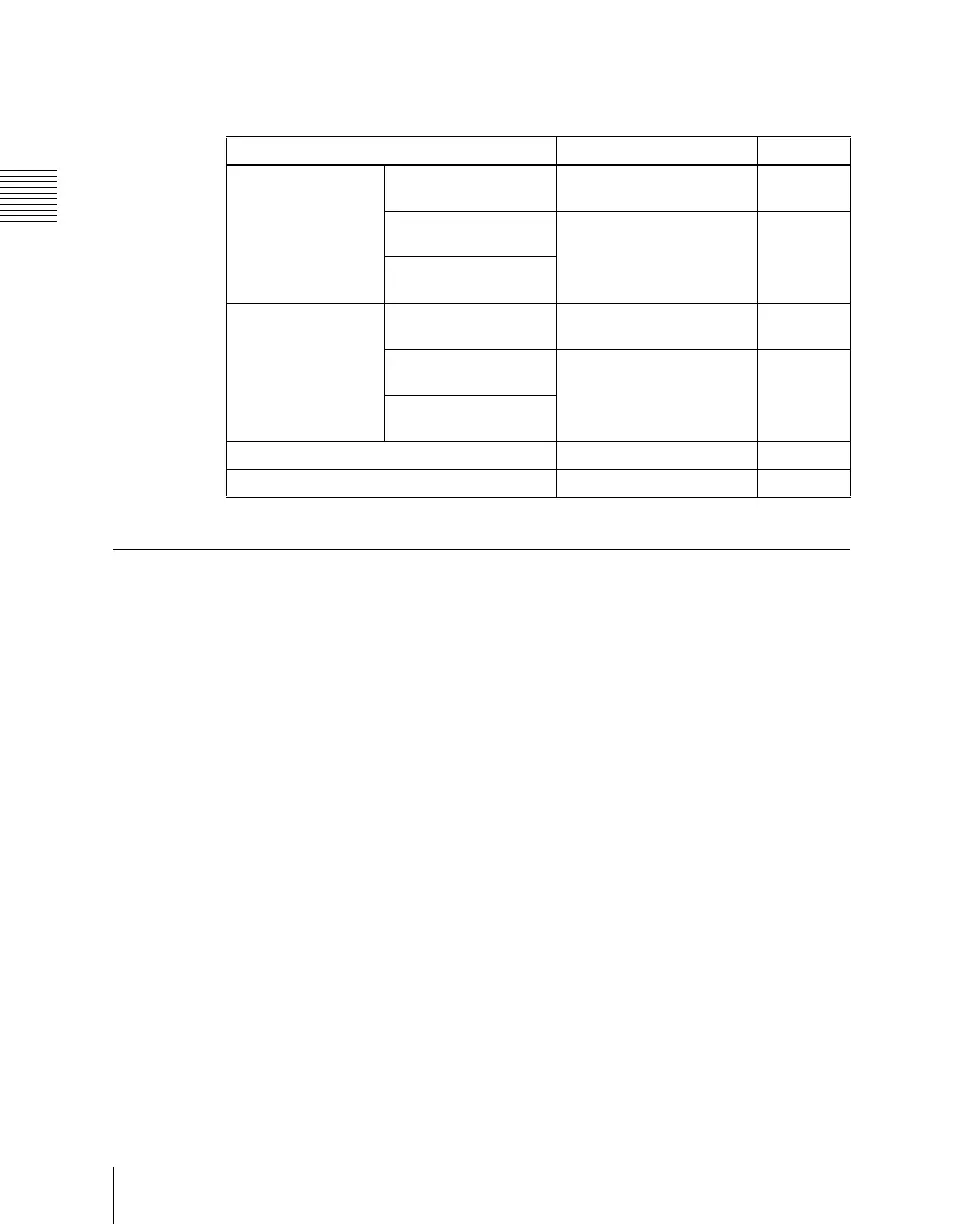
Adjust VIDEO GAIN, Y GAIN, BLACK LEVEL, C GAIN, and HUE DELAY
in the following menus.
Video Process Memory
When using video process adjustments for an image effect on a bus, this
function saves the final values for each pair number for the signals. The video
process on/off setting is not saved.
When you change the adjustments the values are automatically saved, and
these last values are recalled when the pair number is selected.
In other words, by switching video process memory on, regardless of the video
process information for each bus, you can carry out video process adjustments
for each input signal.
The parameters saved are as follows.
VIDEO GAIN, Y GAIN, BLACK LEVEL, C GAIN, HUE DELAY
Switch the video process memory on or off in the Setup menu.
For details of setting operations, see “Settings Relating to Keys, Wipes, Frame
Memory and Color Correction (Key/Wipe/FM/CCR Menu)” in Chapter 20
(Volume 3).
Applicable bus Menu used for operation See page
M/E-1 bank Key fill buses for keys
1 to 4
M/E-1 menu page 181
Background A and B
buses
Video Process menu page 335
Utility 1 and 2 buses
PGM/PST bank Key fill buses for
DSK1 to DSK4
PGM/PST menu page 181
Background A and B
buses
Video Process menu page 335
Utility 1 and 2 buses
Frame memory source 1 and 2 buses Frame Memory menu page 280
Aux 1 to 48 buses AUX/MON menu page 329













 To Next Page