Chapter 19 Control Panel Setup (Panel)
914
Setting Button Assignments (Prefs/Utility Menu)
The menu screen goes back to the Prefs/Utility menu, and the selection is
reflected in the status area. The user preference buttons [PREFS 1] to
[PREFS 16] flash amber.
4
Repeat steps 2 and 3 as required, to assign all desired menu shortcuts to
the user preference buttons.
To abandon the process of menu shortcut assignment
In the Prefs/Utility menu, press [Menu Shortcut] once more.
This exits the menu shortcut assignment mode.
Assigning a Function to a Memory Recall Button in the
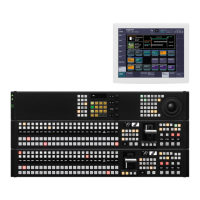
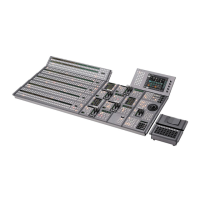
Utility/Shotbox Control Block (MKS-8033 Utility/
Shotbox Module, Option)
1
In the Prefs/Utility menu, press [Utility Module Assign].
The Prefs/Utility >Utility Module Assign menu appears. The status area
shows the settings in the utility/shotbox control block.
2
Using any of the following methods, select the button to be assigned.
• Press directly on the list.
• Press the arrow keys to scroll the reverse video cursor.
• Turn the knobs.
3
In the <Action> group, select the function you want to assign.
Menu Shortcut: Assign a frequently used menu to be recalled (menu
shortcut).
Utility Command: Assign a function enable/disable or similar operation
(utility command).
Macro Recall: Assign a macro register recall.
Shotbox Recall: Assign a shotbox register recall.
4
Depending on the selection in step 3, make the following settings.
When Menu Shortcut is selected: For the subsequent operations, see the
next item “Assigning a menu shortcut to a memory recall button”
(page 918).
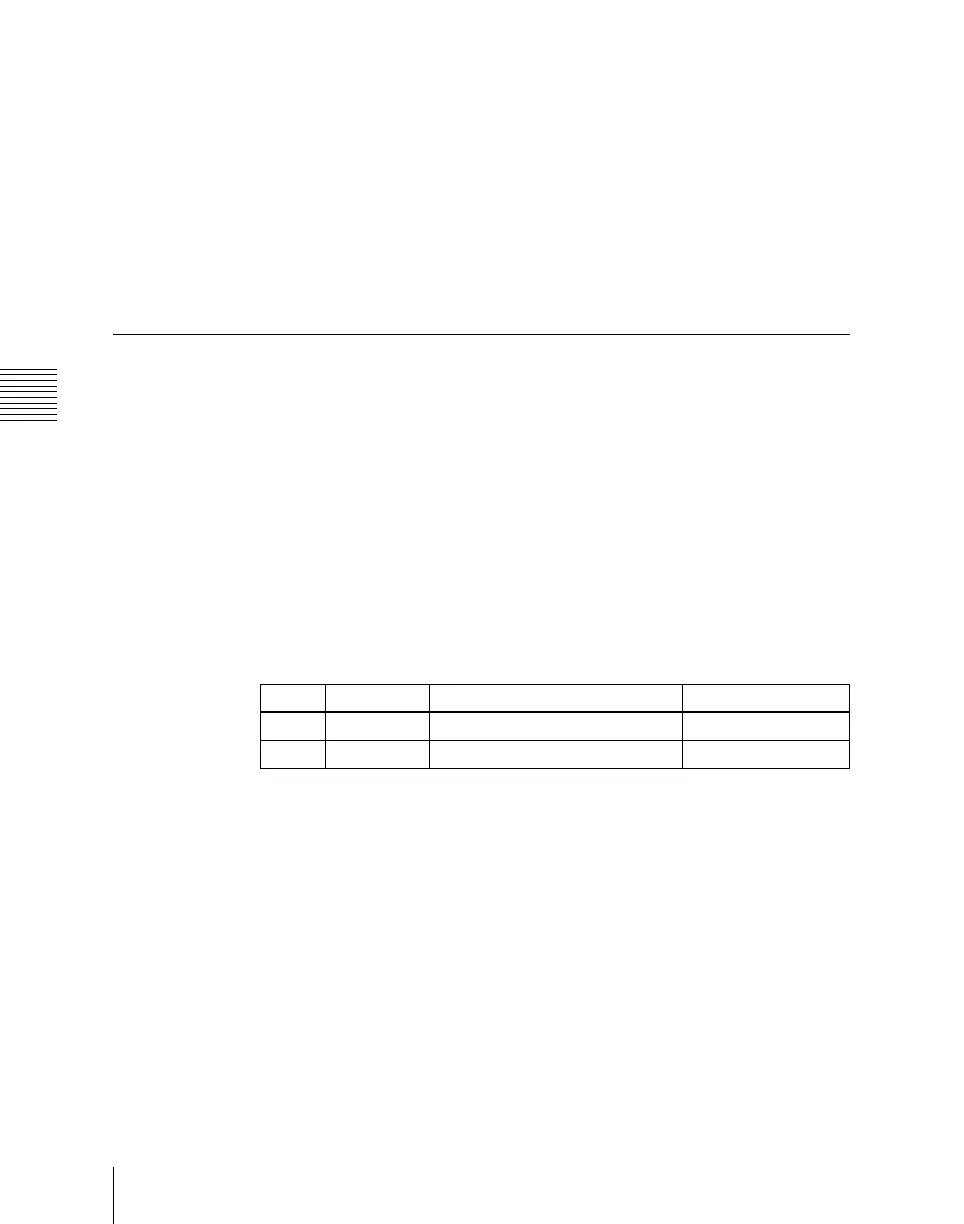
Knob Parameter Adjustment Setting values
1 Bank Bank selection 1 to 4
2 Button No Control block button selection 1 to 24





 To Next Page