Chapter 11 DME Operations
476
DME Special Effect Operations
a) For 4:3 mode
b) For 16:9 mode
To invert the regions of the two colors
In the Color Mix menu, press [Color Invert], turning it on.
Adjusting the color 1 and color 2
1
In the Color Mix menu, to adjust color 1 press [Color1], and to adjust color
2 press [Color2].
2
Set the following parameters.
Modifying the color combination pattern
See the following pages.
• “Setting the aspect ratio of the wipe crop pattern (Aspect)” (page 472)
• “Replicating the wipe crop pattern (Multi)” (page 473)
• “Rotating the wipe crop pattern (Rotation)” (page 472)
• “Applying modulation to the wipe crop pattern (Modulation)” (page 473)
Defocus Settings
Applying the Defocus effect
1
In the DME menu, select VF2 ‘Video Modify’ and HF1 ‘Defocus/Blur.’
Knob Parameter Adjustment Setting values
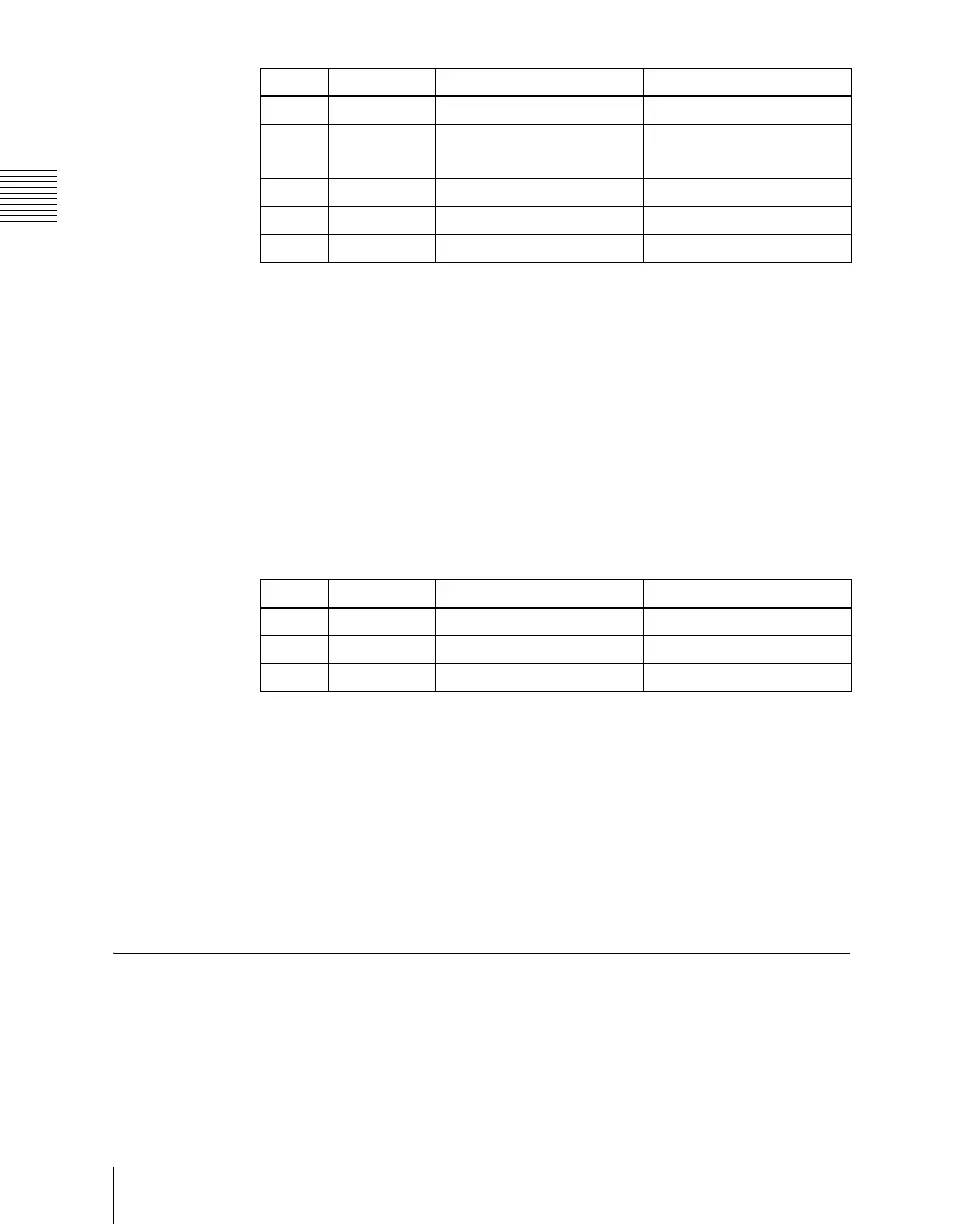
1 H Horizontal position –8.00 to +8.00
2 V Vertical position
–6.00 to +6.00
a)
–4.50 to +4.50
b)
3 Size Pattern size 0.00 to 100.00
4 Soft Softness of the pattern 0.00 to 100.00
5 Pattern Pattern number 1 to 24
Knob Parameter Adjustment Setting values
1 Luminance Luminance 0.00 to 100.00
2 Saturation Saturation 0.00 to 100.00
3 Hue Hue 359.99 to 0.00













 To Next Page