255Basic Procedure for DME Wipe Settings
Chapter 6 DME Wipes
DME Wipe Modify Clear
Press [Default Recall] at the lower left of the menu display, turning it on, then
press VF6 ‘DME Wipe’ to return the DME wipe settings to their initial status.
For details of the menu operation to return the DME wipe state to that set in
initial status, see “Returning to default state in function groupings” (page 87).
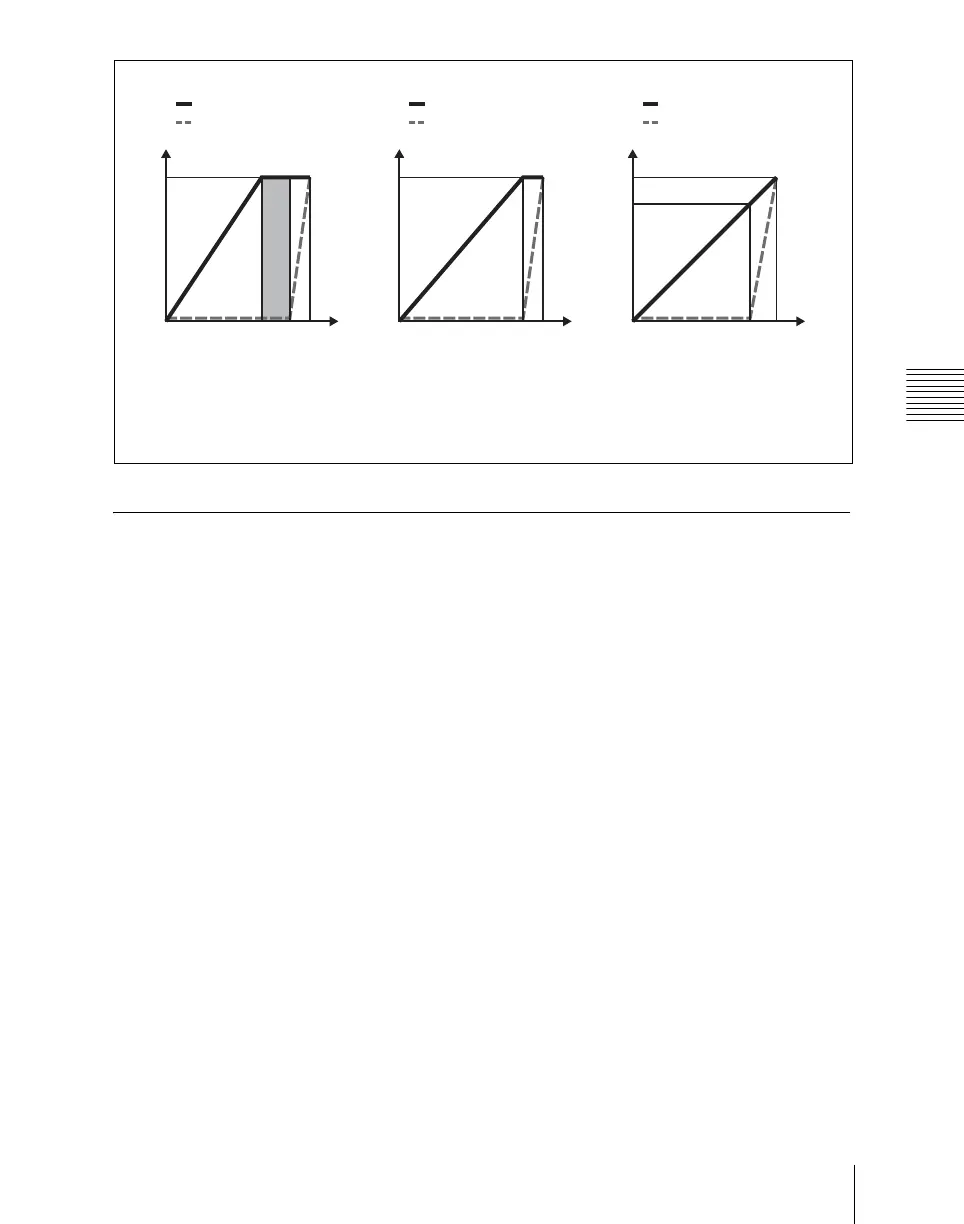
0
100 (%)95
[Last 30%]
y
t
(%)
100
70
0
100 (%)95
[Last 5%]
y
t
(%)
100
70
0
100 (%)95
[Off]
y
(%)
100
95
t
Transition
Cropping
t: transition execution time
y: change in transition and cropping amount
Transition
Cropping
Transition
Cropping
“Dead Zone”













 To Next Page