899Cross-Point Settings (Xpt Assign Menu)
Chapter 19 Control Panel Setup (Panel)
The name “CAM3” is assigned automatically to source signal 3, and the
name “CAM4” is assigned automatically to source signal 4.
Setting the source name display color
1
In the Panel >Xpt Assign >Table Button Assign >Src Name/LCD Color
menu, turn the knobs to select the setting target.
2
In the <LCD Color> group, select the color (Orange/Green/Yellow).
Copying Cross-Point Assign Tables
The contents of a cross-point assign table can be copied to another cross-point
assign table, and vice versa.
Note
The contents of a sub table cannot be copied to the main table.
1
In the Panel >Xpt Assign menu, press [Table Copy].
The Table Copy menu appears.
The status area shows a list of copy sources and a list of copy destinations.
2
Using any of the following methods, select the number of the table to use
as the copy source and the number of the table you want to be the copy
destination.
• Press directly on the list of copy sources (left-side list) or the list of copy
destinations (right-side list) in the status area.
• Press the arrow keys to scroll the reverse video cursor.
• Turn the knob.
3
Press [Copy].
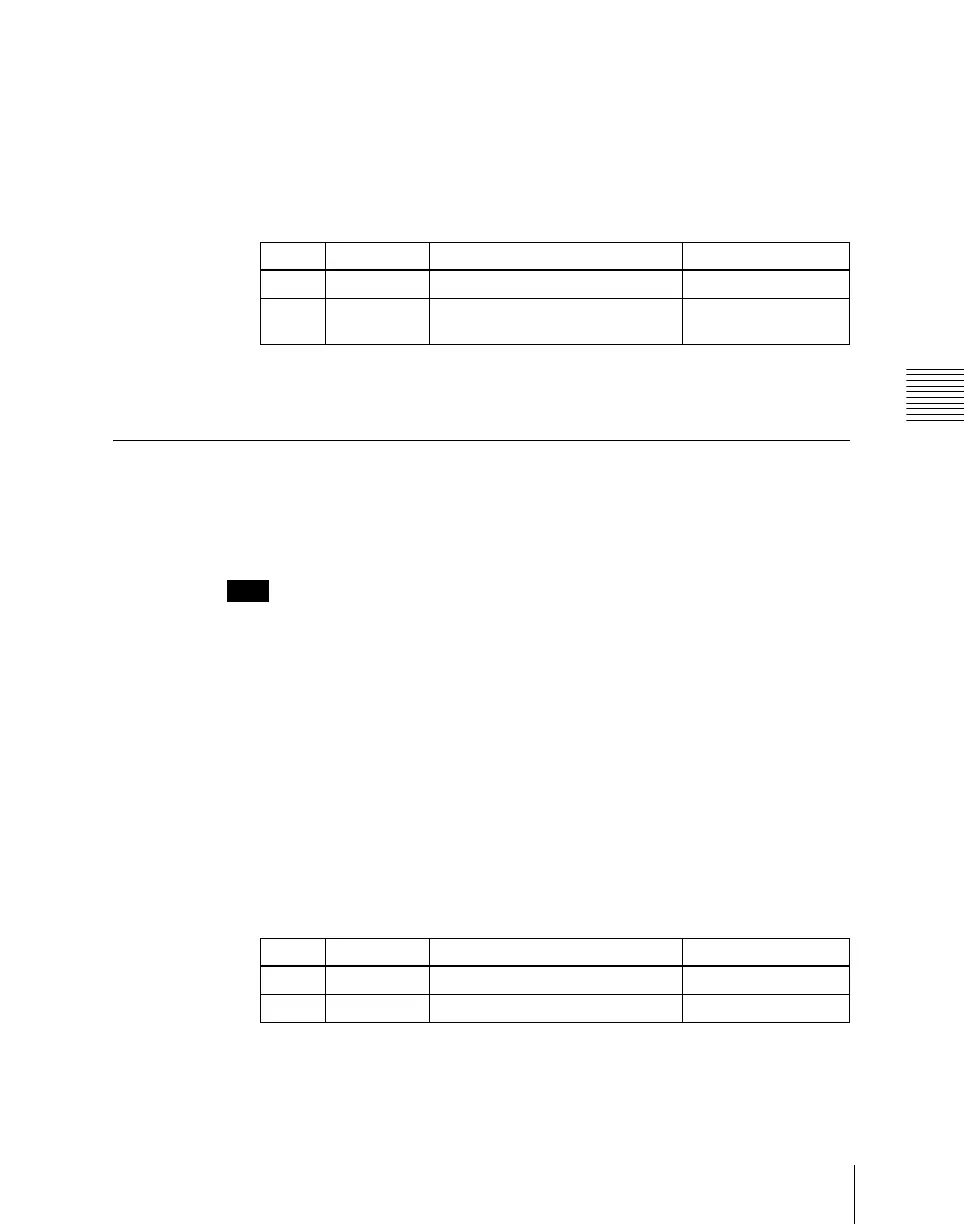
Knob Parameter Adjustment Setting values
1 Source No Source signal selection 1 to 128
2 Num Number of source signals to be
selected
1 to 128
Knob Parameter Adjustment Setting values
1 Left No Selection of copy source 1 to 15
2 Right No Selection of copy destination 1 to 14













 To Next Page