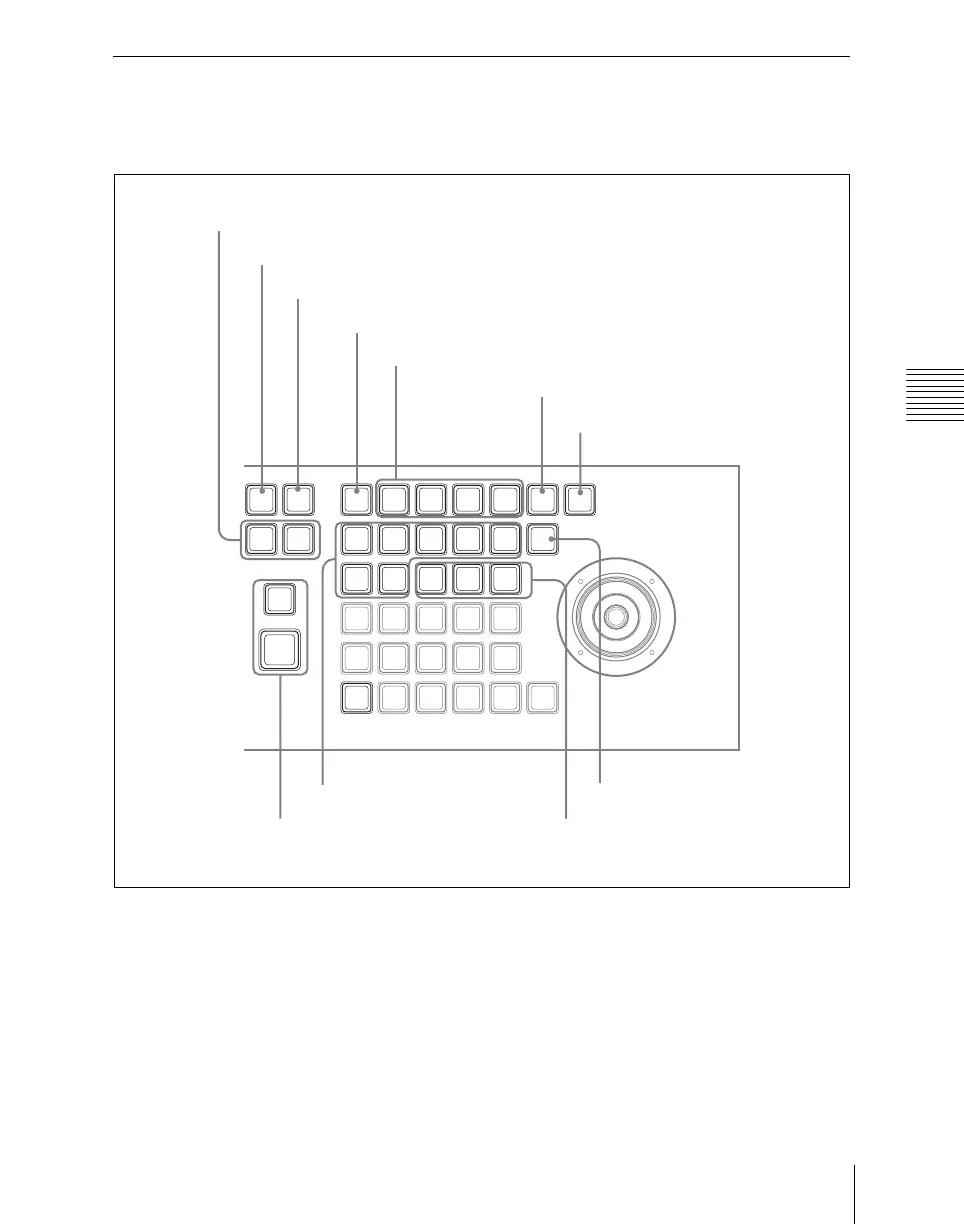
55Names and Functions of Parts of the Control Panel
Chapter 2 Menus and Control Panel
Keyframe Control Block
In the keyframe control block, you can
carry out effect editing and execution.
a EDIT ENBL (edit enable) button
Press this button, turning it on, to enable
effect editing operations with the keyframe
control block.
When macro editing is carried out, this
button lights red.
b Edit point specification buttons
GO TO KF/TC (Go to keyframe/
timecode): Press this button, turning it
on, to enter a numeric value from the
numeric keypad control block, and
move the edit point to the specified
keyframe.
PAUSE
COPY
INS
RUN
MENU
LOCAL GLB SRC TRGT
ROT
SHIFT
PASTEREV
MOD
ASP
SKEW
PERS
STOP
NEXT
KF
CLR
WORK
BUFR
DEL
X
DELAY
UNDO
LOC
XYZ
LOC
SIZE
AXIS
LOC
Y
Z CTR
NEXT
KF
PREV
KF
GOTO
KF/TC
CONST
DUR
EFF
DUR
KF
DUR
EDIT
ENBL
FROM
TO
RUN
CTRL
KF
LOOP
EFF
LOOP
RE
WIND
NORM
/REV
0 EFF LOOP button
1 EDIT ENBL button
2 Edit point specification buttons
3 Editing buttons
4 Duration setting buttons
5 KF LOOP button
6 PAUSE button
7 Effect execution section
8 Effect execution direction selection buttons
9 STOP NEXT KF button
qa RUN CTRL button













 To Next Page