Chapter 20 Switcher Setup (Switcher)
950
Signal Output Settings (Output Menu)
DME Monitor Video
DME Monitor Key
Color Corrector 1 and 2
Undefined
Color Bkgd 2
Frame Memory 1 to 8
a) M/E output signals selected in the M/E Output Assign menu.
[Aux Bus]: It is not possible to make duplicate assignments.
Preset
Edit Preview
AUX 1 to 48
3
Using any of the following methods, select the output port number and
signal to be assigned.
• Press directly on the list in the status area to make the selection.
• Press the arrow keys to scroll the reverse video cursor.
• Turn the knobs.
• For output ports not to be assigned, press [Inhibit].
The selected signal appears in reverse video.
4
Press [Set] to confirm the assignment.
Setting the Reference Output
To adjust the reference output phase with respect to the reference input, adjust
the following parameters in the Switcher >Output menu.
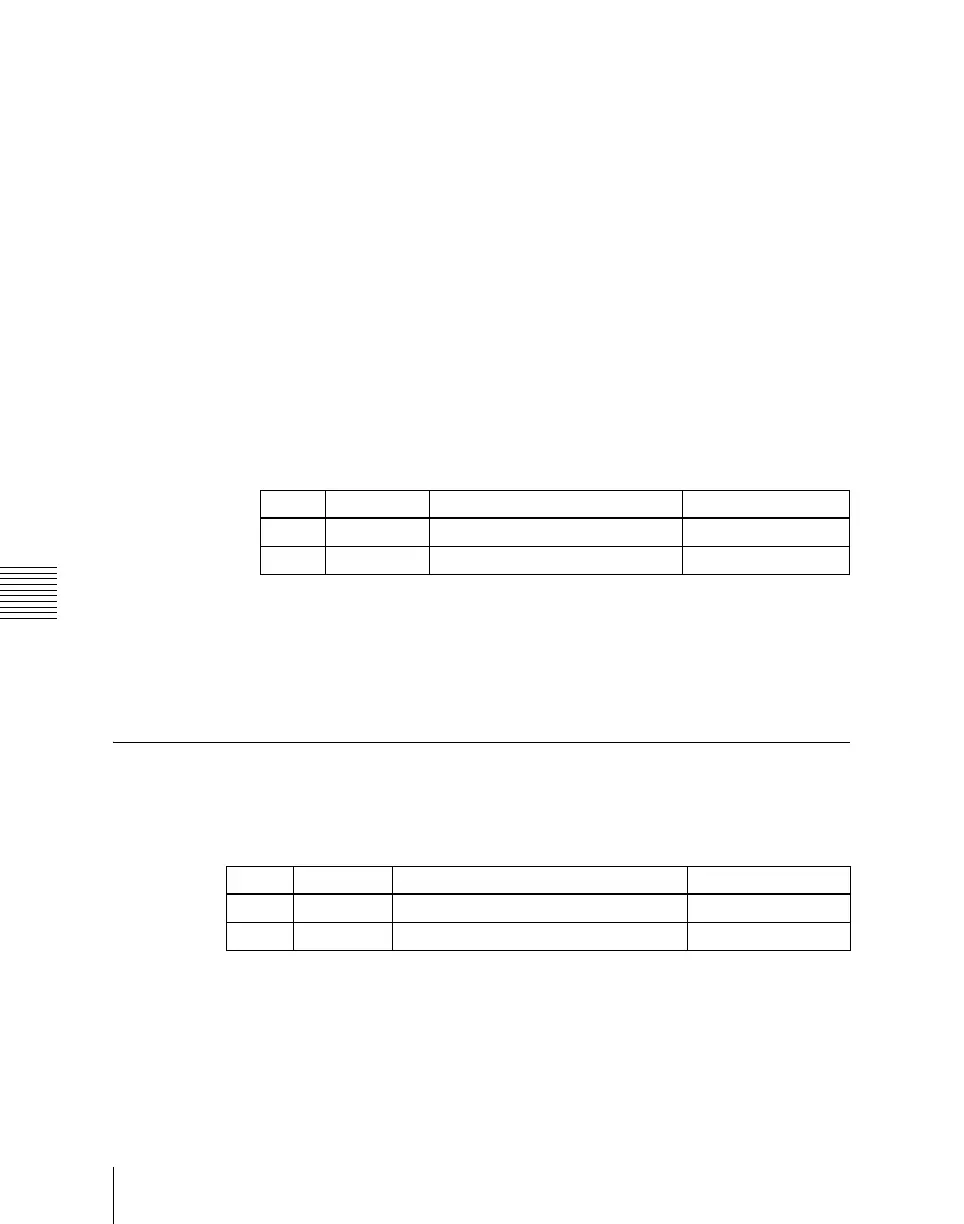
Knob Parameter Adjustment Setting values
1 Output No Output port number 1 to 48
2 Source No Selection of signal to be assigned 1 and upwards
Knob Parameter Adjustment Setting values
2 Line Line phase –90 to +90
3 Time Time –32.00 to +96.00













 To Next Page