330
Status Menu
Chapter 8 Color Backgrounds, Copy and Swap, and Other Settings
Status Menu
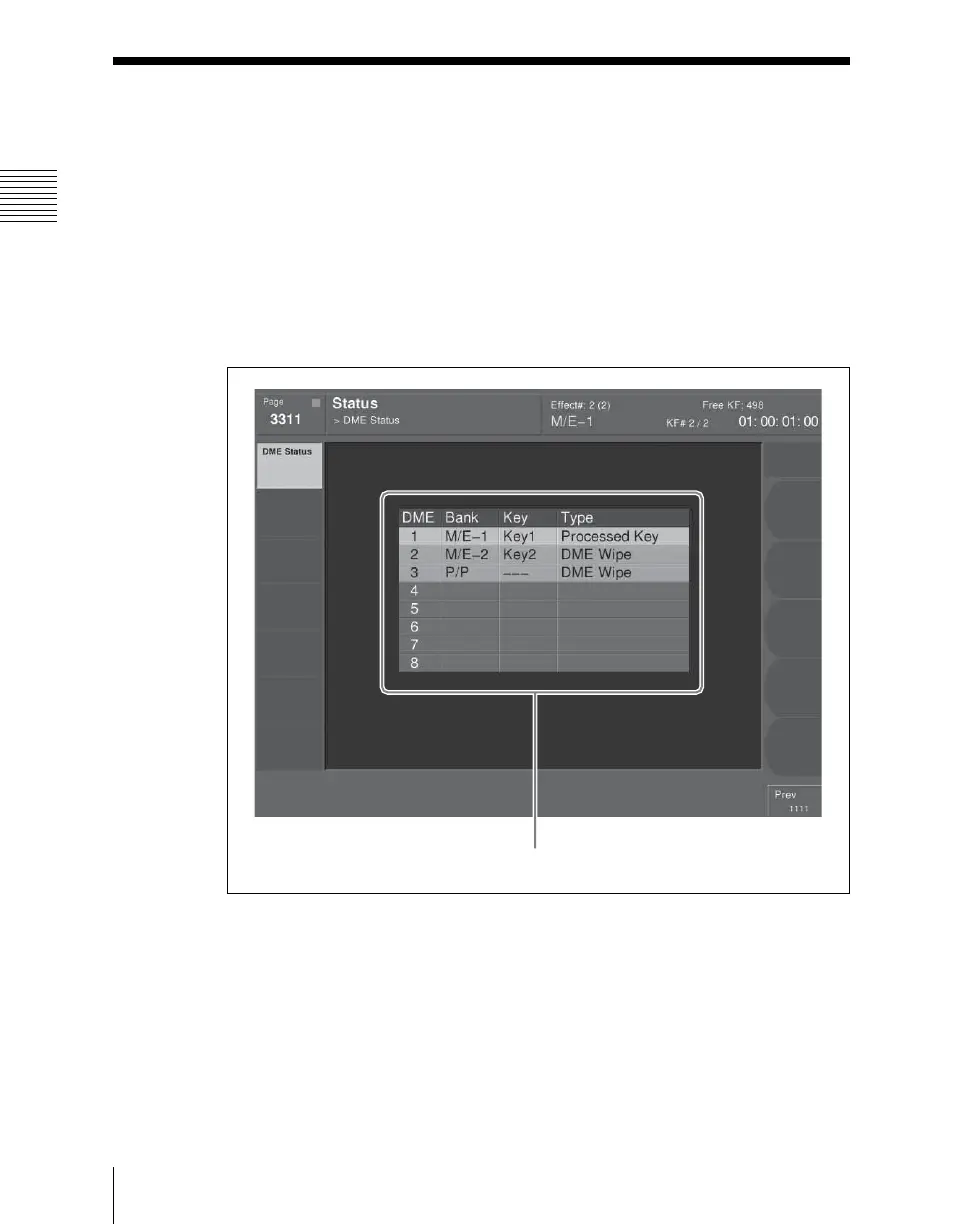
The Status menu shows the following information.
• Operating status of the DME
Viewing the DME operating status
To view the DME operating status, press the top menu selection button
[STATS] in the menu control block.
This selects VF1 ‘DME Status’ and the Status menu appears.
For each DME channel, you can see how the DME is being used in the
corresponding operation block.
The display background color also indicates the following differences in the
way in which a DME is being used.
Blue: The DME is currently being used in other than the final program output.
Red: The DME is currently being used in the final program output.
DME status display













 To Next Page