707Utility Execution
Chapter 15 Utility/Shotbox
Executing a Utility in the Utility/Shotbox Control Block
(MKS-8033 Utility/Shotbox Module, Option)
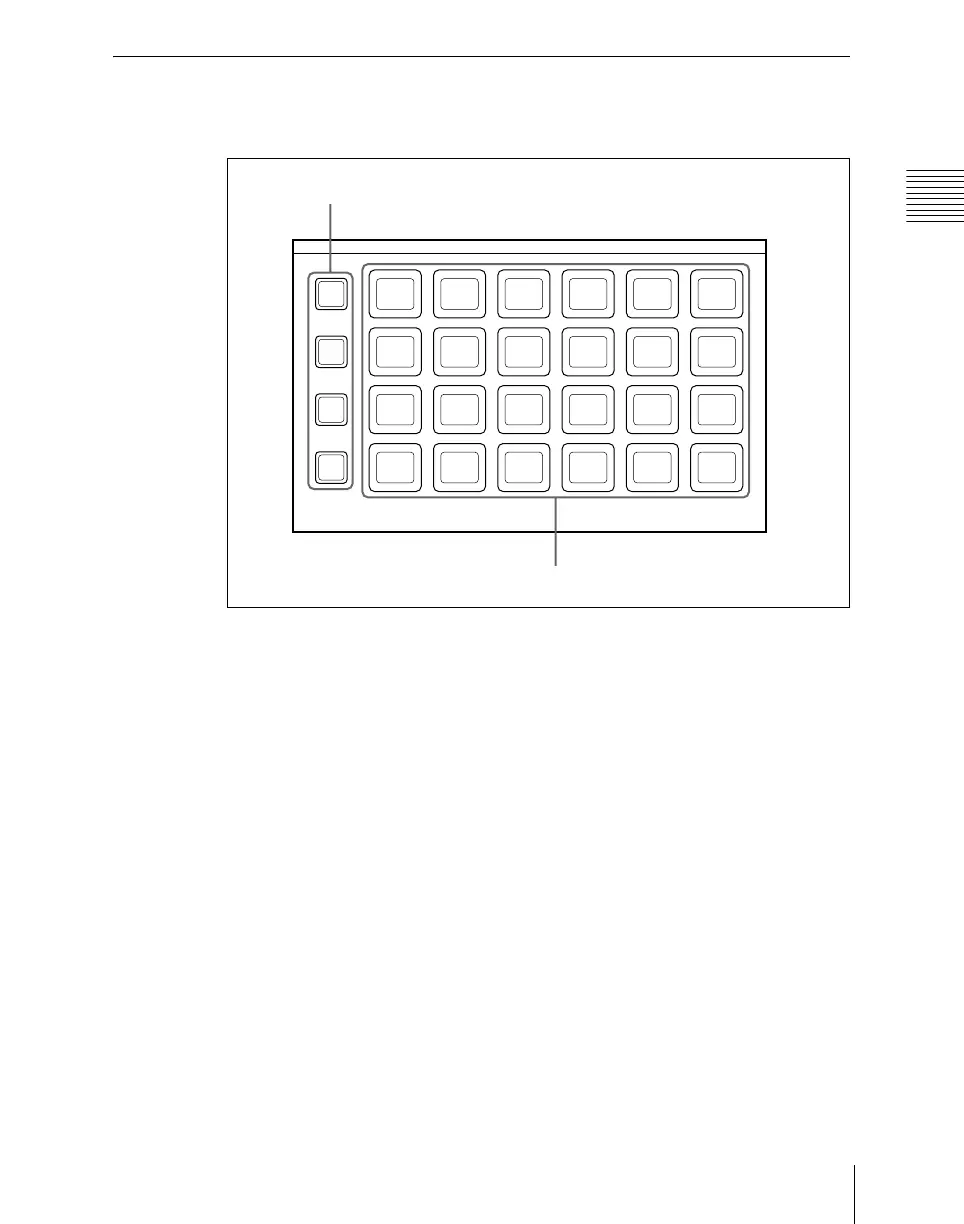
Utility/shotbox control block (MKS-8033)
By default, the memory recall buttons in the utility/shotbox control block are
assigned to shotbox registers 1 to 96, in banks 1 to 4 (see page 717), but in the
setup menu, you can assign these to any 96 actions.
To execute an assigned action
When the action is to execute a shotbox register, follow the procedure in .
1
Press one of the bank selection buttons [BANK1] to [BANK4] to select a
bank.
• The bank selection button you pressed lights amber.
• For the selected bank, the memory recall buttons show the button
numbers and corresponding button states. If a button has been given a
name in the setup menu, this name appears.
Not lighted: buttons with nothing saved
Lit orange: buttons saving a utility command or menu shortcut
2
Press the memory recall button for which the action you want to execute
has been registered.
1
BANK
1
2 3 4
7
BANK
2
BANK
3
BANK
4
56
8 9 10 11 12
13 14 15 16 17 18
19 20 21 22 23 24
Bank selection buttons
Memory recall buttons













 To Next Page