Chapter 11 DME Operations
552
DME Special Effect Operations
Two lists appear in the status area. The list on the left shows the copy or
swap sources, and the list on the right shows the copy or swap destinations.
2
Do one of the following to select the target data.
• Press directly on the list in the status area.
• Press the arrow keys to scroll the reverse video cursor.
• Turn the knobs.
3
Press [Copy] to copy, or [Swap] to swap.
The data is copied or swapped.
To undo a copy or swap
Press [Undo]. Settings are returned to their values before the copy or swap.
Background Settings
Adds a color or inputs an external signal to the background of the image.
Note
Signal selection for this purpose is not supported on the MVE-8000A.
Applying the Background effect
1
In the DME menu, select VF6 ‘Input/Output’ and HF1 ‘Bkgd.’
The Bkgd menu appears.
2
Press [Bkgd], turning it on.
The Background effect is enabled. Only if Flat Color is selected in the
<Bkgd Fill> group, you can adjust the parameters with the knobs.
3
Set the following parameters.
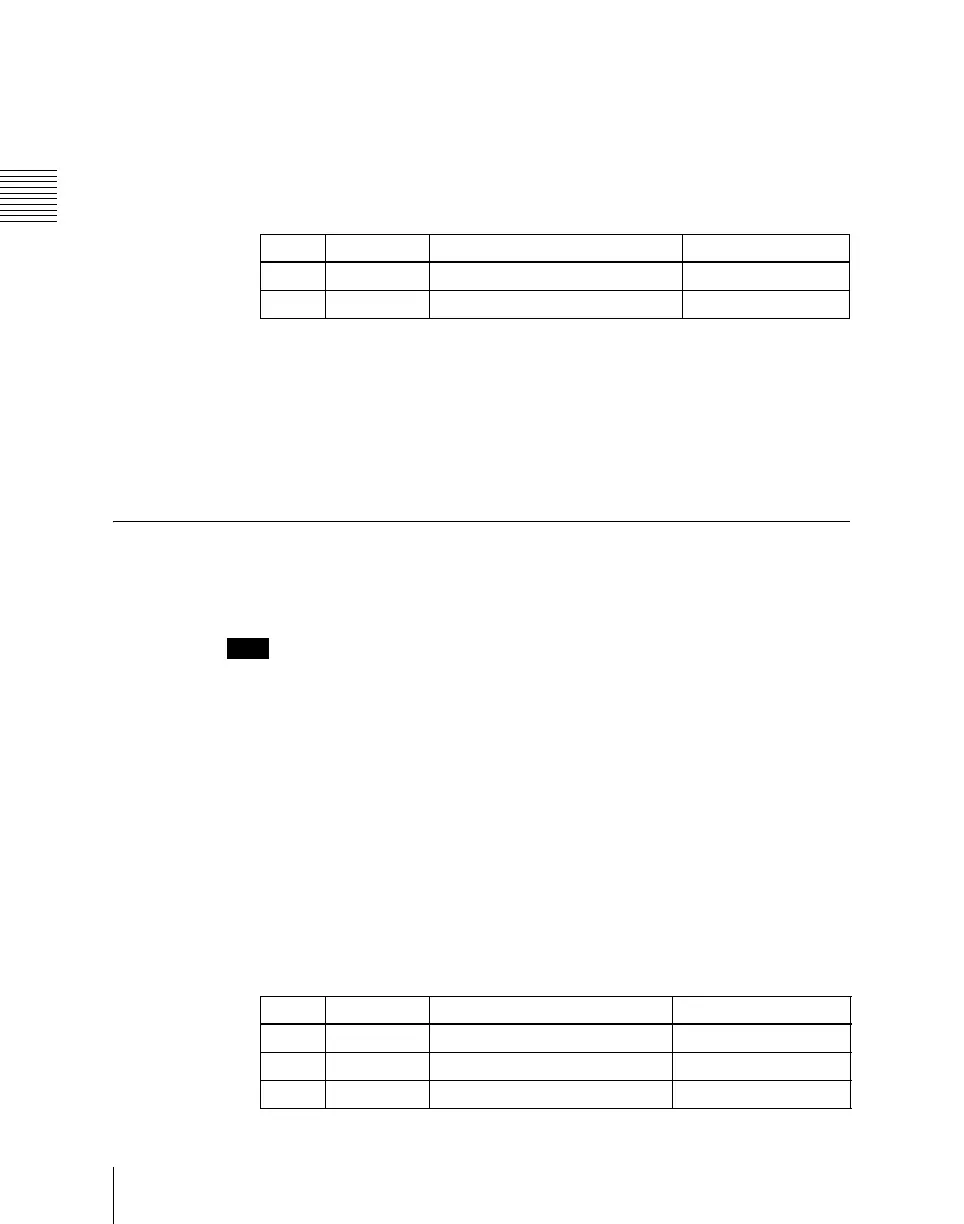
Knob Parameter Adjustment Setting values
1 Left No Copy or swap source data 1 to 3
2 Right No Copy or swap destination data 1 to 3
Knob Parameter Adjustment Setting values
1 Luminance Luminance 0.00 to 100.00
2 Saturation Saturation 0.00 to 100.00
3 Hue Hue 359.99 to 0.00













 To Next Page