304
Frame Memory Clip Operations
Chapter 7 Frame Memory
LPT9
This changes the folder name.
Deleting a folder
1
In the Frame Memory >Folder menu, select the folder with the arrow keys
or by turning the knobs.
To select all folders, select [All].
2
Press [Delete].
A confirmation message appears.
3
To carry out the deletion select [Yes], and to cancel the deletion select
[No].
Note
It is not possible to delete the default folder (named “Default”).
Clip Output
As for still image operation, you can use the reposition and lock functions.
For details of the operation, see “Image Output” (page 288).
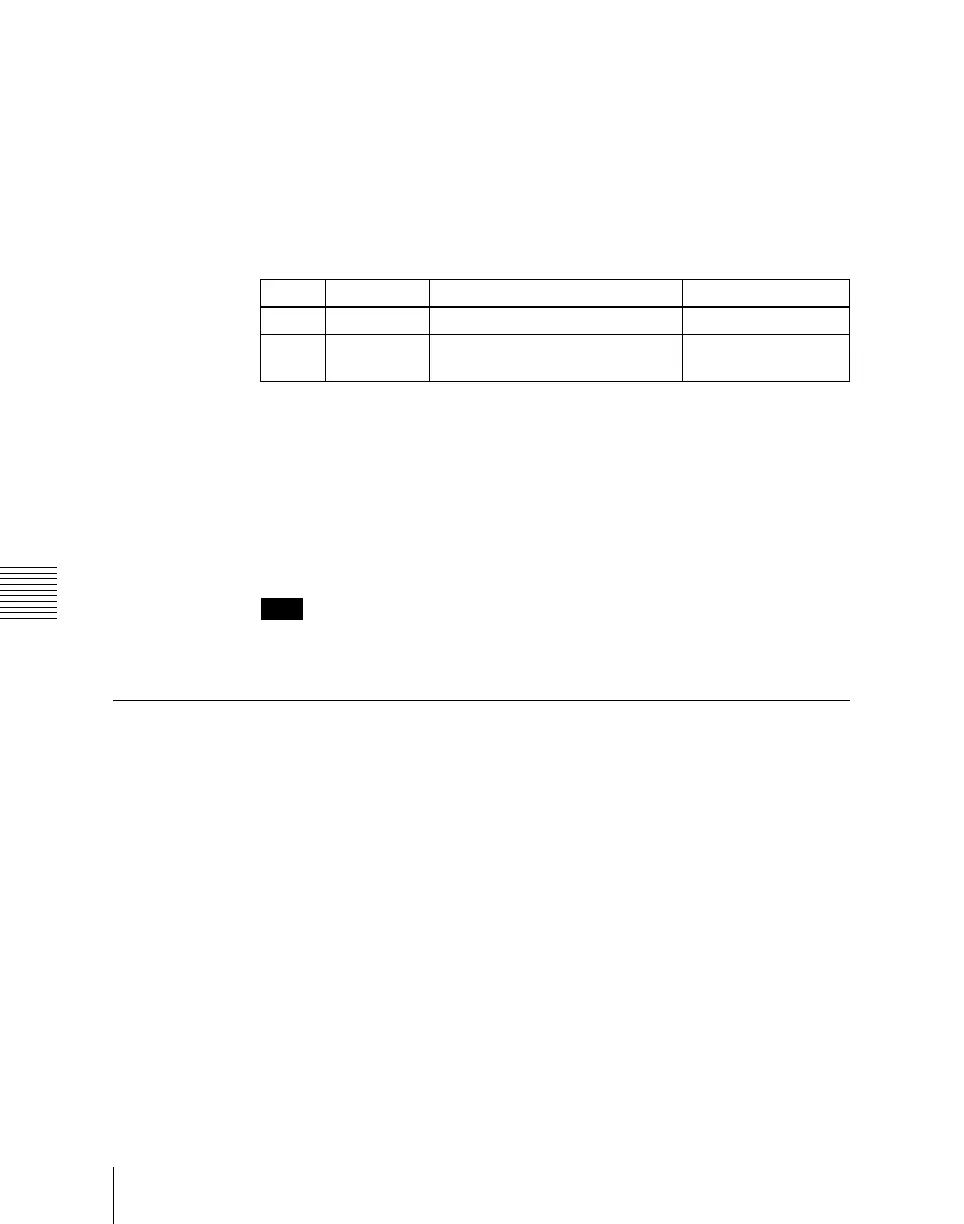
Knob Parameter Adjustment Setting values
1 No. Folder selection 1 to 12
2 Num Number of files to select
consecutively from selected file
1 to 12













 To Next Page