Chapter 14 Snapshots
690
Snapshot Operations From the Numeric Keypad Control Block
Snapshot Operations From the Numeric
Keypad Control Block
Saving and Recalling Snapshots
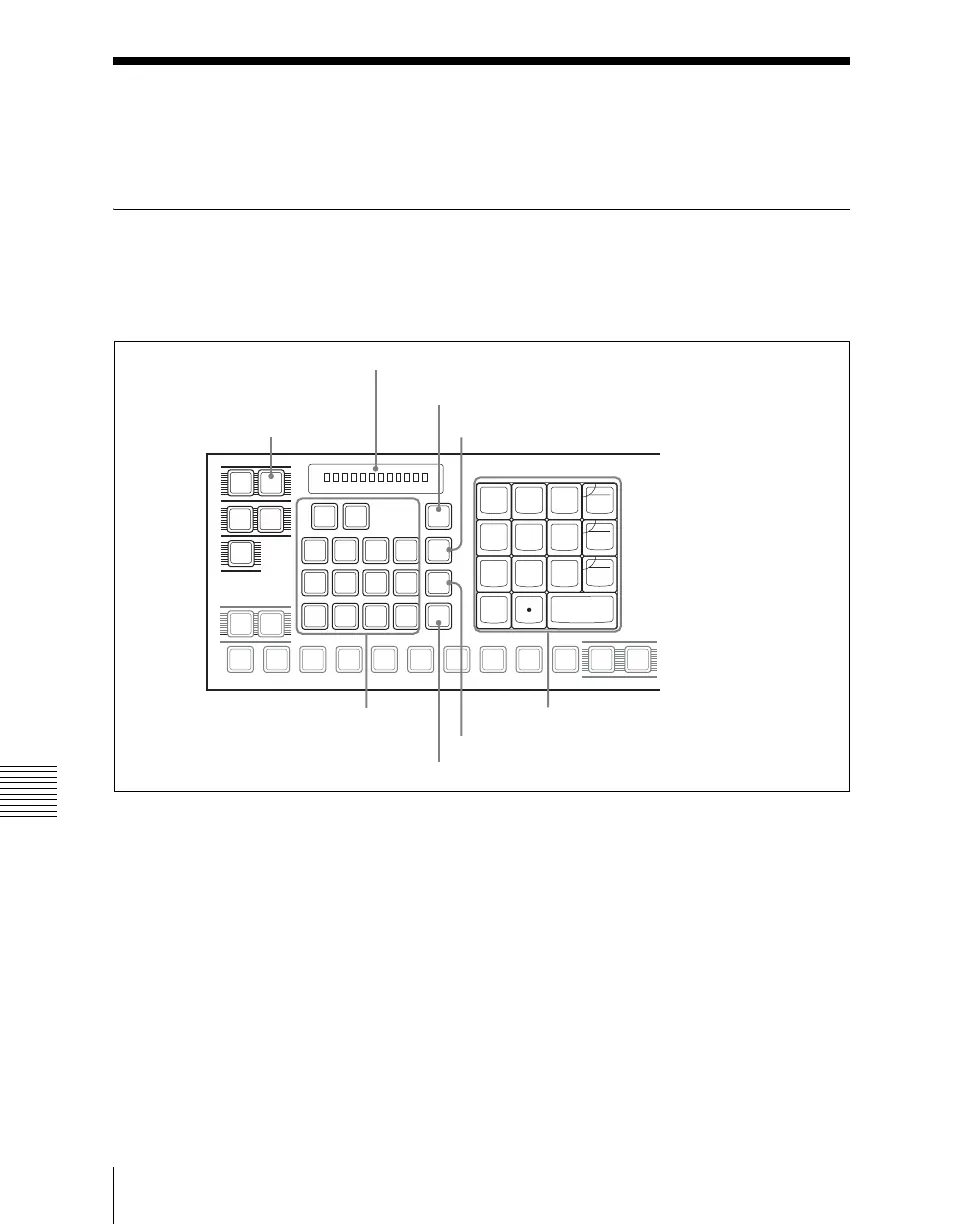
Snapshot operations with the numeric keypad control block use the following
buttons.
Numeric keypad control block
Saving a snapshot from the numeric keypad control block
1
Make the settings for the state you want to save as a snapshot.
2
In the numeric keypad control block, press the [SNAPSHOT] button,
turning it on.
This allocates the numeric keypad control block to snapshot operations,
and the [RCALL] button lights.
EFF
SNAP
SHOT
SHOT
BOX
MCRO
TRANS
RATE
UNDO
STORE
STATS
MASTR ALL
P-BUS
GP1
STORE
RCALL
7
8
9
4
5
6
1
2
3
0
+/-
EFF
TRIM
CLR
AUTO
DISS
TRANS
ENBL
GPI
ENTER
DME
1
DME
2
DME
3
DME
4
M/E
1
USER
1
USER
2
P/P
P/P
M/E
1
AUX
1
AUX
2
AUX
3
AUX
4
AUX
5
AUX
6
AUX
7
FMS
1
FMS
2
EDIT
PVW
KEY SHIFT
SNAPSHOT button
Display
Numeric keypad
STORE button
RCALL button
STORE STATS button
UNDO button
Region selection buttons













 To Next Page