Chapter 11 DME Operations
534
DME Special Effect Operations
Frame: freeze in frame units.
Field: freeze in field units.
Erasing the afterimages that remain in memory whenever a
keyframe is passed
Press [KF Strobe Eraser], turning it on.
When the effect passes a keyframe, the afterimage is erased before writing a
new afterimage.
Applying stardust to the afterimage portion
The afterimage portion becomes stardust, and gradually disappears.
1
Press the [DUST] button, turning it on.
2
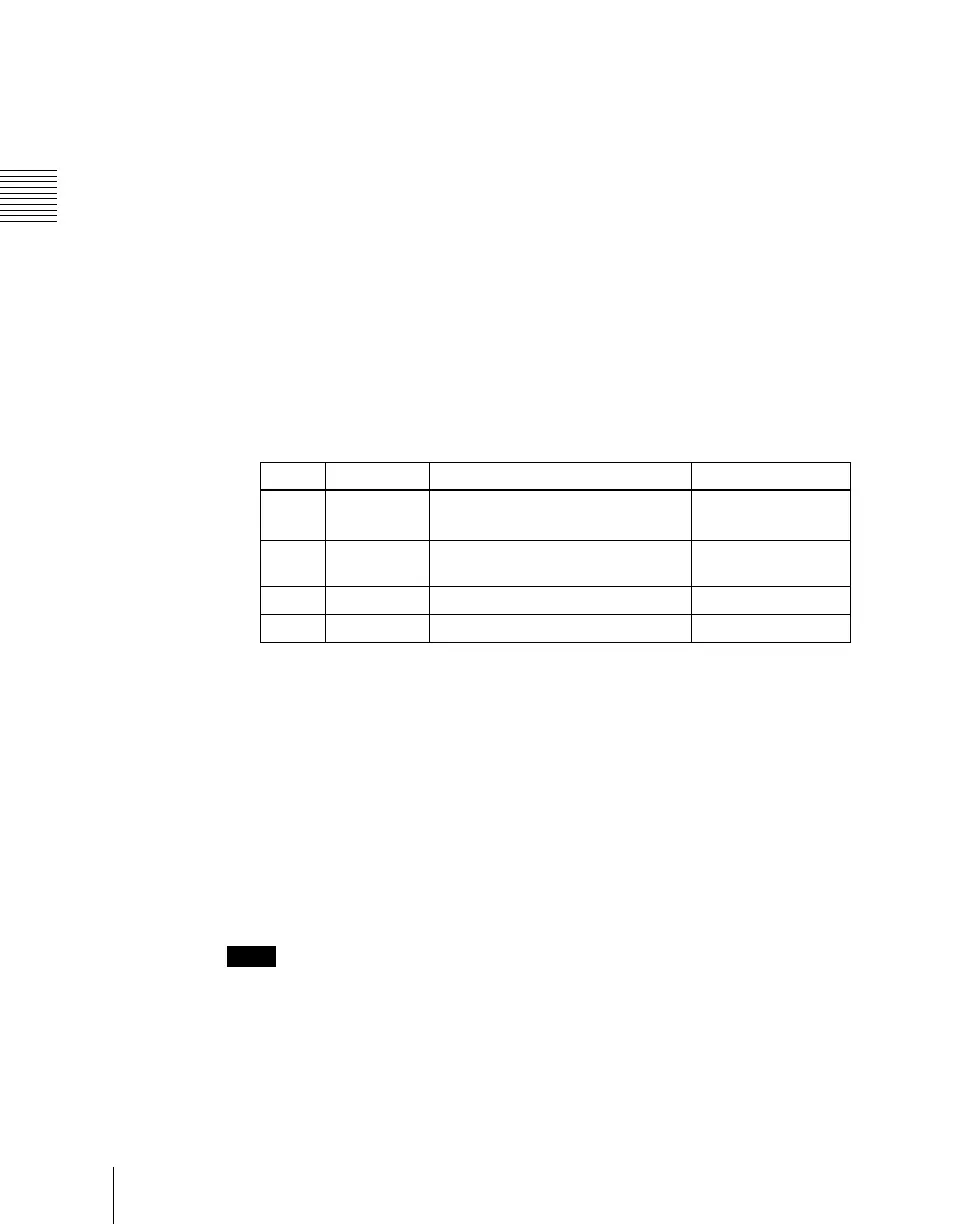
Set the following parameters.
a) The way in which the afterimage disappears is affected by both the Decay and KF Strobe
Dust parameter adjustments for the keyframe strobe.
Disabling the keyframe strobe afterimage
Press [KF Strobe Disable], turning it on.
If you turn this function on when creating a keyframe, even as the effect passes
a keyframe, no afterimage remains.
Setting a combine process
Select whether to add the Keyframe Strobe effect before or after the combine.
Notes
• The combine process function is not supported on the MVE-8000A.
• When you change the selection in the <Combine Process> group, the
afterimages which had been added up to then disappear.
• When you do not combine images, the Keyframe Strobe effect only is
applied, regardless of the selection in the <Combine Process> group.
Knob Parameter Adjustment Setting values
1 KF Strobe
Dust
Amount of the afterimage
disappearing as stardust
a)
0.00 to 100.00
2 Dust Soft Timing with which stardust
disappears
0.00 to 100.00
3 Dust Size Size of stardust 0.00 to 100.00
4 Dust Aspect Aspect ratio of stardust –100.00 to +100.00













 To Next Page