108
Signal Selection
Chapter 3 Signal Selection and Transitions
Inhibiting cross-point button operations
For each cross-point button, you can temporarily inhibit operations.
Note
This setting is cleared when you reset the control panel.
SHIFT
UTIL2
UTIL1DME4DME3DME2DME1KEY4KEY3KEY2KEY1
XPT
HOLD
123456789101112
13 14 15 16 17 18 19 20 21 22 23 24
SHIFTUTIL2UTIL1DME4DME3DME2DME1KEY4KEY3KEY2KEY1
XPT
HOLD
1234567891011
12 13 14 15 16 17 18 19 20 21 22
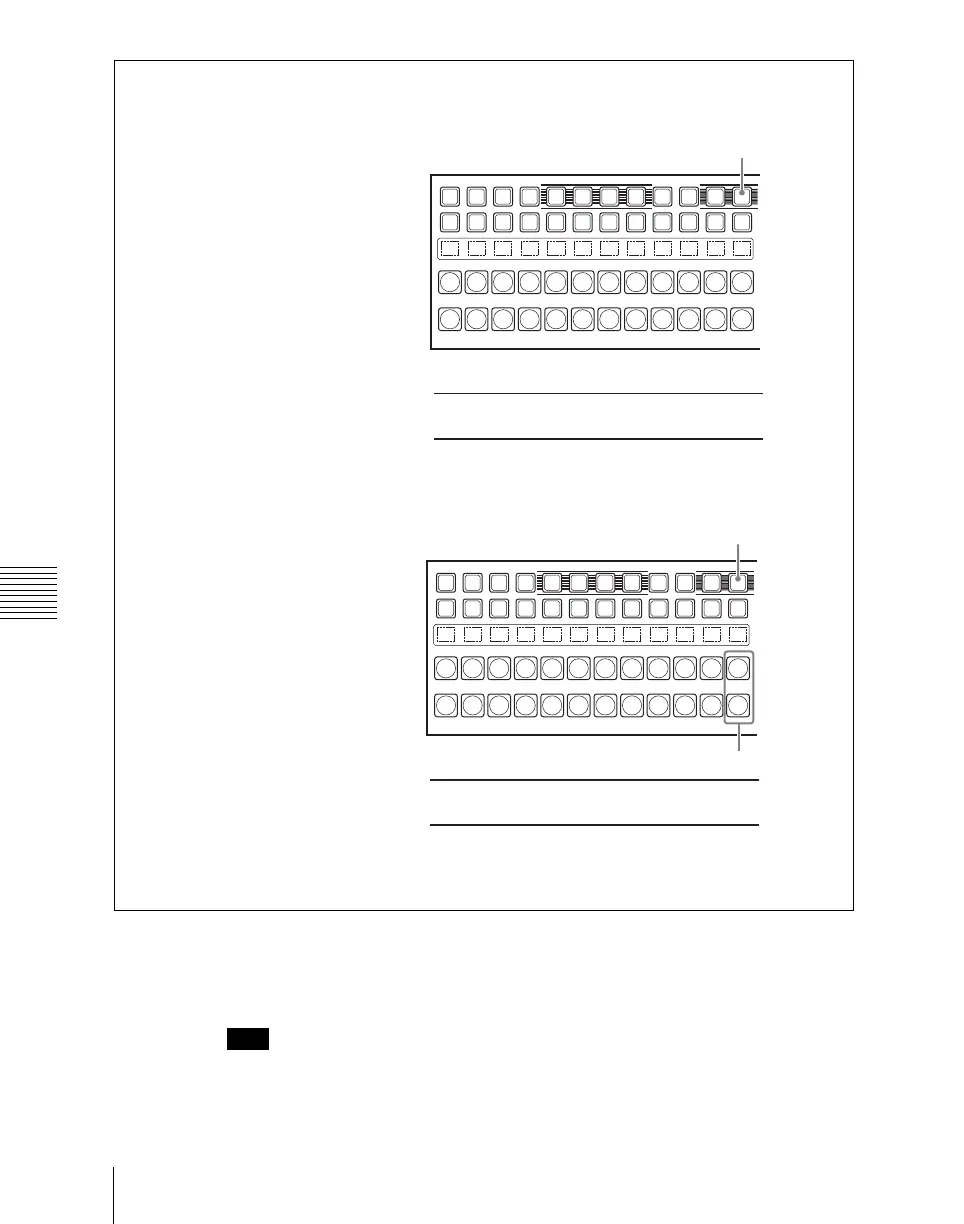
Button numbers when all 12 buttons are used as cross-point buttons.
When the SHIFT button is off:
When the SHIFT button is on:
SHIFT button
When the SHIFT button is off:
When the SHIFT button is on:
Button numbers when the rightmost buttons (12th buttons) are used as SHIFT buttons.
SHIFT button
SHIFT buttons


 To Next Page
 Loading...








