223Basic Procedure for Wipe Settings
Chapter 5 Wipes
1
In the M/E-1 >Wipe menu, select HF5 ‘Main Modify.’
The Main Modify menu appears.
2
Depending on the desired effect, in the <Modulation> group select one of
the following.
H (Horizontal modulation): Modulate the pattern, applying waviness in
the horizontal direction to edges.
V (Vertical modulation): Modulate the pattern, applying waviness in the
vertical direction to edges.
Fringe (Radial modulation): Modulate the pattern, applying waviness in
the radial direction to edges.
3
Set the following parameters.
.
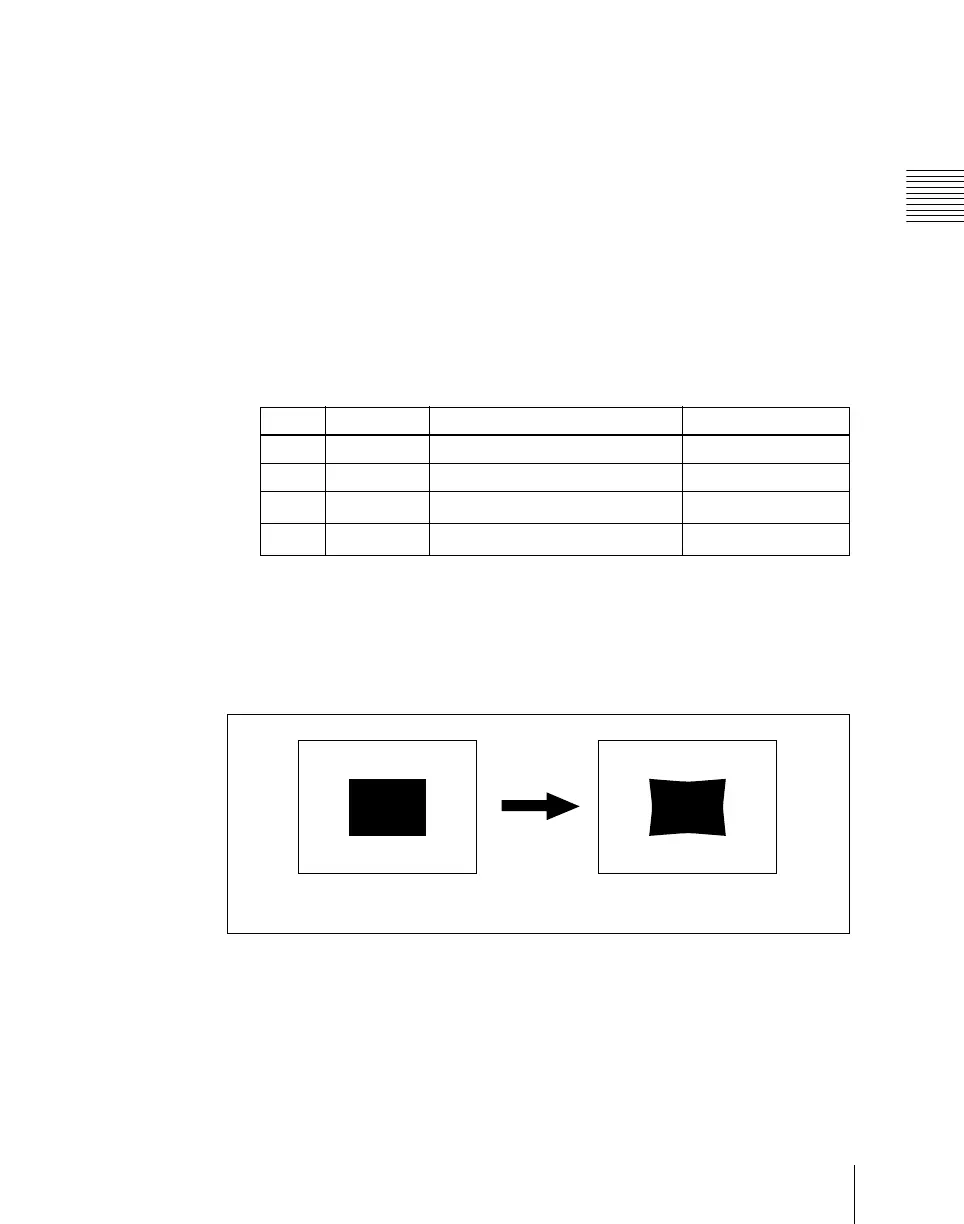
Applying barrel or pincushion distortion to the edge of the wipe
pattern (Spring)
As the transition progresses, the edge of the pattern is subjected to barrel or
pincushion distortion.
A negative parameter value produces pincushion distortion, and a positive
value produces barrel distortion.
You can set the spring function independently for the main and sub patterns.
1
In the M/E-1 >Wipe menu, select HF5 ‘Main Modify.’
Knob Parameter Adjustment Setting values
1 Amplitude Amplitude of modulation 0.00 to 100.00
2 Frequency Frequency of modulation 0.00 to 100.00
3 Speed Speed of waves
–100.00 to +100.00
4 Shape Form of the modulation
1 to 3
Spring off
Spring on













 To Next Page