282
Still Image Operations
Chapter 7 Frame Memory
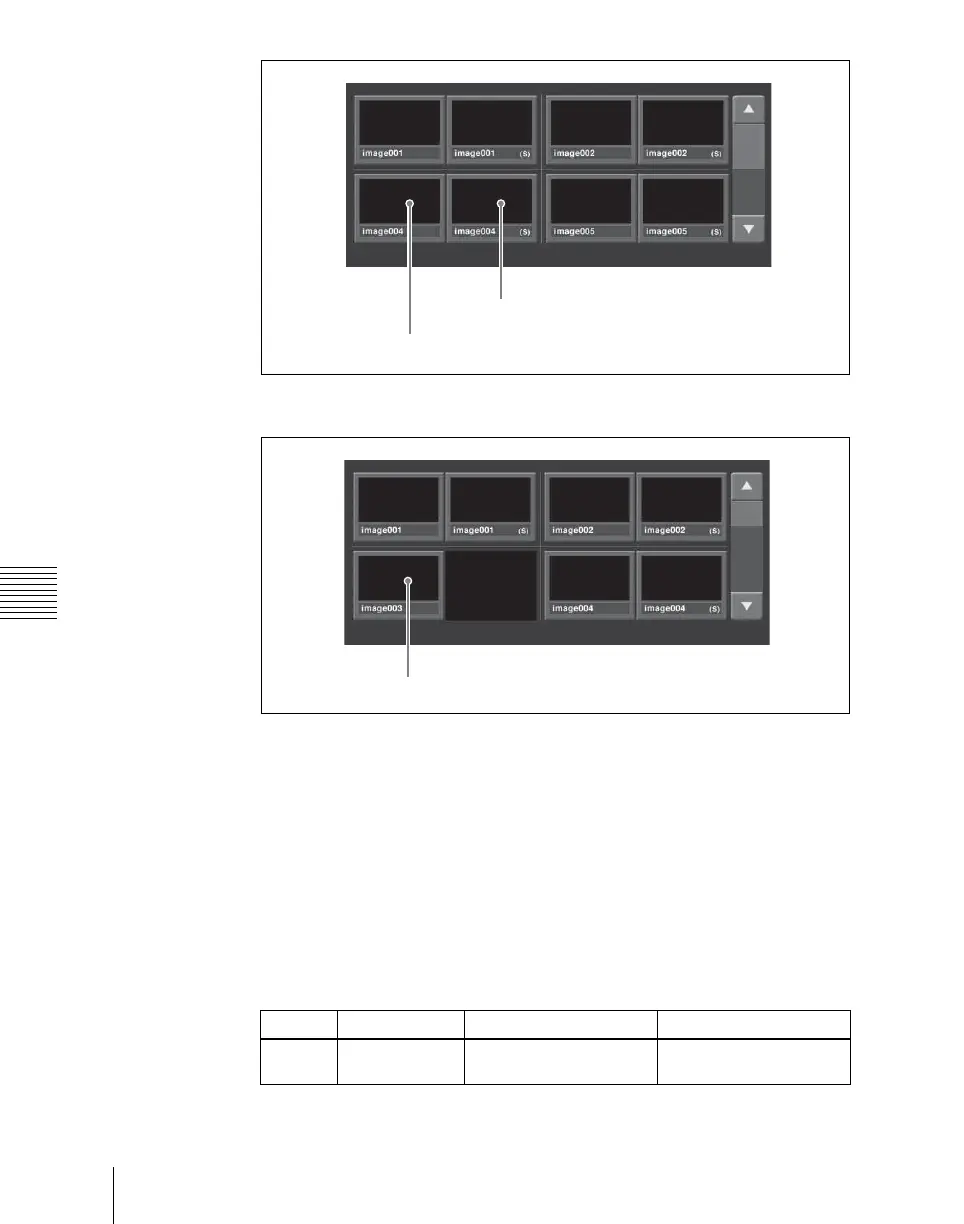
• When [Pair] is off, both single files and pair files appear.
2
In the frame memory selection area, select the FM to be assigned. (See
page 277.)
3
If [Direct Recall] is on, press and turn it off.
4
Select the desired folder in the folder selection area.
By pressing [More] to switch the display, you can select from a maximum
of 12 folders.
Thumbnails of the files within the selected folder appear.
5
Using the arrow keys or turning the knob, scroll the file thumbnail display.
Knob Parameter Adjustment Setting values
1 Scroll Thumbnail display
scrolling
1 and upwards
Main file
Sub file
Single file













 To Next Page